Facebook ad targeting in 2026 looks very different from the dense detailed-targeting menu most marketers grew up with. Meta has pruned thousands of categories, made Advantage+ Audience the default for most objectives, and shifted detailed targeting from a hard constraint to an audience suggestion the algorithm can expand past. This guide maps the current targeting surface, flags what was removed, and shows where manual control still matters.
Key Takeaways
- Advantage+ Audience is the default for most campaign objectives in 2026. Any detailed targeting you add is treated as a suggestion, not a fence.
- Manual targeting (Original Audiences) is still available. Special Ad Category campaigns (housing, employment, financial products, social issues) can use either, with restricted options.
- Meta removed thousands of sensitive detailed-targeting options in January 2022, including health causes, sexual orientation, religious practices, and political beliefs.
- Core demographics, broad interests, behaviors, Custom Audiences, and Lookalikes all remain. The change is how the algorithm uses them, not whether they exist.
- For lead generation, the highest-leverage move is feeding strong signals (Custom Audiences, conversion data via CAPI) into Advantage+, then letting the system explore.
How Facebook ad targeting works in 2026
Two big shifts shape how targeting behaves today.
The first is Advantage+ Audience, Meta’s AI-driven targeting layer that became the default for most objectives. When you create a new ad set, you can still type in locations, ages, interests, and behaviors. Under Advantage+, those inputs are now signals the algorithm uses as a starting point, not strict boundaries. If it finds people outside your interest list who are likelier to convert, it will deliver there.
The second is the move from manual audiences to Original Audiences, which is what Meta now calls the older fixed-targeting mode. Original Audiences still exists. You can opt out of Advantage+ in the audience section of the ad set and pin every signal in place. This is the right call for niches where you genuinely need a hard cap on who sees the ad.
For everyday lead generation, Meta’s recommendation (and what most advertisers see in practice) is to feed Advantage+ strong signals (a high-quality Custom Audience, good location data, conversion events via the Conversions API), and then let the algorithm explore.
Advantage+ Audience: the new default
Advantage+ Audience replaces the binary “broad vs detailed” choice with a single AI-managed audience. Inputs include any Custom Audiences you select, location, age range, gender, languages, and detailed targeting (interests, behaviors, demographics). Meta uses these as suggestions and looks beyond them for higher-performing pockets.
When Advantage+ Audience is the right call:
- Lead generation campaigns where the highest-converting audience is hard to define upfront.
- Campaigns where you have strong conversion signal flowing back to Meta (Pixel plus the Conversions API, with offline events for lead-to-customer conversions where you can).
- Accounts that already have rich Custom Audiences (customer lists, recent website visitors, page engagers) to seed the algorithm with.
When to switch to Original Audiences:
- Tightly defined niches where extending past your interests would burn budget on the wrong people, for example a niche B2B audience or a hyper-local service area.
- Creative tests where you need a fixed audience so the only variable that changes between ad sets is the creative.
Manual targeting (Original Audiences)
In Original Audiences mode you control every signal. The fields look the same as they did before Advantage+, with a few omissions where Meta has pruned sensitive options. The big things to know:
- Location: target by country, region or state, city, address radius, or postcode/ZIP. You can target people who live in, were recently in, or are traveling through the area.
- Age and gender: standard 13+ age ranges and gender targeting, unless your campaign is in a Special Ad Category.
- Languages: useful for multilingual markets and for English-speaking targeting inside non-English regions.
- Detailed targeting: interests, behaviors, and demographics, pulled from the categories that survived Meta’s 2022 cleanup.
- Connection targeting: people who like your Page, friends of people who like your Page, and similar relationships.
Special Ad Category restrictions
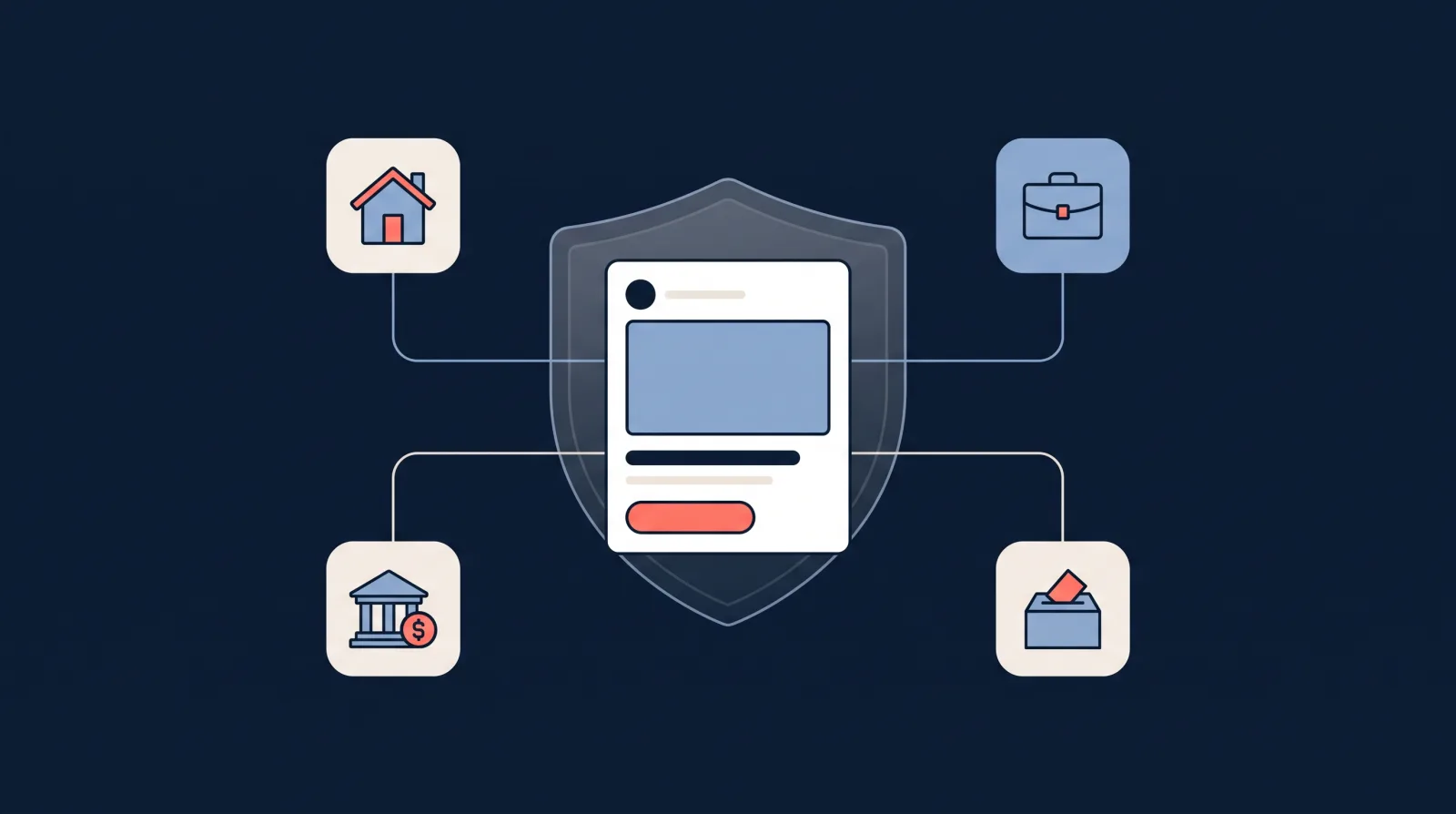
If your campaign promotes housing, employment, financial products and services, or social issues, elections or politics, you must declare it as a Special Ad Category before publishing. For the first three, Meta enforces:
- No age, gender, or ZIP/postcode targeting.
- A minimum location radius of 15 miles (25 km).
- A restricted detailed-targeting list that excludes options Meta deems related to protected attributes.
- No lookalike audiences, saved audiences, or detailed targeting and location exclusions. Advantage+ Audience and Custom Audiences still work.
These limits apply to advertisers in the US and to ads reaching the US, Canada and parts of Europe, and Meta will block fields that don’t comply when you try to publish.
The complete Facebook ads targeting options list
The detailed-targeting tree is still organised the way most advertisers remember (demographics, interests, and behaviors), just with fewer leaves on it after the 2022 cleanup. Here is the full audience targeting list at a glance. This is the modern, interactive version of the old wall-chart targeting maps: drag to pan, scroll to zoom, and click a branch to expand or collapse it.
- Demographics
- Education
- Employment (industries, job titles)
- Relationship status
- Life events
- Parental status
- Interests
- Business and industry
- Entertainment
- Family and relationships
- Fitness and wellness
- Food and drink
- Hobbies and activities
- Shopping and fashion
- Sports and outdoors
- Technology
- Behaviors
- Anniversary
- Consumer classification
- Digital activities
- Expats
- Mobile device user
- Purchase behavior
- Travel
- Seasonal and events
- Custom Audiences
- Customer lists
- Website visitors (Meta Pixel)
- App users
- Engagement (video, page, lead form)
- Lookalike Audiences
- 1 percent (tightest match)
- 5 to 10 percent (more reach)
- Removed in 2022
- Health causes
- Sexual orientation
- Religious practices
- Political beliefs
Demographics
- Education (level, fields of study, schools)
- Employment (industries, job titles, employers)
- Relationship status (single, in a relationship, engaged, married, etc.)
- Life events (newly engaged, newly married, new job, recently moved, anniversary within 30 days, long-distance relationship, and similar)
- Parental status (parents of children at various age ranges)
Facebook ads interests list
Top-level interest categories that remain in 2026, with representative interests you can type into the detailed targeting box under each:
- Business and industry: advertising, small business, entrepreneurship, real estate, construction, banking, aviation
- Entertainment: movies, music genres, video games, reading, TV shows and networks
- Family and relationships: parenting, weddings, dating, family
- Fitness and wellness: running, yoga, gyms, bodybuilding, meditation
- Food and drink: cooking, coffee, restaurants, veganism, craft beer and wine
- Hobbies and activities: gardening, travel, photography, DIY, pets, arts and crafts, vehicles
- Shopping and fashion: online shopping, luxury goods, designer brands, beauty, discount stores, specific retailers
- Sports and outdoors: individual sports, leagues and teams, camping, fishing, cycling
- Technology: smartphones, computers, consumer electronics, specific brands and operating systems
Each category expands into subcategories and thousands of specific entries. The search box in detailed targeting also surfaces interests that don’t appear when you browse the tree, so type variations of your niche even if the browse view looks thin. And note that under Advantage+ Audience, everything in this interests list is a starting signal rather than a hard boundary.
Facebook ads behaviors list
Behaviors are built from purchase activity, device usage, and travel patterns. Commonly used named behaviors available in 2026 (the exact list varies a little by region and account):
- Anniversary (within 30 days, 31 to 60 days, 61 to 90 days)
- Consumer classification (varies by country, e.g. people who prefer high-value or premium goods)
- Digital activities: Facebook page admins, console gamers, technology early adopters, people who’ve used Facebook Payments
- Expats (people living away from their home country, selectable by country of origin)
- Mobile device user: by device brand, model generation, OS, and network connection type
- Purchase behavior: engaged shoppers (people who’ve clicked Shop Now in the past week), plus category-level purchase segments
- Travel: frequent travelers, business travelers, frequent international travelers, commuters, returned from travel one or two weeks ago
- Seasonal and events (e.g. seasonal sports interest)
The behavior names above are the exact strings you’ll find in the detailed targeting search box, which matters because near-miss phrasing returns nothing.
What Meta removed in January 2022
Meta announced in November 2021 and rolled out in January 2022 the removal of thousands of detailed-targeting options it classed as sensitive. The cuts included:
- Health causes (e.g. specific medical conditions, treatments, awareness causes)
- Sexual orientation (e.g. “same-sex marriage”)
- Religious practices and groups (e.g. specific religions, religious holidays, places of worship)
- Political beliefs, social issues, causes, organizations, and figures
Meta’s stated rationale was concern about how those categories could be used to discriminate against, exclude, or stigmatise people. Some smaller pruning rounds have followed since. If you remember targeting a specific religion, condition, or political stance, that is what changed.
Below is an interactive view of the current targeting surface, including which categories were removed in 2022 and which are reduced or restricted.
Custom Audiences and Lookalikes
Custom Audiences and Lookalikes are the most powerful targeting tools left in Meta’s stack, and they are the inputs that make Advantage+ Audience perform.
A Custom Audience is a saved audience built from people who already know your business: customer email or phone lists, website visitors tracked by the Meta Pixel, app users, video viewers, page or Instagram engagers, and lead form openers. They power retargeting, and they are the source for Lookalikes.
A Lookalike Audience is a new audience Meta builds by finding users who resemble a source Custom Audience. A 1% Lookalike is the tightest match; 5%-10% trades resemblance for reach.
For a full walkthrough including which source lists work best for lead generation, see our guide to Custom Audiences for lead generation.
How to find your target audience on Facebook
If you’re starting from zero, work from the audience you already have outward:
- Start with your best customers, not a persona. Upload your customer list as a Custom Audience. Even a few hundred contacts gives Meta a real conversion signal to learn from.
- Check who already engages with you. The Audience section of Meta Business Suite Insights shows the age, gender, and location breakdown of your current page and profile audience. That’s your warm baseline.
- Build a 1% Lookalike of your customer list (or of recent leads). This is the fastest route to a cold audience that behaves like your buyers.
- Seed Advantage+ with all of it. Add the Custom Audiences as suggestions, set location and any hard demographic limits, and let the algorithm explore.
- Validate with an A/B test, not opinions. Run the Lookalike-seeded ad set against an interest-stack ad set with identical creative and budget, and let a week of lead data decide.
The mistake to avoid is inventing an audience from scratch in the detailed targeting box. Interests are the weakest signal on this page; your own customer data is the strongest.
Can you target a competitor’s audience on Facebook?
Not directly. Meta doesn’t let you target people who like or follow a specific competitor’s Page (that option only exists for Pages you own). Searches for “target competitor audiences” usually end at one of these workarounds, which do work:
- Brand interest targeting. Some large brands exist as interests in detailed targeting. If your competitor is big enough to be an interest, you can target people Meta associates with that brand. Most small and mid-size businesses won’t appear.
- Category interests as a proxy. Target the interests your competitor’s customers plausibly share (the product category, trade publications, adjacent tools) rather than the brand itself.
- Outcompete on the same audience. Build a Lookalike from your own customers. You and your competitor are usually fishing for the same people; a Lookalike gets you there with your data instead of theirs.
- Study their creative, not their audience. Meta’s Ad Library shows every active ad a competitor is running. You can’t copy their targeting, but you can see the offers and hooks they’re scaling, which is often the more useful intelligence anyway.
Combine and test
The biggest gain in modern targeting isn’t picking the perfect interest. It’s combining strong signals and testing systematically.
Combinations that still work well in 2026:
- Wealthy location plus luxury-brand interests plus Lookalike of your top customers. See targeting wealthy ZIP codes and targeting high-net-worth individuals for specific stacks.
- Local service area plus job-title or industry filters plus a Custom Audience of past customers excluded (so you only spend on new prospects).
- Lookalike of recent leads (built from a Custom Audience of lead form openers in the last 90 days) running under Advantage+.
Before scaling spend on any new audience, send a couple of test leads through the Meta lead ads testing tool to confirm leads are landing in your CRM. A perfect audience is worthless if the integration is dropping leads.
Frequently Asked Questions
Is Advantage+ Audience replacing manual targeting on Facebook?
For most objectives, Advantage+ Audience is now the default audience type when you create a new ad set. Manual targeting (called Original Audiences in the UI) is still available. Advantage+ Audience also works in Special Ad Category campaigns (housing, employment, and financial products and services), though those campaigns lose age, gender, postcode and lookalike options. For everyday lead generation, Meta recommends letting Advantage+ run and treating any detailed targeting you add as an audience suggestion the system can expand beyond.
What is Advantage+ Audience and how is it different from a Lookalike?
Advantage+ Audience is Meta’s AI-driven targeting layer. You provide signals (Custom Audiences, location, age, and any interests) and the algorithm uses them as a starting point, then explores beyond if it finds people more likely to convert. A Lookalike Audience is narrower: a saved audience of people who resemble a specific source list (customers, leads, page engagers). Advantage+ often uses Lookalikes and Custom Audiences as inputs.
What detailed targeting options did Meta remove in 2022?
In January 2022 Meta removed thousands of detailed targeting options it classed as sensitive, including categories tied to health causes (for example specific medical conditions and treatments), sexual orientation, religious practices and groups, and political beliefs, causes, and figures. Meta said the change was driven by concerns about how those categories could be used to discriminate against or stigmatise people.
What targeting options are still available in 2026?
Core targeting still includes location, age, gender, language, broad demographics (education, job titles, relationship status, life events, parental status), interests (across Business and Industry, Entertainment, Family and Relationships, Fitness and Wellness, Food and Drink, Hobbies and Activities, Shopping and Fashion, Sports and Outdoors, Technology), behaviors (purchase behavior, digital activities, expats, mobile device use, travel, anniversaries), Custom Audiences, and Lookalike Audiences.
What is a Special Ad Category and why does it limit targeting?
Special Ad Categories cover housing, employment, financial products and services (which replaced Credit in 2024), and social issues, elections or politics. Housing, employment and financial ads cannot use age, gender, ZIP/postcode, lookalikes, or detailed targeting that Meta deems related to protected attributes. Location targeting is limited to a 15-mile (or 25 km) minimum radius. If your campaign falls into any of these areas you must declare it before publishing, and Meta will block the targeting fields that don’t comply.
Should I still use interest targeting in 2026?
Yes, but treat it as a hint, not a hard constraint. Advantage+ Audience uses your interests as starting signals and expands beyond them when the algorithm finds better performance. Interests are still useful for kicking off campaigns with cold audiences, for tightly defined niches, and for Special Ad Category campaigns where only an approved list of interests remains.
How do I target high-income audiences now that financial targeting is reduced?
Meta removed many direct income and net-worth proxies, so the practical approach is to combine proxies. Use location targeting on wealthy suburbs or ZIP codes, layer in luxury brand interests (premium cars, designer fashion, business publications), and use Lookalikes built from your highest-value customers. See our guides on targeting wealthy ZIP codes and targeting high-net-worth individuals for combinations that still work.
Can I target Facebook ads by ZIP code or postcode?
Yes for most campaign objectives. You can target by country, state or region, city, address radius, and postcode or ZIP. Special Ad Category campaigns are the exception: ZIP/postcode targeting is disabled and the minimum radius is 15 miles or 25 km.
How do I test which targeting setup works best?
Use A/B testing in Ads Manager to compare audiences while holding creative and budget constant. Start with one Advantage+ ad set as your baseline, then test variants with different Custom Audiences or interest stacks. For lead campaigns specifically, run the Meta lead ads testing tool on each form to confirm leads are flowing into your CRM before scaling spend.
What is a Custom Audience and how do I build one?
A Custom Audience is a saved audience built from people who already know your business: customer email or phone lists, website visitors tracked by the Meta Pixel, app users, video viewers, page or Instagram engagers, and lead form openers. You build them in Audiences inside Ads Manager. They power retargeting and become the source for Lookalike Audiences. Full walkthrough in our Custom Audiences for lead generation guide.
Can I target a competitor’s audience on Facebook ads?
Not directly. Meta doesn’t let you target people who follow a specific competitor’s Page. The practical workarounds: target the competitor’s brand as an interest if it’s large enough to appear in detailed targeting, target category interests their customers plausibly share, or build a Lookalike from your own customer list, since you’re usually both after the same people. Meta’s Ad Library lets you study their creative, though not their targeting.
After you’ve set up targeting: capture every lead
Getting your targeting right is only half the battle. Once leads start coming in from your campaigns, you need a reliable way to capture and follow up with them instantly. Here are some next steps:
- Send Facebook leads to email so you’re alerted the moment a new lead submits your form.
- Connect your leads to your CRM or email tool. We cover Mailchimp, HubSpot, ActiveCampaign, and 20+ other integrations.
- If you’re new to lead ads, start with our complete guide to creating a Facebook lead ad campaign.
Access Meta leads faster. Start a free 7-day LeadSync trial.