Attio is the CRM of the moment for startups and agencies. It raised a $52M Series B in 2025, serves around 5,000 companies, and tops Ramp’s 2026 corporate spend data as the fastest-growing CRM vendor (SyncGTM, 2026). But it has a gap that catches lead gen teams off guard: there is no native Facebook Lead Ads integration. Run a Meta campaign and your leads sit in Facebook’s Leads Center until something goes and gets them.
Users have been asking Attio for a direct connection, mostly to escape Zapier task fees. Until Attio builds one, the fix is middleware. This guide covers your three options, then walks through the LeadSync setup step by step: real-time delivery, flat pricing, and no duplicate records.
What are your options for getting Facebook leads into Attio?
Three tools can move a Meta lead into Attio the moment it is submitted. They differ on pricing model, setup effort, and how they handle repeat submissions.
| LeadSync | Zapier | Make | |
|---|---|---|---|
| Delivery speed | Real time (seconds) | Real time on paid plans | Real time |
| Pricing model | Flat monthly, from $24/mo | Per task, paid plans from $19.99/mo | Per operation |
| Cost at volume | Same price at any lead volume | Climbs with every lead | Climbs with every lead |
| Dedupes in Attio | Yes, via Attio’s assert endpoint | Only with extra steps | Only with extra scenario logic |
| Built for lead ads | Yes, that is the whole product | General automation | General automation |
Zapier is the best known and the fastest to prototype with. The catch is task-based billing: a two-step Zap burns a task per lead, and a Zap that also checks for duplicates burns more. Make (formerly Integromat) is cheaper per operation but has a steeper learning curve, and duplicate handling is still on you.
LeadSync takes a different approach. It is purpose-built for syncing lead ads to CRMs, pricing is flat per month, and its Webhook destination speaks directly to Attio’s REST API. That last part matters more than it sounds, because Attio’s API has a feature the generic tools ignore by default: an assert endpoint that matches on email and updates the existing person instead of creating a duplicate (Attio API docs, 2026).
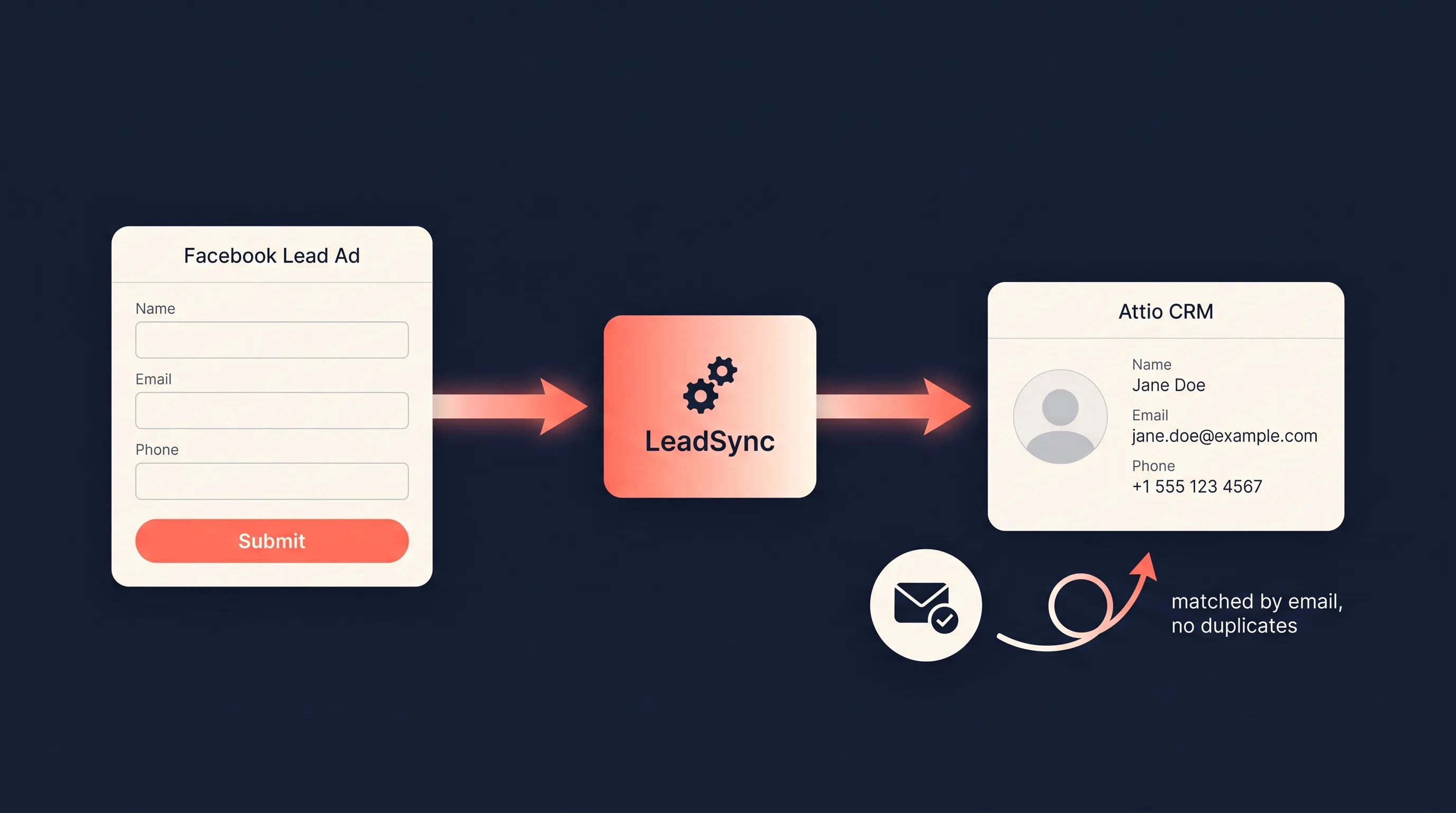
Here is the full setup. Ten minutes, no code beyond pasting one JSON template.
Step 1: Get your Attio API key
LeadSync authenticates to Attio with an API access token you create inside your workspace.
- In Attio, open Workspace settings, then go to Developers.
- Create a new access token. Grant it read-write access to records and read access to object configuration.
- Copy the token somewhere safe. Attio shows it once, and you will paste it into LeadSync in the next step.
Any Attio plan with API access works, including the free tier.
Step 2: Create a Webhook connection in LeadSync
Now point LeadSync at Attio’s API. If you have not already, create a LeadSync account (7-day free trial, no credit card) and connect your Meta Business account.
- In LeadSync, go to Connections and click Add Connection.
- Choose Webhook from the destination dropdown.
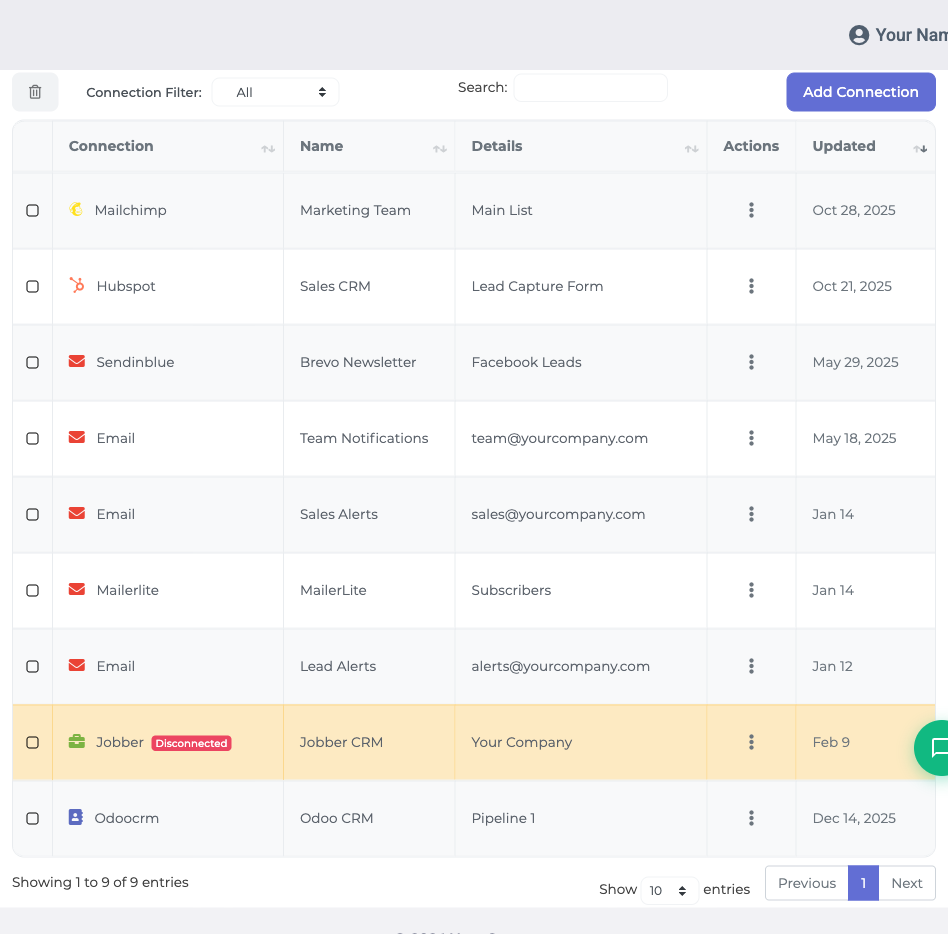
- Fill in the connection like this:
Webhook URL:
https://api.attio.com/v2/objects/people/records?matching_attribute=email_addresses
HTTP Method: PUT
Authentication: Bearer Token, then paste the Attio access token from Step 1.
JSON Payload Template:
{
  "data": {
    "values": {
      "email_addresses": [{ "email_address": "%email%" }],
      "name": [
        {
          "first_name": "%first_name%",
          "last_name": "%last_name%",
          "full_name": "%full_name%"
        }
      ],
      "phone_numbers": [{ "original_phone_number": "%phone_number%" }]
    }
  }
}
- Give the connection a name like “Attio People” and save it.
A few notes on the template. The %tags% are LeadSync placeholders; you will map your actual form questions to them in the next step. If your lead form does not collect a phone number, delete the phone_numbers block. Same for any part of name your form skips. And if you use custom attributes in Attio, add them by slug with their own tag, for example "budget": "%budget%".
The URL is doing quiet but important work here. It targets Attio’s assert endpoint with matching_attribute=email_addresses, which tells Attio to match incoming leads by email. Someone who submits two of your forms gets one person record, updated twice. No duplicate cleanup later.
Step 3: Pair your lead form and map the fields
A connection tells LeadSync where to send leads. Now tell it which form to listen to.
- Click Lead Forms, then add your Facebook lead form.
- Select your Page, then the lead form from your ad, and choose your new Webhook connection.
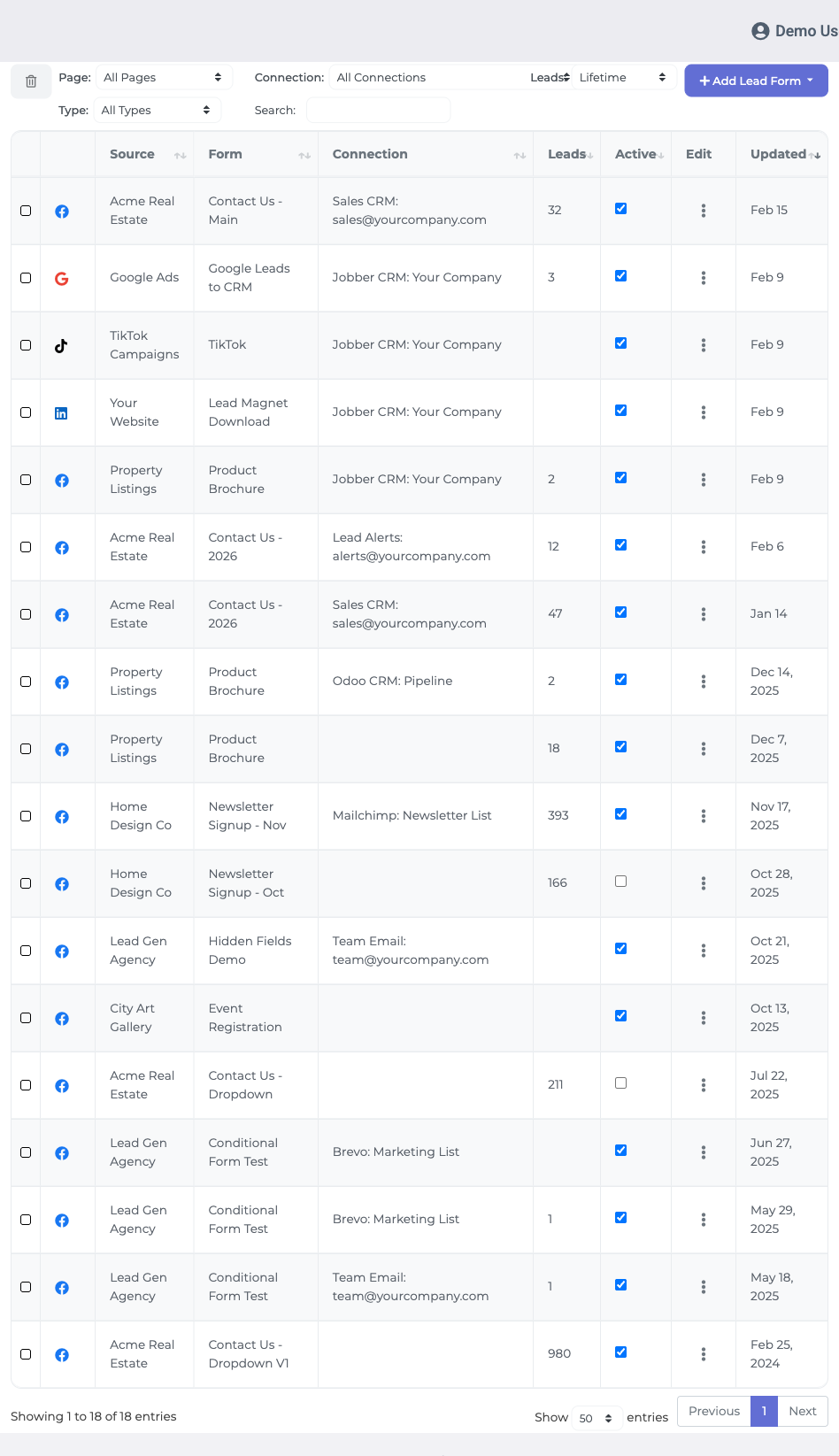
- A mapping table appears with your form’s questions on one side and the template tags from your payload on the other. Map email to
%email%, first name to%first_name%, and so on, then save.
Step 4: Send a test lead
- Submit a test entry using Meta’s lead ads testing tool or LeadSync’s built-in tester.
- Open People in Attio. Your test lead appears within seconds, with name, email, and phone filled in.
- Submit the same test again and check that Attio updated the existing record rather than creating a second person. That is the assert endpoint earning its keep.
From here, every Facebook and Instagram lead lands in Attio while the prospect is still thinking about you. That timing matters: leads contacted within five minutes convert dramatically better than leads contacted even an hour later, and an Attio workflow can notify the right owner or start a sequence the moment the record arrives.
Why not just use Zapier?
You can, and plenty of Attio teams do. But two things push growing accounts away from it.
The first is cost. Task-based pricing means your automation bill scales with your ad performance. A campaign that pulls 1,500 leads a month through a two-step Zap consumes 3,000 tasks, and adding a duplicate check consumes more. We have broken down the pricing gap in detail in LeadSync vs Zapier.
The second is that generic automation tools treat a lead like any other row of data. LeadSync only does lead delivery, so the sharp edges of Meta’s lead form API are already handled: field mapping quirks, form changes, test tooling, and troubleshooting when a lead goes missing. When lead flow is revenue, that focus is the product.
What about a native Attio integration?
A one-click native Attio integration, no JSON template required, is on the LeadSync roadmap. The webhook setup above is what we recommend today, and it will keep working after the native version ships.
Want the native integration sooner? Email support@leadsync.me with “Attio” in the subject line. We prioritise integrations by request volume, and we will let you know the moment it goes live.
Related integration guides
Sending Meta leads somewhere else as well? You can run several destinations at once, including email notifications alongside your CRM:
- How to send Facebook leads to HubSpot
- How to send Facebook leads to Salesforce
- How to send Meta leads to GoHighLevel
- The best CRM for Facebook leads
Frequently asked questions
Does Attio have a native Facebook Lead Ads integration?
No. As of July 2026, Attio does not offer built-in Facebook or Instagram Lead Ads capture. Leads reach Attio through middleware such as LeadSync, Zapier, or Make, all of which connect Meta’s lead form API to Attio’s REST API.
Will syncing Facebook leads create duplicate people in Attio?
Not with the setup in this guide. The webhook targets Attio’s assert endpoint with email as the matching attribute, so a repeat submission from the same email address updates the existing person record instead of creating a second one.
Can I map Facebook form answers to custom Attio attributes?
Yes. Add the custom attribute’s slug to the JSON payload template with its own template tag, then map the matching form question in LeadSync’s field mapping screen. Attio accepts custom attributes through the same records API as standard ones.
Can new leads go into a specific Attio list or deal pipeline?
The webhook creates or updates records in Attio’s People object. From there, an Attio workflow can add each new person to a list, create a deal, or kick off a sequence automatically on plans that include workflows.
Does this work with Instagram lead ads too?
Yes. Meta lead forms run across both Facebook and Instagram, and LeadSync delivers submissions from either platform to Attio the same way.
How much does it cost to sync Facebook leads to Attio?
LeadSync plans start at $24 per month flat, with a 7-day free trial and no credit card required. There is no per-lead or per-task pricing, so costs do not climb with campaign volume the way Zapier task-based billing does.
Is a native LeadSync-to-Attio integration coming?
A one-click native Attio integration is on the LeadSync roadmap. The webhook method in this guide works today. If you want the native version, email support@leadsync.me and we will let you know the moment it ships.