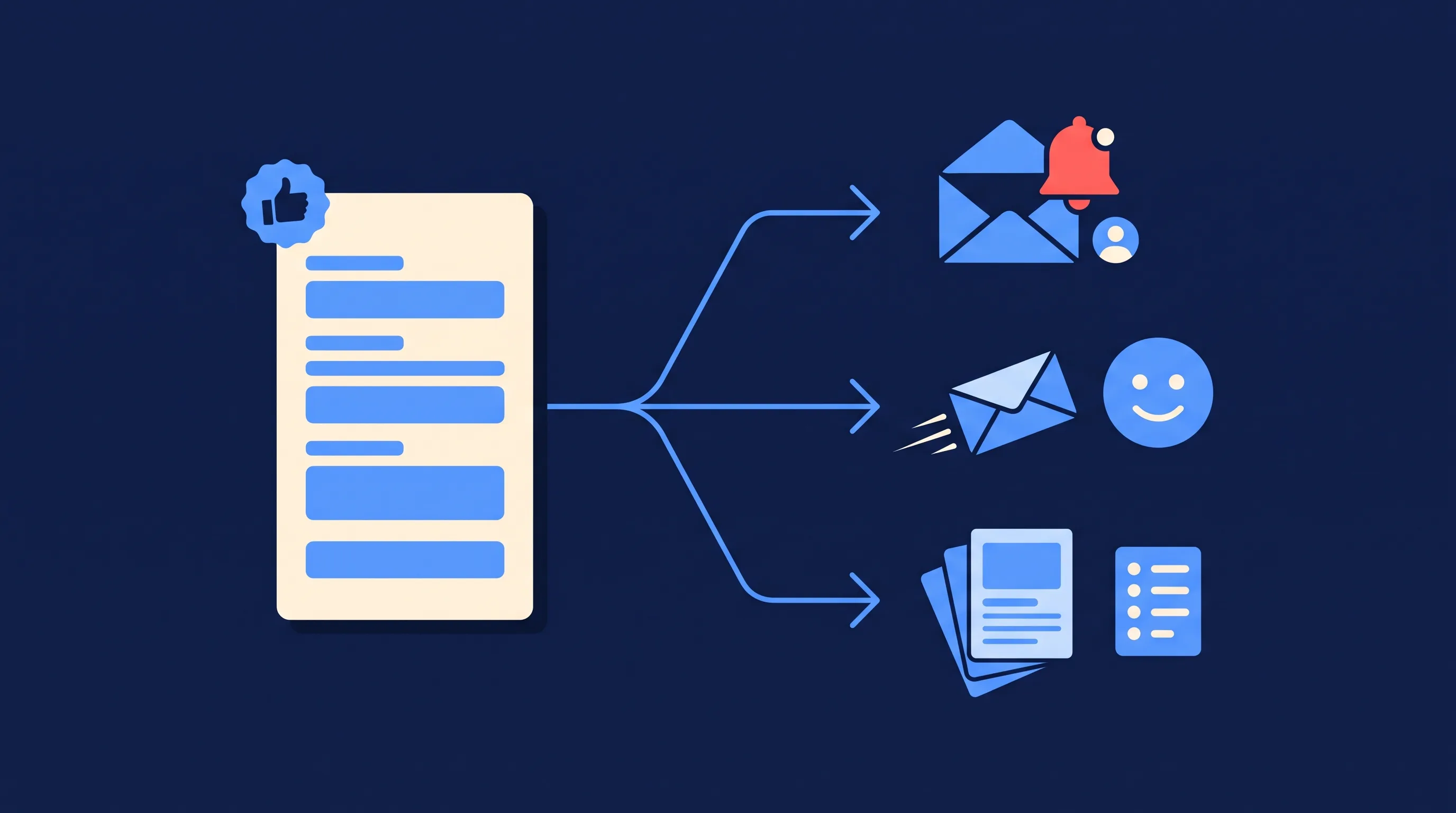
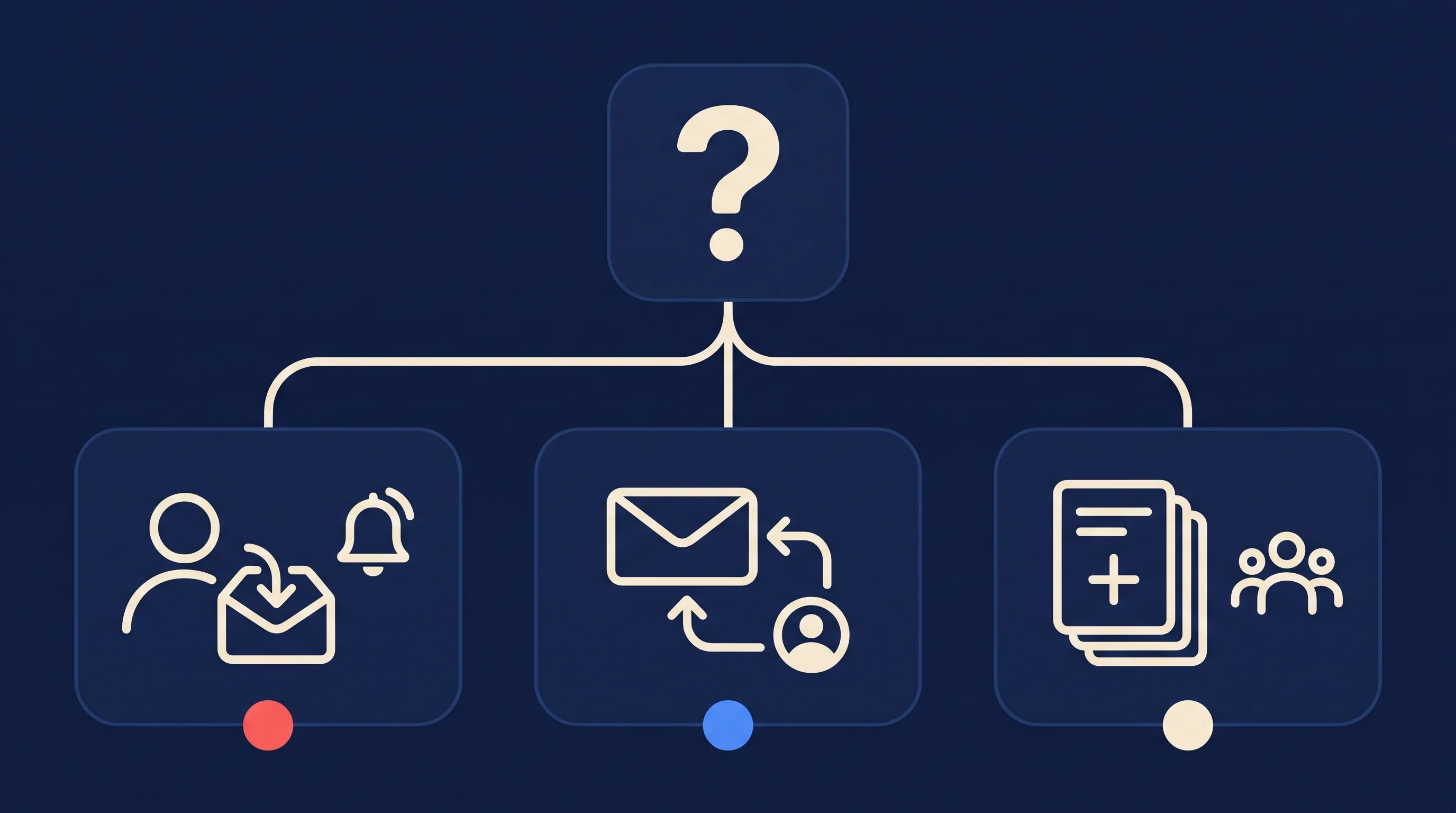
Short answer: There are three ways to send Facebook leads to email, and they solve different problems. (1) Get each lead emailed to you or your team the moment it arrives, so you can call back fast. (2) Send an automatic reply to the lead. (3) Add the lead to your email marketing list so a welcome sequence starts. Meta does none of these well on its own. A tool such as LeadSync does all three from the same lead form, in about three minutes of setup.
When people search for how to send Facebook leads to email, they usually have one of those three jobs in mind and end up reading a guide written for a different one. This page sorts that out. It explains what each way does, when you need it, what it costs, and links to the step-by-step guide for each.
If you already know which job you have, jump to it with the table below. If you’re not sure, read the next section first, because the answer decides which tool you need.
Which Way Do You Need?
| You want to… | That is… | Who gets the email | Guide |
|---|---|---|---|
| Hear about every new lead straight away and call them back | Way 1: Lead notifications | You, your sales team, your client | Facebook lead ads email notifications |
| Thank the lead instantly and send what they asked for | Way 2: An autoresponder | The lead | Facebook lead ad autoresponder |
| Grow a newsletter or nurture list from your ads | Way 3: An email list sync | The lead, over weeks, from your email platform | Build your email list with Meta lead ads |
Most businesses running Facebook lead ads need Way 1 on day one. Service businesses that quote or book add Way 2 so the lead hears back while they still have the form open. Anyone selling over a longer cycle adds Way 3. Many accounts run all three from one form, which the last section covers.
Way 1: Get Each Facebook Lead Emailed to You
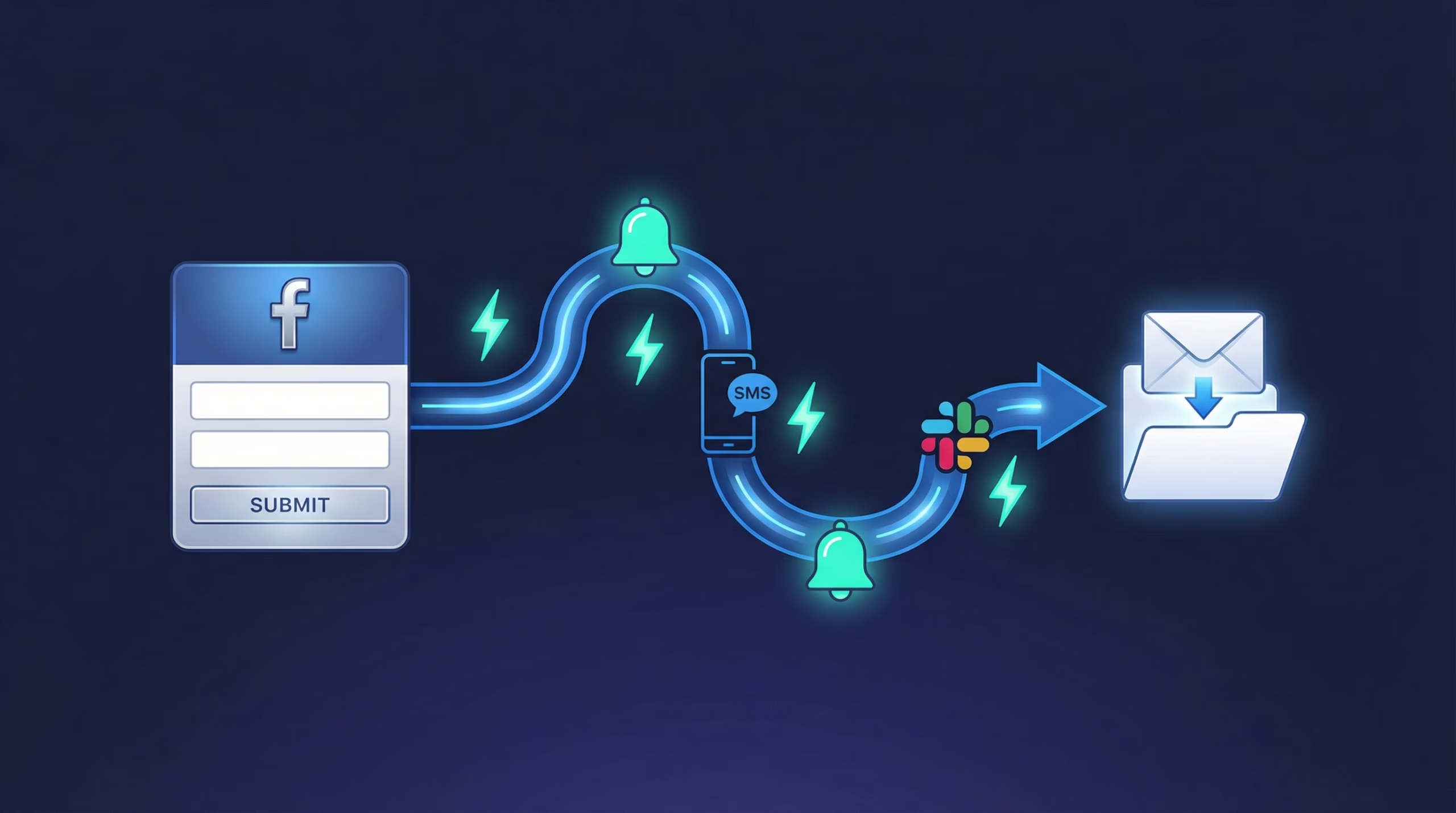
This is the one most people mean. A lead taps your ad, submits the pre-filled form, and within seconds an email with their name, phone, email address and every custom answer lands in your inbox. You reply from your phone, you don’t log in to Ads Manager, and nobody has to remember to check.
What Meta gives you natively. Less than you’d expect. The Leads Center in Meta Business Suite lists new leads, and the Business Suite mobile app can push an alert, but those alerts are often late or missing and never carry the lead’s details to your inbox. Some newer Ads Manager accounts also show a Notification Delivery panel when you set up an instant form. Its email option is a once-a-day .CSV digest, sent at a time you pick, and it can only go to people already on your Business portfolio. A shared sales@ inbox or a client without a Meta login can’t receive it. When we switched it on for our own Pages in October 2026, six real leads over one week produced no alerts at all. Our notifications guide walks through each native option and its limits.
What a connected tool gives you. An email per lead, to any address, within seconds, with the full form data and your own subject line and intro. You choose whether every recipient gets every lead or leads rotate round-robin across a sales team. The same connection works for Instagram lead forms, and the same tool can also send the lead to SMS, WhatsApp or Slack if your team lives there instead.
Here is the 2-minute setup in LeadSync:
The short version:
- Start a free LeadSync trial and connect your Meta Business account, Facebook Page and ad account.
- Add an Email connection with one or more recipient addresses.
- Pair your lead form with that connection and map the fields.
- Submit a test lead with Meta’s testing tool and watch it arrive.
The full walkthrough, with screenshots, Gmail filters and how to customise the email, is in the Facebook lead ads email notifications guide. Agencies that want alerts sent from their own domain should read the white-label lead notifications post.
Why speed matters here. The classic Harvard Business Review study of 1.25 million sales leads found that firms contacting a lead within an hour were nearly seven times more likely to qualify it than firms that waited even an hour longer (HBR, 2011). Our own data across 1.69 million Facebook leads shows 75% arrive outside 9 to 5, with the peak at 9pm. A digest that lands tomorrow morning misses most of them.
Way 2: Automatically Email the Lead
An autoresponder is the mirror image of Way 1. The email goes to the person who filled in the form, not to you. It arrives seconds after they submit, so they get an acknowledgement, the thing they were promised (a price list, a guide, a booking link, a PDF) and a reason to pick up when you call.
You need this when your ad makes a promise. “Download the brochure”, “Get a quote”, “Book a free consult” all create an expectation of a reply, and a lead who hears nothing for a day assumes the offer was a trick. A short reply within a minute keeps the lead warm while a human gets to Way 1’s alert.
LeadSync includes autoresponders on every plan. You write the subject and body, optionally attach a file, and apply it to the email connection that handles the form. Different forms can have different replies. The Facebook lead ad autoresponder guide covers the setup step by step, including how to deliver a lead magnet. If you’d rather the reply come from your email marketing platform, so it carries your branding and tracks opens, the Mailchimp autoresponder guide shows that route.
One honest limit: a built-in autoresponder is a single email. For a sequence of emails over days or weeks, you want Way 3.
Way 3: Add the Lead to Your Email List
If the goal of the ad is subscribers, or your sales cycle runs weeks rather than hours, the lead needs to land in your email marketing platform as a contact, with tags and custom fields, so your welcome automation starts immediately.
Meta lead forms are good at this. Pre-filled fields mean completion rates far above a landing page form, and you can collect the segmenting questions you need without the drop-off a web form suffers. What Meta doesn’t do is put the subscriber in your list. You either download a .CSV and import it by hand, or connect the form to your platform so each lead syncs the moment it arrives.
LeadSync has direct connections for the common platforms, each with field mapping, tags and a test lead you can watch arrive:
- Facebook leads to Mailchimp
- Facebook leads to Brevo
- Facebook leads to GetResponse
- Facebook leads to Kit (ConvertKit)
- Facebook leads to ActiveCampaign
- Facebook leads to EmailOctopus
For the campaign side, form design, lead magnet delivery and the metrics that matter, read how to build your email list with Meta lead ads. For what to send once they’re on the list, see our lead nurturing email best practices.
Free vs Paid: Every Way to Send Facebook Leads to Email
| Method | Cost | How fast the email arrives | Which of the 3 ways | The catch |
|---|---|---|---|---|
| Meta Notification Delivery digest | Free | Once a day, as a .CSV | Way 1 only | Not on every account; recipients must be on your Business portfolio; one setting per Page |
| Manual .CSV download | Free | Whenever you remember | Way 1 and Way 3, by hand | Average lead is hours old before you see it; imports are manual |
| Make.com free tier | Free up to 1,000 credits/month, 2 active scenarios (Make pricing) | 15-minute polling on the free plan | All three, if you build each scenario | Technical setup; scenarios stop silently when your Facebook token expires |
| Zapier | Paid plan required, Pro from $19.99/month billed annually for 750 tasks (Zapier pricing) | 1 to 15 minutes depending on plan | All three, one Zap each | Facebook Lead Ads is a premium app, so the free plan is out; multi-step Zaps need Pro |
| LeadsBridge | Free plan with 50 leads/month and 1 bridge; Starter from $29/month billed annually (LeadsBridge pricing) | Real time | All three | 50 leads a month runs out fast; one bridge means one destination on the free plan |
| LeadSync | 7-day free trial, then Business $24/month for 1,500 leads (LeadSync pricing) | Seconds (about 7 seconds in our October 2026 tests) | All three from one form, autoresponders included | No permanent free plan |
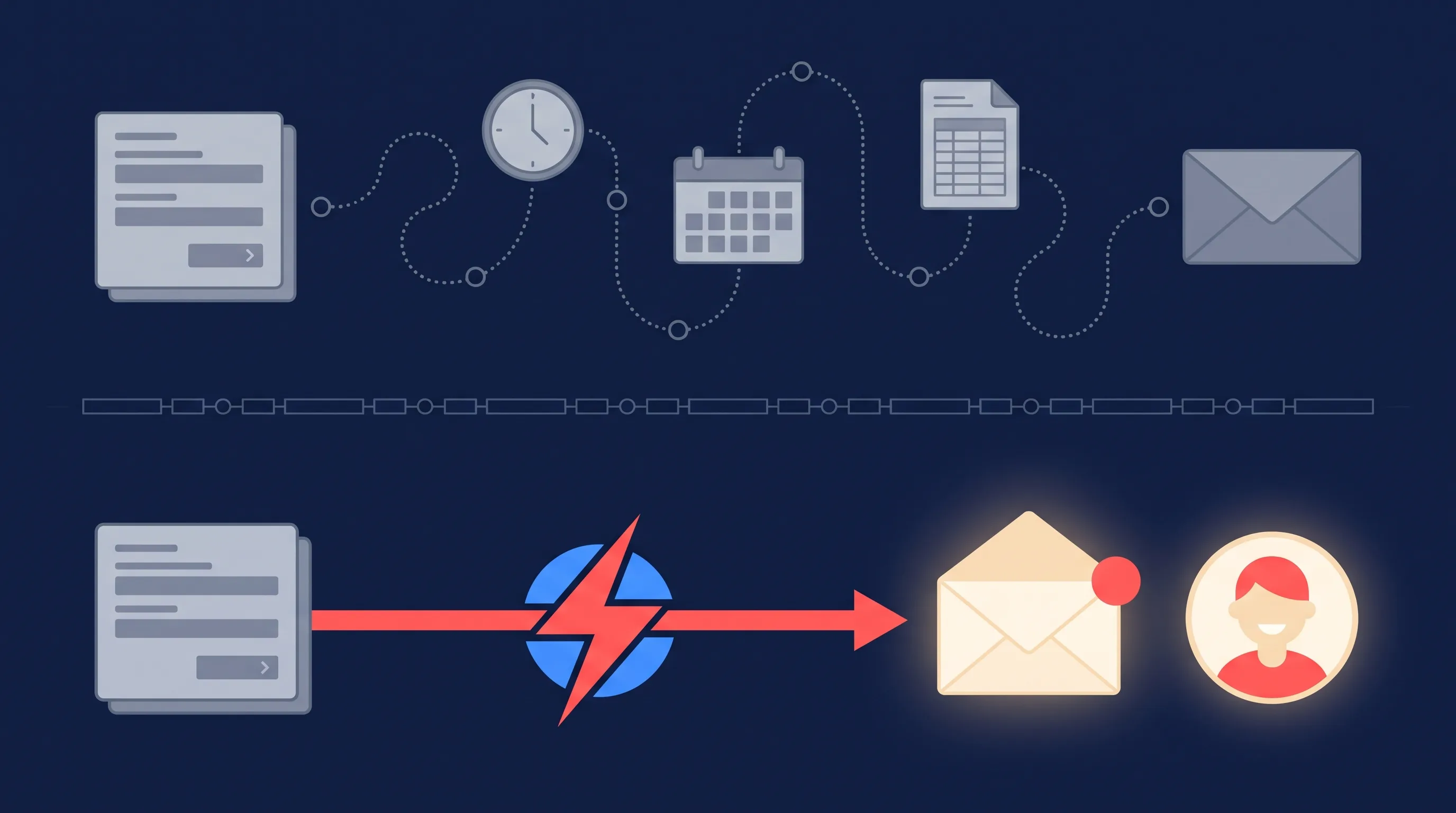
A fair reading of that table: if you get a handful of leads a month and don’t mind checking Ads Manager, the free routes work. The moment leads matter enough to call back, the cost of a paid tool is smaller than the cost of one missed lead. Our LeadSync vs Zapier and LeadsBridge alternatives posts go deeper on the paid options.
Can You Do All Three from One Form?
Yes, and it’s the setup we see most often on busy accounts. In LeadSync, a single Facebook lead form can be paired with several connections at once:
- an Email connection that alerts the sales team (Way 1), with an autoresponder attached so the lead gets an instant reply (Way 2), and
- a Mailchimp, Brevo or other email platform connection that adds the lead as a subscriber with the right tags (Way 3).
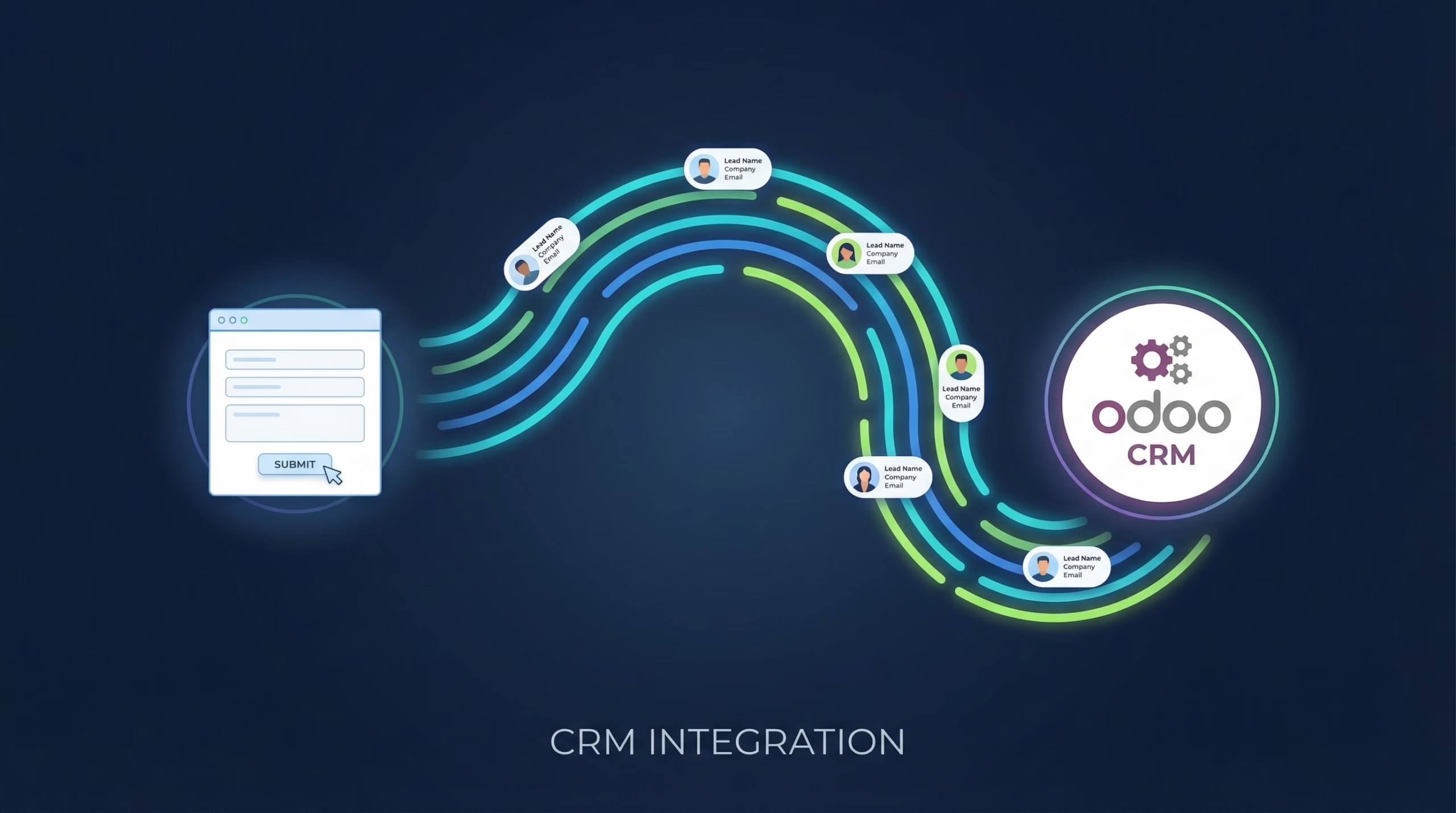
Add a CRM connection or a Google Sheet alongside and the same submission reaches everywhere it needs to go. Before you go live, test the whole chain with Meta’s testing tool and confirm each destination received the lead.
Frequently Asked Questions
How do I get Facebook leads sent to my email?
Connect your Facebook Page to a lead notification tool, add the inbox you want to use, and pair your lead form with it. With LeadSync that takes about 3 minutes and every new lead lands in your inbox within seconds, with all the form answers. Meta’s own alerts stay inside its apps, apart from an optional once-a-day .CSV digest that can only go to people on your Business portfolio.
Does Facebook email you when someone fills out a lead form?
Not per lead. Most accounts get push alerts in the Meta Business Suite app and nothing by email. Some newer Ads Manager accounts have a Notification Delivery setting that emails a once-a-day .CSV file of the day’s leads to Business portfolio members. For an email the moment each lead arrives, at any address, you need a connected tool.
Can I send Facebook leads to email for free?
Partly. You can download leads from Ads Manager by hand, switch on Meta’s daily digest if your account has it, or build a Make.com scenario on its free tier (1,000 credits a month, polling every 15 minutes). Zapier is not free for this because Facebook Lead Ads is a premium app that needs a paid plan. Each free route trades response speed for the saving.
Can I automatically email the lead after they submit a Facebook form?
Yes. An autoresponder sends the lead a reply seconds after they submit, with your welcome message, a booking link or a PDF attached. LeadSync includes autoresponders on every plan, and email marketing platforms such as Mailchimp or Brevo can do the same once the lead is synced into them.
How do I add Facebook leads to my email list automatically?
Connect your lead form to your email marketing platform so each lead is created as a subscriber the moment they submit. LeadSync has direct connections for Mailchimp, Brevo, GetResponse, Kit, ActiveCampaign, EmailOctopus and others, with field mapping and tags, so your welcome sequence starts straight away.
Can I do all three at once: alert my team, reply to the lead and add them to my list?
Yes. In LeadSync you pair the same Facebook lead form with more than one connection. An email connection alerts your team, an autoresponder replies to the lead, and a Mailchimp or Brevo connection adds them to your list, all from one submission.
Pick the Way, Then the Tool
Decide which of the three jobs you actually have. If it’s hearing about leads fast, follow the notifications guide. If it’s replying to the lead, set up an autoresponder. If it’s growing a list, connect your email platform. Or do all three from one form with a free 7-day LeadSync trial, no credit card required.