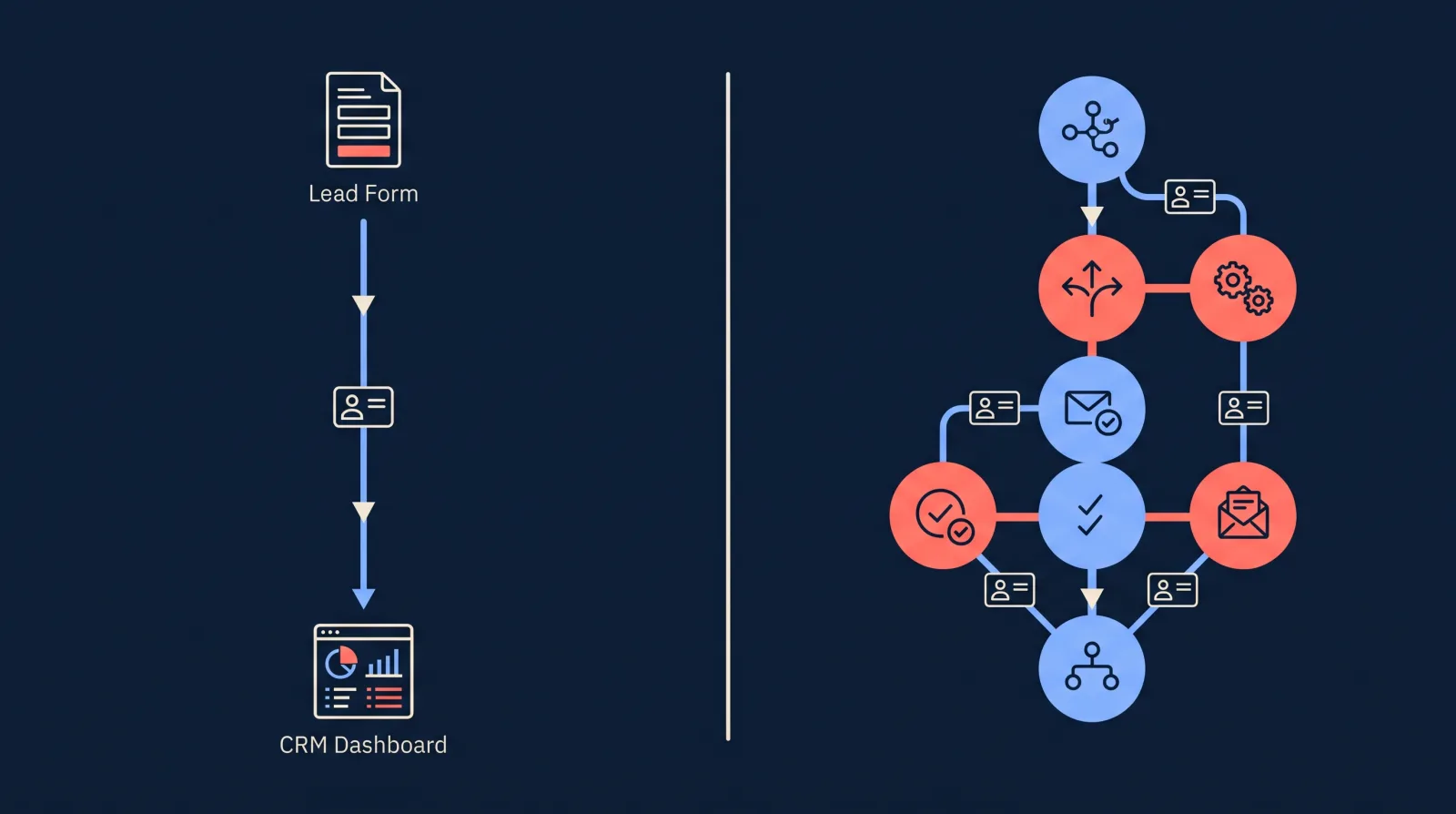
LeadSync and Make can both move a Facebook lead into your CRM. They are different kinds of tool. Make is a general workflow builder that connects thousands of apps, and lead ads are one of the things you can wire up with it. LeadSync does one job: it delivers leads from Facebook, Instagram, Google, TikTok and LinkedIn lead forms to your CRM, inbox and phone.
We build LeadSync, so we have a side. To keep this useful, every Make figure below comes from Make’s own pricing page and app documentation, checked on 17 November 2026, and the page says plainly where Make is the cheaper or better choice. We have not benchmarked Make’s delivery speed ourselves, so we don’t quote one.
LeadSync vs Make: Quick Comparison
| LeadSync | Make | |
|---|---|---|
| What it is | Purpose-built lead ad sync | General workflow automation, 3,500+ apps |
| Entry price | $24/mo, or $249/yr ($20.75/mo) | Free plan, then $9/mo on annual billing for 5,000 credits |
| What you pay for | A plan with a monthly lead allowance | Credits: typically one per module each lead passes through |
| Leads included at entry price | 1,500 a month | About 1,250 a month on a four-module scenario |
| Free option | 7-day trial, no credit card | Free plan: 1,000 credits a month |
| Facebook and Instagram lead ads | Yes | Yes, via the Facebook Lead Ads app |
| Google, TikTok, LinkedIn lead forms | Yes, same login | Yes, separate apps. TikTok needs an API access application, Google Ads needs a developer token |
| Setup | Connect accounts, map fields, send a test lead | Build a scenario module by module |
| Email alerts and autoresponder | Built in | Build them as extra modules |
| SMS alerts | Built in (uses SMS credits) | Add an SMS app module |
| Other automation | No, leads only | Yes, this is Make’s strength |
What Does Make Cost for Facebook Lead Ads?
Make’s pricing page now shows three plans:
- Free: $0, with 1,000 credits a month and a 15-minute minimum interval between scheduled runs.
- Make Plan: $9 a month on annual billing at the 5,000-credit tier, which Make prices at $1.80 per 1,000 credits. Make shows a 15% saving for annual billing, which puts month-to-month at about $10.59. Unlimited active scenarios.
- Enterprise: custom pricing.
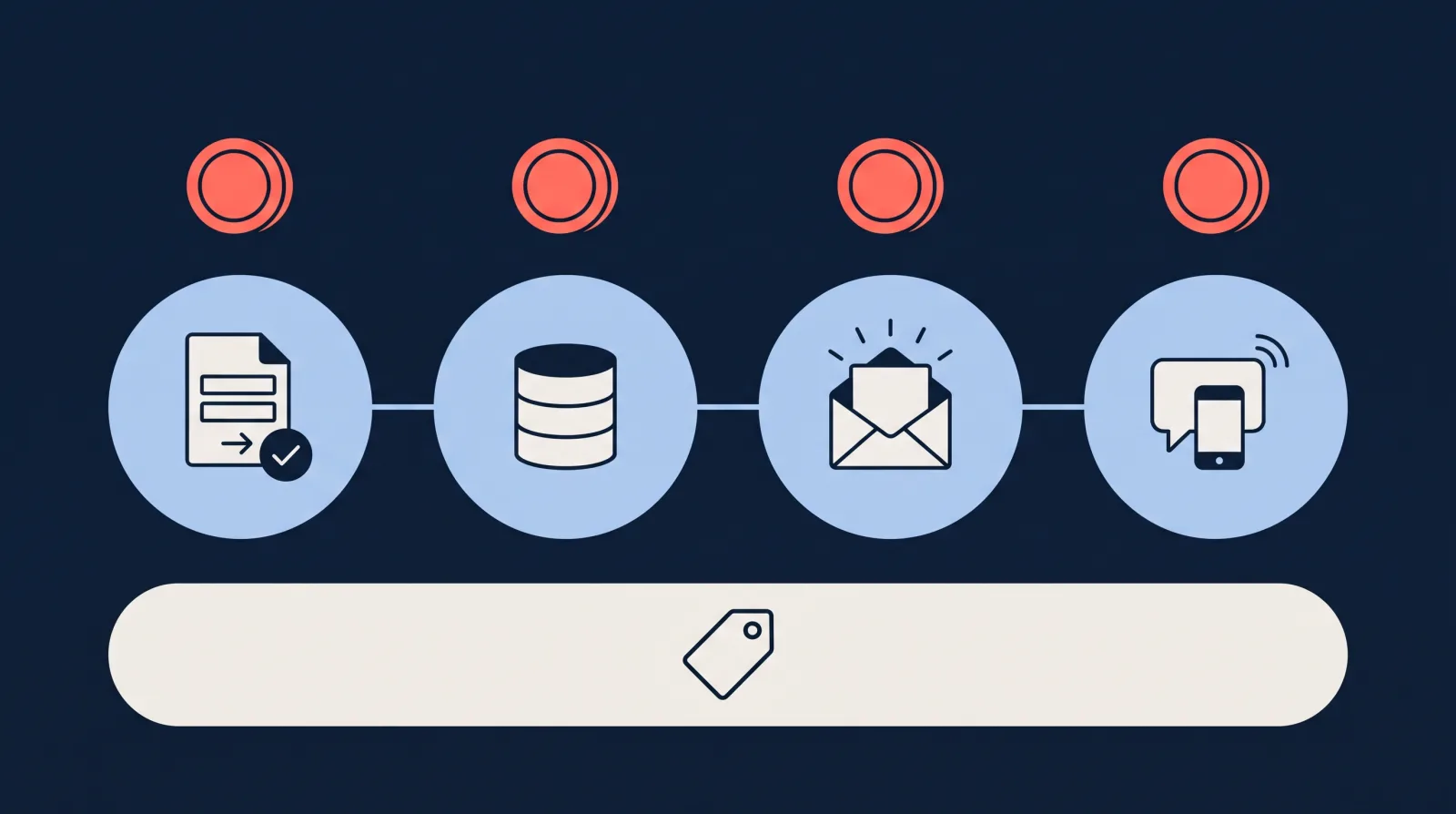
Credits are the unit that matters. Make’s pricing FAQ says credits became its billing unit on 27 August, and that “most actions consume 1 credit”. So each module a lead passes through typically uses one. Routers and error handlers are not counted.
For Facebook lead ads that adds up like this. Make’s Facebook Lead Ads page lists a New Lead trigger and a Get Lead Details action, described as returning “the information that the user filled in”. It adds: “Use this action after the New Lead trigger.” So a lead typically uses two credits before it has gone anywhere.
| Scenario | Modules | Typical credits per lead | Leads a month on Free (1,000 credits) | Leads a month on $9 plan (5,000 credits) |
|---|---|---|---|---|
| Lead to CRM | New Lead, Get Lead Details, CRM | 3 | 333 | 1,666 |
| Plus an email alert | 4 modules | 4 | 250 | 1,250 |
| Plus an SMS alert and a Google Sheets row | 6 modules | 6 | 166 | 833 |
If you run out of credits, Make’s FAQ says your scenarios stop until credits are added. Incoming webhooks are queued up to your webhook queue allowance and processed when the scenario resumes.
When Is Make Cheaper Than LeadSync?
At low volume, Make’s fees are lower. Here is the comparison on annual billing for both, using a four-module scenario (4 credits per lead) and Make’s published rate of $1.80 per 1,000 credits. Make may price its larger credit tiers differently, so treat the higher rows as estimates and check the slider on Make’s pricing page for your volume.
| Leads a month | Make credits needed | Make cost a month | LeadSync plan | LeadSync cost a month (annual billing) |
|---|---|---|---|---|
| 500 | 2,000 | $9 (minimum paid tier) | Business | $20.75 |
| 1,500 | 6,000 | about $10.80 | Business | $20.75 |
| 5,000 | 20,000 | about $36 | Marketer | $33.25 |
| 10,000 | 40,000 | about $72 | Marketer | $33.25 |
| 50,000 | 200,000 | about $360 | Marketer | $33.25 |
| 100,000 | 400,000 | about $720 | Agency | $74.92 |
The crossover sits at roughly 4,600 leads a month. Below that, Make costs less. Above it, LeadSync does, and the gap widens quickly because LeadSync’s plans include 1,500, 50,000 and 100,000 leads a month and extra steps cost nothing.
Two things move the crossover. More modules bring it down: a six-module scenario reaches the Marketer plan’s price at about 3,100 leads a month. And the fee is not the whole cost. With Make you also spend the time to build the scenario, test it and fix it when something changes.
How Do You Set Up Facebook Lead Ads in Make?
Make’s setup guide for the app lists these requirements:
- You need a Facebook account and a Facebook Business Manager account.
- For a module with an instant tag, create a webhook first, then create the connection. A webhook is an address that Facebook sends each new lead to as it comes in.
- In Business Manager, go to Integrations, then Leads Access, open CRMs, click Assign CRMs and select Make.
From there you build the scenario yourself. Going by the modules Make lists for the app, that means:
- Add the New Lead trigger, then a Get Lead Details module to return the answers from the form.
- Add one module for each place the lead should go: your CRM, an email, an SMS app, a spreadsheet.
- Map the form fields to each module, then turn the scenario on.
Two details from Make’s own pages before you start. The guide notes that a form has to have been submitted at least once, otherwise it will not load in the Make module. And Make’s integration page says of the Facebook Lead Ads app: “Developed, supported and maintained by community users.”
On timing, Make’s guide has you create a webhook for any module with an instant tag, which suggests the New Lead trigger fires as leads arrive. Make’s documentation does not name it as instant or publish a delivery time, and its pages do not say how Watch Leads is timed. For scenarios that run on a schedule, Make’s academy gives a minimum interval of 15 minutes on the Free plan and 1 minute on paid plans. If you build this in Make, send a test lead and time it, because response speed has a large effect on whether you reach the lead at all. We cover that in our speed to lead guide.
How Does the Same Setup Look in LeadSync?
There is no scenario to build:
- Connect your Facebook account and choose the Page.
- Connect the destination, for example your CRM or Google Sheets.
- Pick the lead form, choose where its leads go and map the fields.
- Send a test lead and check it arrives.
Email alerts, SMS alerts and an autoresponder are settings on the same lead form, not extra steps to build. If you want to check the Facebook side first, Meta’s own lead ads testing tool works with either product.
What About TikTok, LinkedIn and Google Ads Leads in Make?
Make has an app for each, and each has its own requirements according to Make’s documentation:
| Lead source | Make app | What Make says you need |
|---|---|---|
| TikTok | TikTok Lead Forms | A TikTok for Business account, and you must apply for API access, then enter a client ID and secret (the app credentials TikTok gives you) |
| Google Ads | Google Ads Lead Forms | A Google Ads account and a Google Ads developer token, which starts as “Pending Approval” |
| LinkedIn Lead Forms | A LinkedIn account with Campaign Manager access. Offers an instant trigger and a polling trigger |
Each source is a separate scenario with its own modules and its own credits.
In LeadSync the four platforms sit under one login and count as lead sources on your plan: 2 on Business, 10 on Marketer and unlimited on Agency. You connect TikTok and LinkedIn by signing in and authorising the ad account. Google Ads lead forms connect with a webhook URL and key that you paste into the lead form in Google Ads. No developer token or API application is involved. Our guides cover each one: TikTok lead generation, LinkedIn Lead Gen Forms and Google Ads lead form assets.
What Is Built In With LeadSync That You Build Yourself in Make?
- Email alerts and autoresponders. A new-lead email to your team and an automatic reply to the lead are settings in LeadSync. In Make each is another module and another credit per lead.
- SMS alerts. Built in, paid for with SMS credits. In Make you add a module for an SMS provider you already have an account with.
- Several destinations per lead. One lead can go to a CRM, a Google Sheet and Slack at once. LeadSync includes unlimited destinations per lead source. In Make each destination is a module.
- Meta Conversions API. LeadSync can send lead quality signals back to Meta, which we explain in our CAPI lead quality guide. Make’s Facebook Lead Ads app has no module for it, so in Make it would be a separate piece to set up.
- Set up from an AI assistant. LeadSync has an MCP server, a connector that lets an AI assistant such as Claude work inside your LeadSync account. Claude can attach a form, map fields and send a test lead for you. The walkthrough is in connecting Facebook lead ads to HubSpot from Claude.
Where Does Make Win?
Make is the better choice in several situations.
- You want the lowest fee and will build it yourself. Below roughly 4,600 leads a month on a four-module scenario, Make’s fees are lower than LeadSync’s, and a few hundred leads a month fit on its Free plan.
- The lead is the start of a longer process. If a new lead should create a deal, assign an owner by postcode, check a calendar and post to three tools with different rules, Make’s routers and filters are built for that. LeadSync does not do multi-step logic.
- Your destination is not on LeadSync’s list. LeadSync connects to 30+ CRMs and marketing tools, plus any system that accepts a webhook. Make connects to 3,500+ apps.
- You already run your business on Make. One more scenario in a tool your team knows may be simpler than a second product.
Can You Use LeadSync and Make Together?
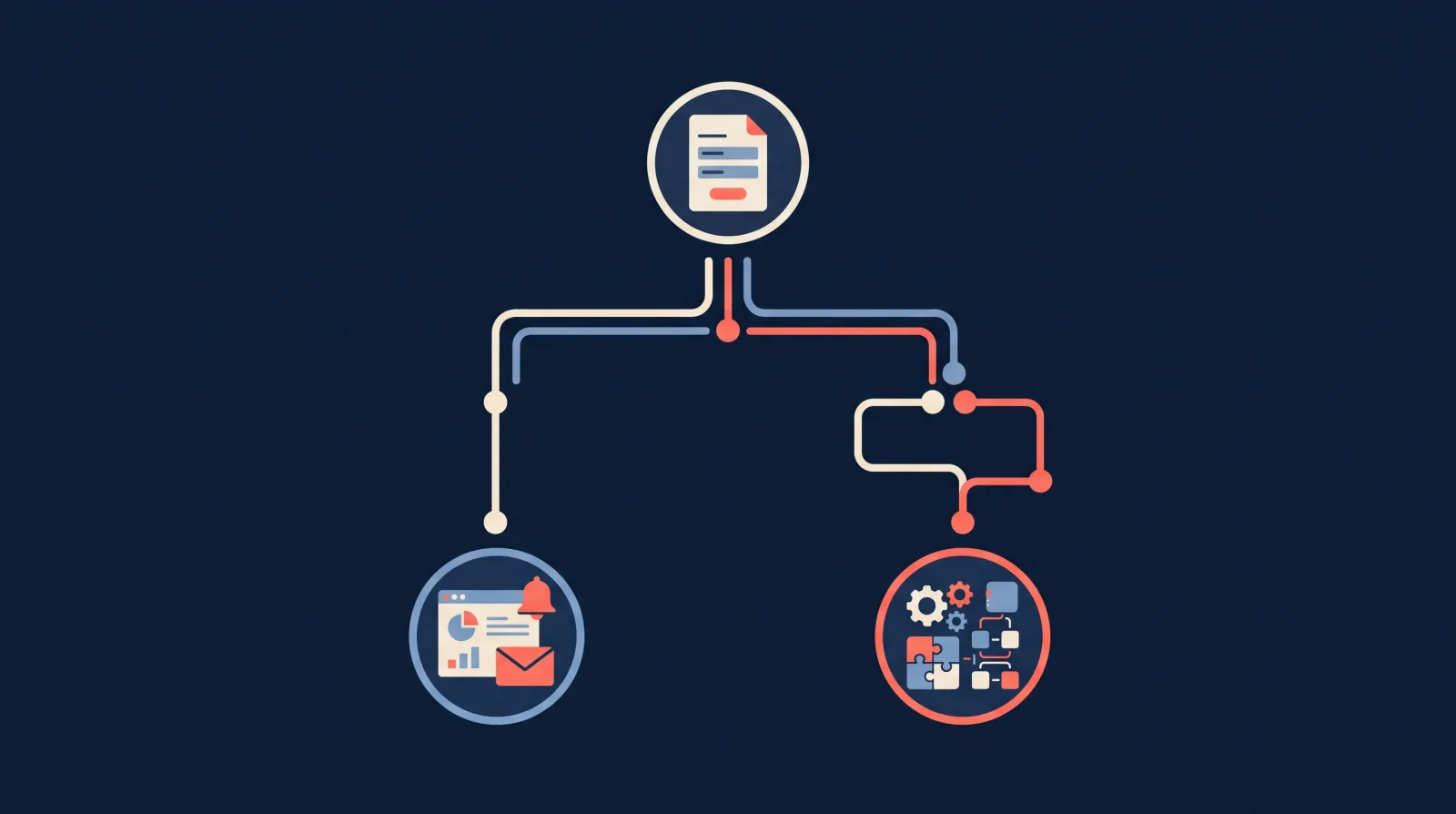
Yes. LeadSync can send every lead to a webhook, and a Make scenario can start from a webhook. LeadSync holds the connection to Meta, sends the alerts and writes the lead to your CRM. Make picks the lead up from the webhook and runs whatever extra logic you want. LeadSync does the delivery, and you keep Make for the parts that are particular to your business.
If you are weighing other tools too, our comparison of Meta lead sync tools covers ten options side by side, and we have a separate LeadSync vs Zapier comparison.
Frequently Asked Questions
Is Make cheaper than LeadSync for Facebook lead ads?
At low volume, yes. Make’s paid plan is $9 a month on annual billing for 5,000 credits, which covers about 1,250 leads a month on a four-module scenario. LeadSync’s Business plan is $24 a month ($20.75 on annual billing) for 1,500 leads. LeadSync’s Marketer plan is $33.25 a month on annual billing and includes 50,000 leads. It becomes the cheaper option at roughly 4,600 leads a month, if Make’s published rate of $1.80 per 1,000 credits holds at larger tiers.
Does Make work with Facebook Lead Ads?
Yes. Make has a Facebook Lead Ads app with a New Lead trigger and a Watch Leads trigger. Make’s app page says to follow New Lead with a Get Lead Details module to return what the person filled in. To connect it you need a Facebook account and a Business Manager account, and you assign Make as a CRM under Integrations, then Leads Access, in Business Manager.
How many Make credits does one Facebook lead use?
Typically one credit per module the lead passes through, since Make says most actions consume 1 credit. A basic scenario of New Lead, Get Lead Details and a CRM module uses 3 credits per lead. Add an email alert and it is 4. Add an SMS alert and a Google Sheets row and it is 6. Routers and error handlers are not counted.
Is Make’s Facebook Lead Ads trigger instant?
Probably, but Make does not say so outright. Its setup guide tells you to create a webhook for modules with an instant tag, and the app includes an Unsubscribe a Webhook action, which suggests the New Lead trigger receives leads by webhook. Make does not publish a delivery time for it. Scheduled scenarios run at a minimum interval of 15 minutes on Make’s Free plan and 1 minute on paid plans.
Can Make handle TikTok, LinkedIn and Google Ads lead forms?
Yes, with separate apps and more setup. Make’s TikTok Lead Forms app requires a TikTok for Business account, and you must apply for API access. Its Google Ads Lead Forms app requires a Google Ads developer token. Its LinkedIn Lead Forms app needs a LinkedIn account with Campaign Manager access and offers an instant trigger.
Can I use LeadSync and Make together?
Yes. LeadSync can send each lead to a webhook, and Make can start a scenario from a webhook. LeadSync handles the connection to the ad platform, the alerts and the CRM delivery, and Make handles any extra steps you want to run on the lead afterwards.
Which is easier to set up, LeadSync or Make?
LeadSync, because there is nothing to build. You connect the ad account and the destination, map the fields and send a test lead. In Make you assemble a scenario module by module and maintain it yourself. Make gives you more control in exchange.
Try LeadSync Free for 7 Days
The quickest way to compare is to run your own lead through both. LeadSync has a 7-day free trial with no credit card, and Make has a free plan, so you can send the same test lead down each route and see which one you would rather maintain.