LinkedIn crossed 1.3 billion members in 2025, and Microsoft confirmed the milestone on its Q4 FY25 earnings call. That’s the audience. For B2B advertisers, the question isn’t whether LinkedIn is worth the spend, it’s whether your campaigns are structured to get leads off the platform and into your CRM before they go cold.
This guide is a practical walkthrough of LinkedIn Lead Gen Ads as they actually work in 2026: the ad formats you can use, what leads currently cost, how to build a campaign, and how to avoid the most common reason these campaigns quietly fail – leads stuck inside LinkedIn’s interface, invisible to sales.
Key Takeaways
- LinkedIn Lead Gen Forms pre-fill a prospect’s profile data when they click your ad, which is why they convert at 10–13% versus roughly 2–3% for traditional landing pages.
- Expect an average cost per lead of $75–$130 on LinkedIn in 2026, with industry ranges from around $60 (Corporate Services) up to $150+ (Healthcare, IT).
- Five formats support Lead Gen Forms: Sponsored Content, Message Ads, Conversation Ads, Document Ads, and Thought Leader Ads. Document Ads in particular have posted meaningfully lower CPLs than Single Image Ads.
- Narrow targeting (job title + seniority + industry) almost always beats broad audiences on LinkedIn because CPMs are high – spray-and-pray burns budget fast.
- Leads sit inside LinkedIn’s Campaign Manager until you download a CSV or sync them automatically. LeadSync pushes new leads into your CRM in under a minute so sales can follow up before the lead forgets clicking.
What Are LinkedIn Lead Gen Ads?
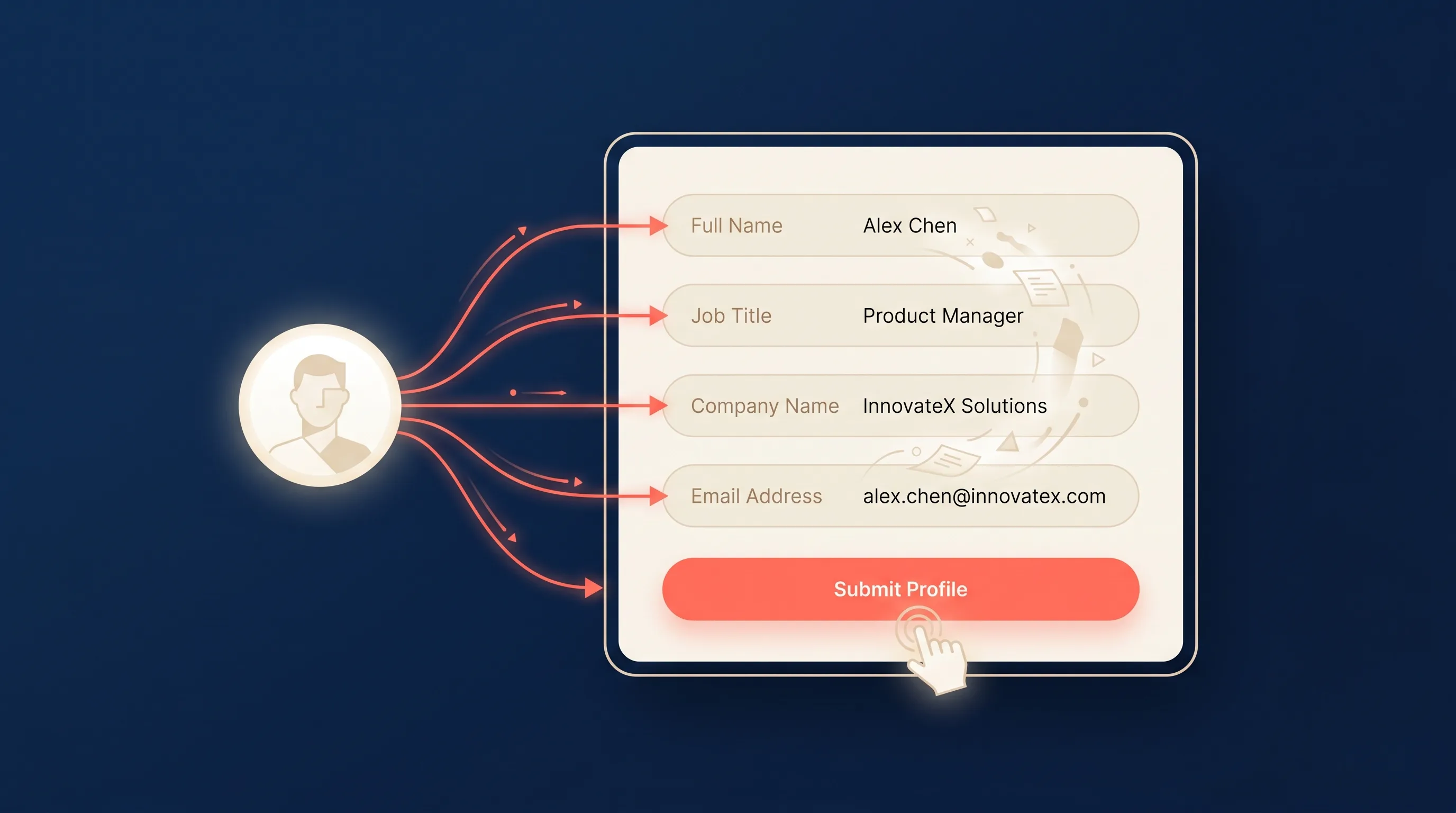
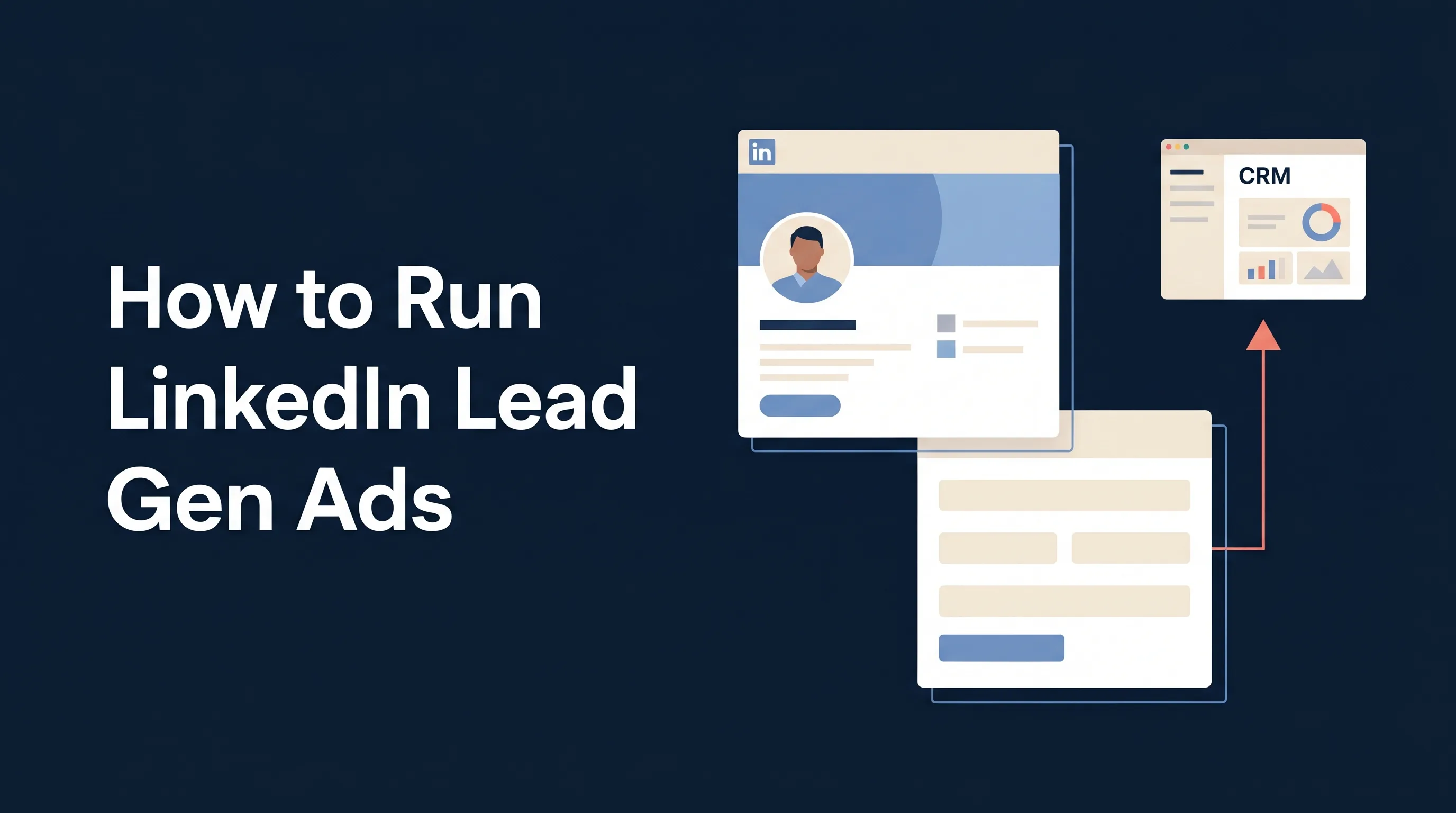
A LinkedIn Lead Gen Ad is a sponsored post with a Lead Gen Form attached. When someone taps the call-to-action, LinkedIn opens a form inside the LinkedIn app or site – pre-populated with the fields from their profile: name, email, job title, company, seniority, and so on.
Because the prospect never leaves LinkedIn and barely has to type, friction is low and conversion rates are high. LinkedIn’s own benchmark puts Lead Gen Form conversion at 10–13% versus 2–3% for typical B2B landing pages. Companies that switch from driving traffic to landing pages toward Lead Gen Forms commonly see cost per lead drop by around a third.
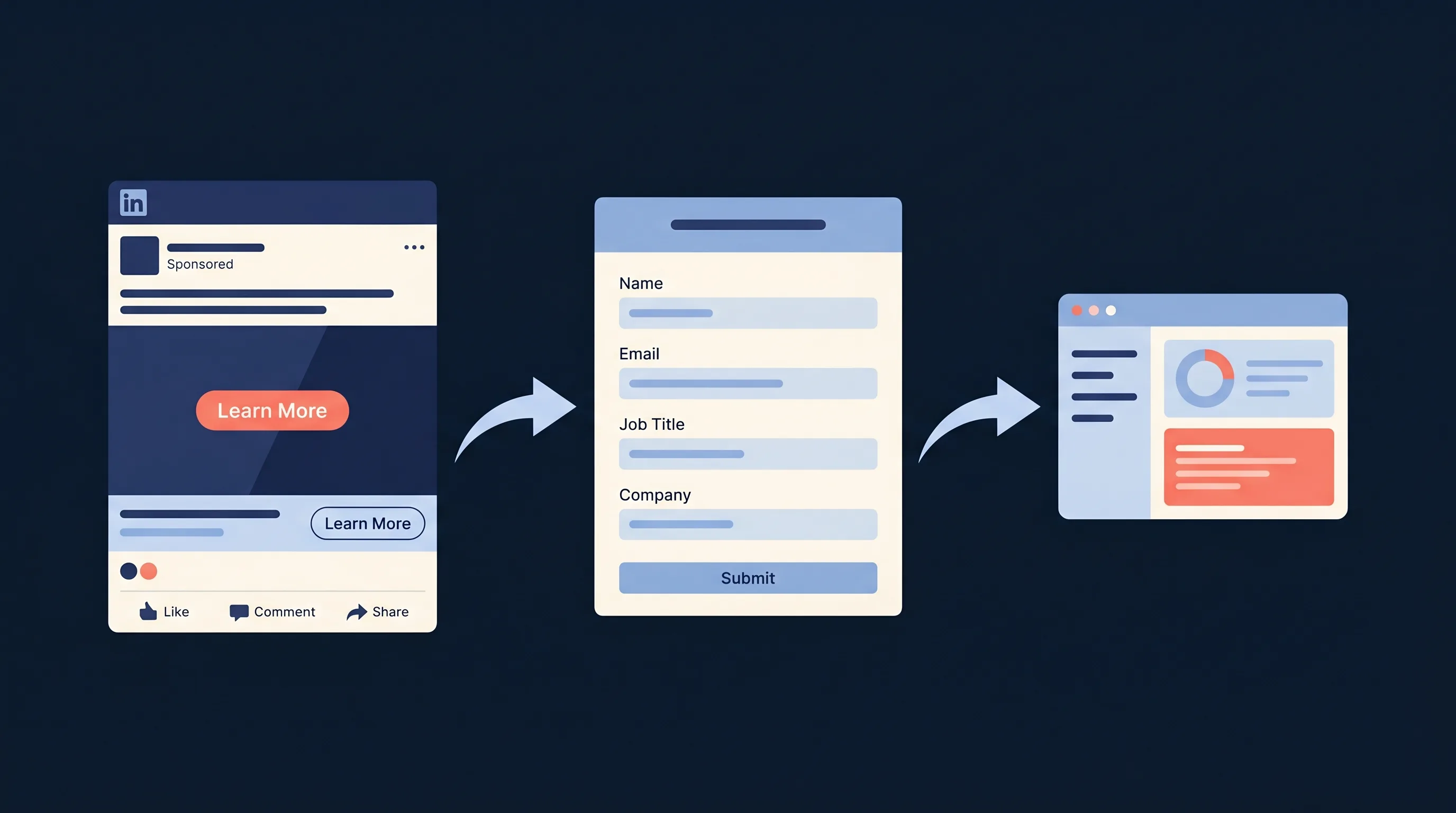
How LinkedIn Lead Gen Forms Work
Three things happen behind a Lead Gen Ad:
- Ad delivery. LinkedIn shows your sponsored content to the audience you defined.
- One-tap form open. The prospect taps a CTA like Get the guide or Request a demo. LinkedIn opens the form with profile data already filled in.
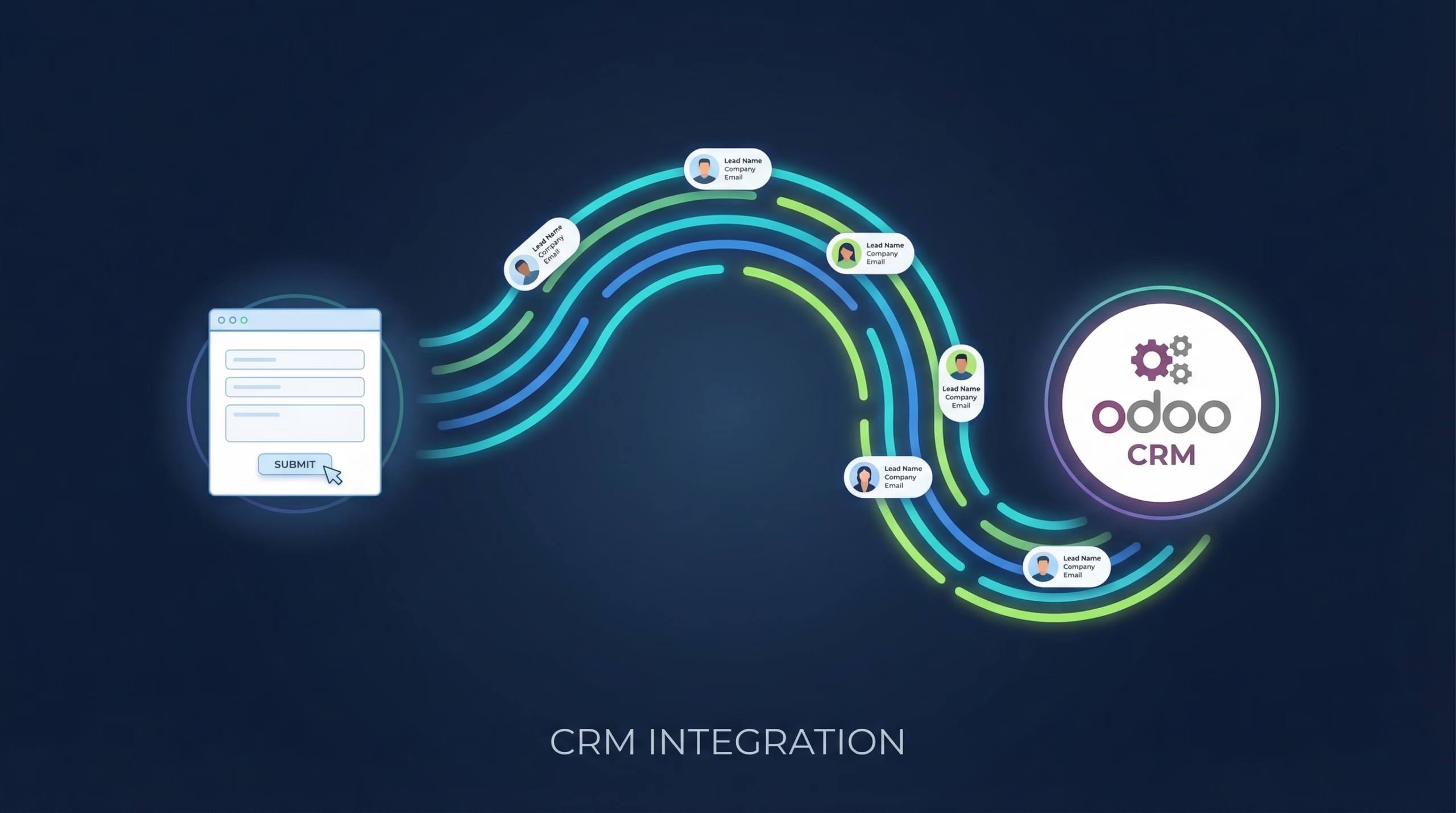
- Submission. They hit Submit. The lead appears in your LinkedIn Campaign Manager, and, if you’ve wired one up, drops into your CRM in real time.
Step 3 is where most campaigns get quietly broken. By default, leads sit in Campaign Manager until someone remembers to export a CSV. (For a deeper look at the forms themselves, including fields, best practices, and lead quality, see our LinkedIn Lead Gen Forms guide.) We’ll come back to that at the end.
LinkedIn Ad Formats That Support Lead Gen Forms
Lead Gen Forms can be attached to five formats in 2026:
- Sponsored Content: Single Image, Video, Carousel, and Event ads in the feed. The workhorse format.
- Message Ads: A one-off direct message landing in a prospect’s LinkedIn inbox with a CTA.
- Conversation Ads: A choose-your-own-path message flow with multiple CTAs. Better response rates than Message Ads for most advertisers.
- Document Ads: A native document (PDF) preview in the feed that unlocks after form submission. The gated-asset format, done cleanly inside LinkedIn. Recent benchmarks put Document Ad CPLs at around $256 versus $317 for Single Image Ads on comparable campaigns.
- Thought Leader Ads: Sponsor an organic post from an executive or employee (with their permission) and attach a Lead Gen Form. Gives the ad the credibility of a personal post instead of a brand broadcast.
Dynamic Ads and Text Ads do not support Lead Gen Forms – those drive to a landing page or profile.
Targeting: Where LinkedIn Actually Earns Its CPM
LinkedIn’s CPMs sit around $30 in 2026 – several times higher than Meta. The only way that math works is if the audience is narrow enough that a high CPM buys the right impressions, not more impressions.
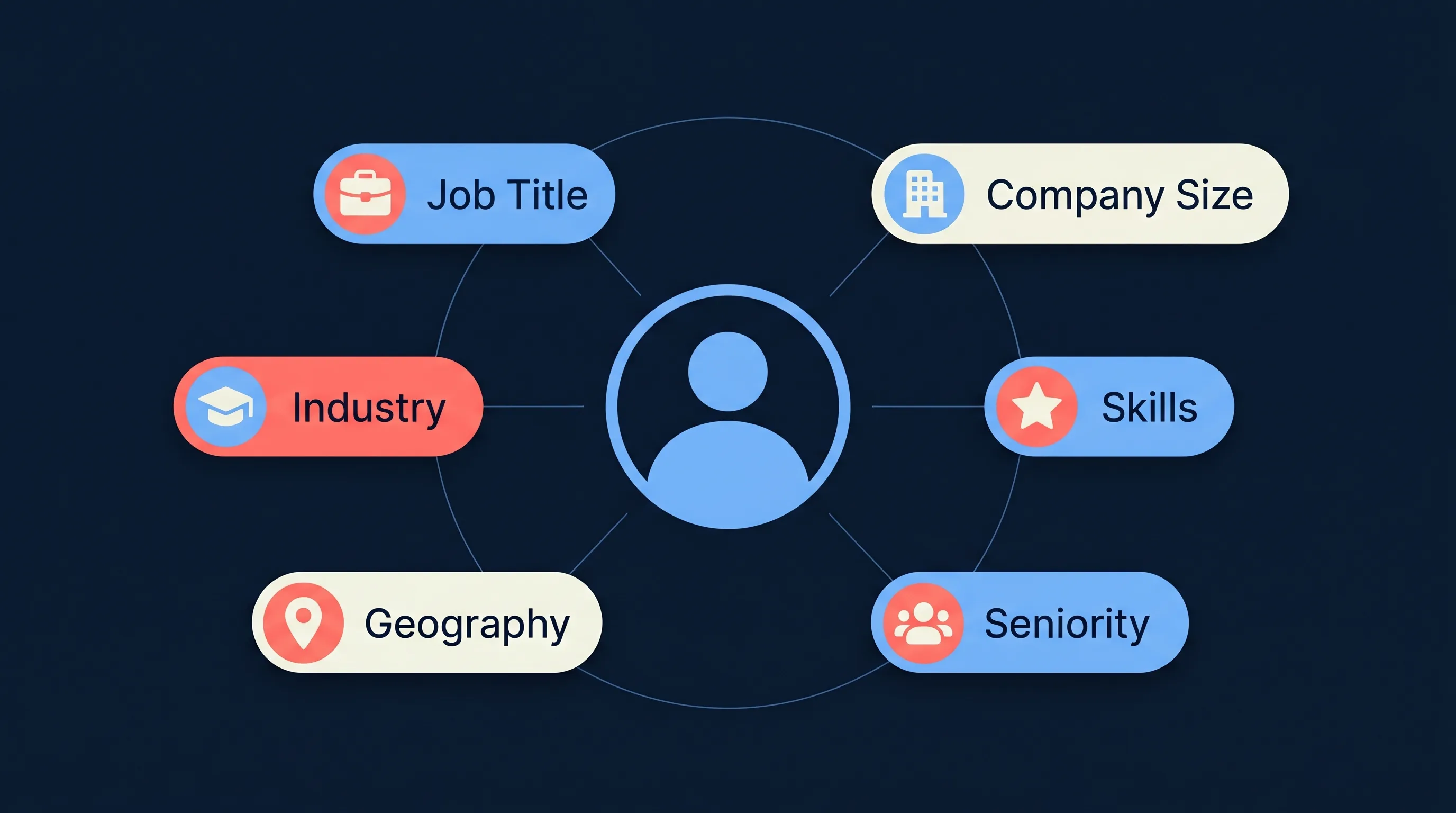
Facets worth combining:
- Job title, job function, and seniority: the three strongest B2B signals on LinkedIn. A combination like “Head of Marketing + Director seniority + mid-market company size” gets you to a real buying committee.
- Industry and company size: filter out SMBs if you sell enterprise, or ignore Fortune 500s if your ICP is under 500 employees.
- Member skills and groups: tighter-grained than job titles for role-based targeting (e.g., “Kubernetes” for DevOps leads).
- Account lists (ABM) and lookalikes: upload a target account list and serve ads only to employees at those companies. The reason most B2B teams run ads here at all.
- Matched Audiences: retarget LinkedIn page visitors, video viewers, or previous lead form openers. Useful for squeezing conversions out of already-warm prospects.
Keep audience size between roughly 50,000 and 300,000 for Sponsored Content. Below that, LinkedIn throttles delivery; above that, you’re paying enterprise-tier CPMs for sub-ICP impressions.
What LinkedIn Lead Gen Ads Cost in 2026
There’s no universal benchmark – what you’ll actually pay depends on industry, seniority, geography, and offer quality. But as a sanity check:
| Metric | 2026 benchmark |
|---|---|
| Cost per click (CPC) | $5.39 – $8 |
| Cost per 1,000 impressions (CPM) | ~$30.57 |
| Click-through rate (CTR) | ~0.65% |
| Conversion rate | ~6.1% |
| Cost per lead (CPL) – typical B2B | $75 – $130 |
| CPL – Document Ads | ~$256 |
| CPL – Single Image Ads | ~$317 |
Rough CPL by industry (2026 averages):
- Corporate Services – $60
- Education – $64
- Media & Communications – $65
- Retail – $80
- Public Administration – $85
- Consumer Goods – $89
- Finance – $100
- Manufacturing – $100
- Healthcare – $125
- Software & IT – $125
- Transportation & Logistics – $130
- Hardware & Networking – $150
A fair rule of thumb: if your LTV per closed deal is under $5,000, LinkedIn Lead Gen Ads are usually too expensive on a first-touch basis. They make sense when your deal size, sales cycle, and close rate can absorb a $100-ish CPL, or when they’re a retargeting channel downstream of cheaper top-of-funnel content.
Step-by-Step: Set Up Your First LinkedIn Lead Gen Campaign
Sign into Campaign Manager and follow these steps.
1. Create the campaign group
Campaign groups are the container for related campaigns, useful for organising by offer, quarter, or client if you’re an agency. Set a start date and optionally a group-level budget.
2. Choose the Lead Generation objective
On the campaign level, select Lead Generation as your objective. This unlocks the Lead Gen Form attachment and tells LinkedIn to optimise toward form completions, not clicks or impressions.
3. Build your audience
Define location, then layer targeting facets. Keep audiences tight (roughly 50K–300K) for Sponsored Content. Save the audience as a template if you’ll reuse it.
Turn Audience Expansion off – it widens delivery beyond your targeting, which defeats the point of paying LinkedIn’s CPM.
4. Pick a format
For most B2B lead gen, start with Single Image Ads or Document Ads. Video works if you have production, but production cost plus LinkedIn’s CPM is a double hit if the creative underperforms.
5. Set placements and budget
Leave LinkedIn Audience Network on if you want cheaper reach beyond the feed – off if you want LinkedIn-native impressions only. Choose Maximum Delivery (automatic bidding) for campaigns under $500/week, or Manual Bidding once you have enough data to know your target CPL.
Start with a daily budget of around $100 and run for at least two weeks before judging performance – LinkedIn’s learning phase is slower than Meta’s.
6. Build the Lead Gen Form
Under Form Details:
- Headline and offer copy: match the ad. Prospects bail if the form feels like a different offer.
- Form fields: fewer is better. Pre-filled fields have near-zero friction; custom questions have high friction. Four to six fields is the sweet spot.
- Custom questions: use sparingly. A single qualifier question (e.g., “What’s your team size?”) often tells you more than another pre-filled field.
- Privacy policy URL: required. LinkedIn rejects forms without one.
- Thank-you page: link to a useful follow-up resource, not your homepage.
7. Create the ad
Upload creative, write headline and intro copy, choose your CTA button, and attach the Lead Gen Form you just built. LinkedIn’s format guidance is linked in the composer – follow it.
8. Launch and monitor
Give LinkedIn 48–72 hours before making optimisation calls. After that, watch CTR, form fill rate, and CPL – in that order. Low CTR is a creative problem. Low fill rate is a form or offer problem. High CPL with healthy CTR and fill rate usually means the audience is too broad or too competitive.
What Makes a LinkedIn Lead Gen Ad Work
A few patterns hold across thousands of campaigns:
- Offer specificity. “Free consultation” underperforms “A 15-minute teardown of your current Salesforce → HubSpot handoff.” Name the problem you’re going to solve.
- Creative that looks like LinkedIn, not like a banner ad. Screenshots, charts, UI mocks, simple diagrams – they feel native. Stock photography with giant headline text looks like an ad and gets skipped.
- Short copy, high scroll-stop. The first two lines of intro text and the creative do all the work. The rest is read by almost no one.
- CTAs that describe what happens next. Download the guide, Book the audit, Request the pricing sheet, not Learn More.
- Thought Leader Ads for B2B trust-building. A personal post from a VP or founder with a Lead Gen Form beats the same copy branded from the company page almost every time.
Getting Leads Out of Campaign Manager
Here’s the step most teams underinvest in.
LinkedIn leads land inside Campaign Manager. You can download them as a CSV on demand, but “on demand” is the problem – by the time a rep manually exports and imports, the lead has gone cold. Response-within-5-minutes beats response-within-30-minutes by a factor of 21× for B2B lead contact rates.
There are two fixes:
- LinkedIn’s CRM connector. LinkedIn natively syncs to a handful of CRMs (Salesforce, HubSpot, Microsoft Dynamics). Works well if you’re on one of them.
- A sync tool. LeadSync pushes new LinkedIn leads into 50+ destinations – including CRMs, email marketing platforms, Slack, Google Sheets, and webhooks – in under a minute. No CSVs, no re-entry, no cold leads.
Related walkthroughs:
- How to Send LinkedIn Lead Gen Form Leads to HubSpot Instantly
- How to Send LinkedIn Lead Gen Form Email Notifications
- Why Speed-to-Lead Is the Highest-Leverage B2B Metric
If you’re also running Meta Lead Ads alongside LinkedIn (most B2B teams do), the same principle applies, and the Meta Conversions API tightens the optimisation feedback loop further by reporting CRM-side conversions back to Meta.
Frequently Asked Questions
How much do LinkedIn Lead Gen Ads cost in 2026?
Expect $75–$130 cost per lead for typical B2B campaigns in 2026, with industry averages ranging from about $60 (Corporate Services) up to $150+ (Hardware, Healthcare). CPCs sit around $5–$8 and CPMs around $30. Lead cost will always skew to your deal size and ICP – narrow, senior audiences cost more per lead but convert better downstream.
What’s the difference between a LinkedIn Lead Gen Form and driving traffic to a landing page?
Lead Gen Forms open inside LinkedIn with profile data pre-filled, no page load, no typing. Conversion rates typically run 10–13% for Lead Gen Forms versus 2–3% for landing pages, and switching from landing pages to Lead Gen Forms commonly reduces CPL by around a third. The trade-off is you don’t get the landing-page pageview for retargeting; the lead is a direct submit.
Which LinkedIn ad format has the lowest CPL?
Document Ads have posted the lowest CPLs in recent benchmarks – around $256 average versus roughly $317 for Single Image Ads. The format works because it lets prospects preview the gated asset (a PDF) natively in the feed before submitting, which filters for genuine interest.
Can I connect LinkedIn Lead Gen Ads to my CRM automatically?
Yes. LinkedIn’s native CRM integrations cover Salesforce, HubSpot, and a handful of others. For any other destination, or if you want webhooks, Slack alerts, or custom routing, use a sync tool like LeadSync to push leads into 50+ destinations in real time. Popular LinkedIn lead destinations include HubSpot, Pipedrive, Zoho CRM, Follow Up Boss, Copper, ActiveCampaign, Mailchimp, Keap, GetResponse, Brevo, and Constant Contact.
What targeting options does LinkedIn offer?
Job title, job function, seniority, industry, company size, company name (ABM), member skills, groups, schools, degrees, fields of study, geography, and a range of behavioural attributes. You can combine facets with AND/OR/NOT logic, build Matched Audiences from uploaded lists, and target Lookalikes modelled on your best customers.
What’s the minimum budget for a LinkedIn Lead Gen campaign?
LinkedIn enforces a minimum of $10/day per campaign. In practice, anything under $100/day will struggle to exit the learning phase and produce statistically meaningful data within a reasonable window. Budget for at least two weeks before making optimisation calls.
What are Thought Leader Ads and when should I use them?
Thought Leader Ads let you sponsor an organic post from an individual’s LinkedIn profile, typically an executive or employee – with their permission. The ad retains the personal voice and credibility of an individual’s content rather than reading as a brand broadcast. They tend to outperform brand-page ads on engagement and form fills for B2B, especially for thought-leadership and demand-gen offers.
Wrapping Up
LinkedIn Lead Gen Ads are the highest-intent paid channel in B2B, and also one of the most expensive impression-for-impression. You earn the CPM back with tight targeting, native-feeling creative, and a fast path from form submit to sales follow-up.
The part most teams skip is the last one. If your leads are still sitting inside Campaign Manager waiting for a weekly CSV export, everything upstream is half-working. Connect LeadSync to your LinkedIn ad account and your CRM, and every lead is a real record in your pipeline within a minute of clicking submit, which is the point.