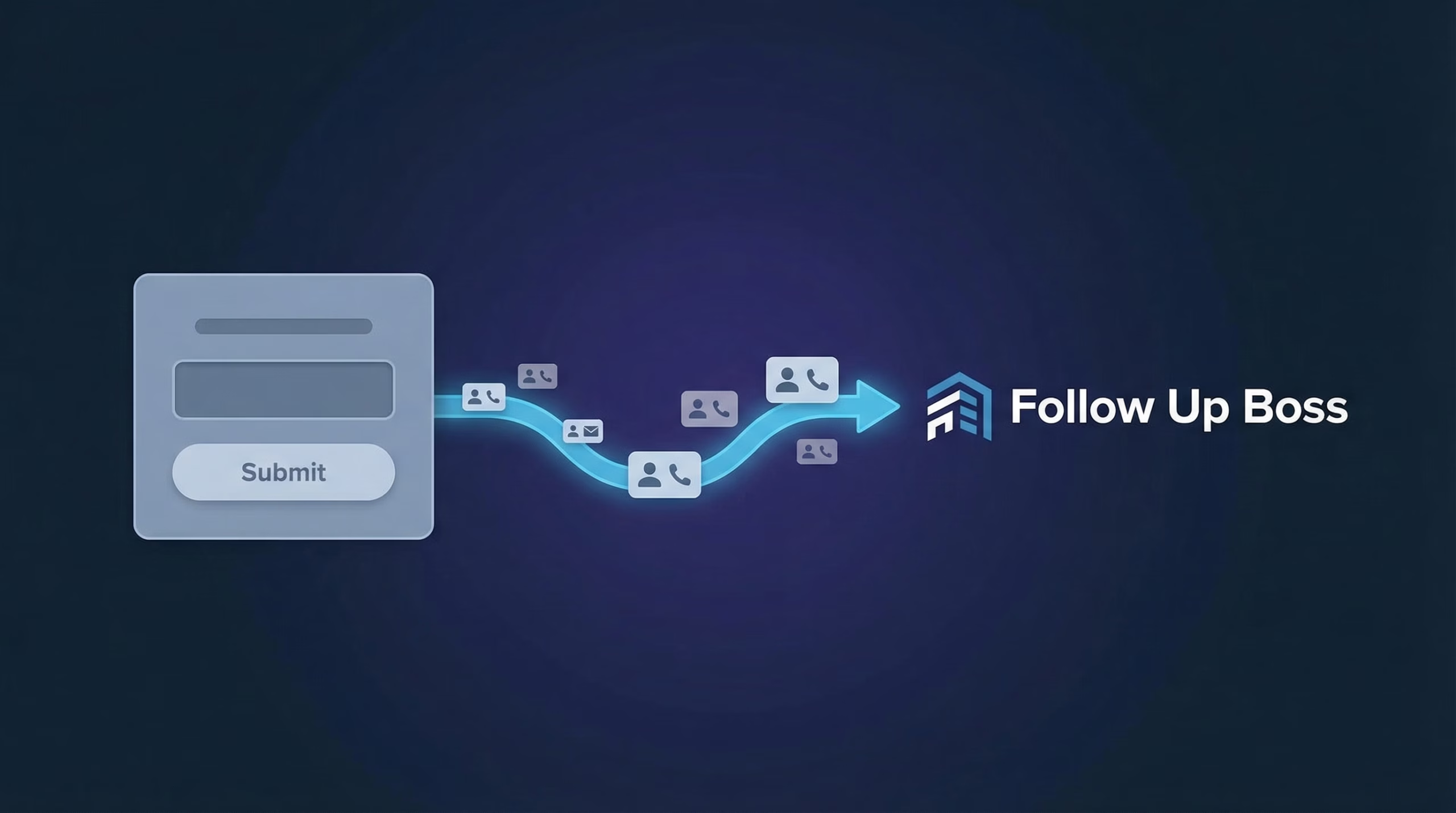
If you are running LinkedIn Lead Gen Forms, submissions land in LinkedIn Campaign Manager and your agents never see them until someone runs an export. There is no native LinkedIn Follow Up Boss integration to create those leads automatically, so the first call goes out hours or days late, which in a speed-driven business is the same as not calling at all.
This guide shows you how to connect LinkedIn Lead Gen Forms to Follow Up Boss so every submission becomes a new lead in real time, tagged with the right source and ready for your action plans.
Key point: Set the source to LinkedIn during setup. That one field is what makes routing, action plans, and reporting work correctly downstream.
Why You Need a LinkedIn Follow Up Boss Integration
LinkedIn Lead Gen Forms are pre-filled and reach professionals, which makes them strong for high-value lead generation. Without a LinkedIn CRM integration, that advantage is wasted:
- Speed to lead matters. Responding within 5 minutes makes you far more likely to reach and qualify a lead. Manual exports take hours.
- No re-keying. Copying leads from LinkedIn into Follow Up Boss wastes agent time and creates errors.
- Routing fires instantly. A lead created the moment it is submitted can be assigned and action-planned automatically.
- Accurate source reporting. Tagging the source as LinkedIn lets you measure cost per lead and conversion by channel.
What You Will Need
- A LeadSync account
- A LinkedIn account with Lead Gen Form access in Campaign Manager
- An active LinkedIn Lead Gen Form campaign
- A Follow Up Boss account
How to Set Up Your LinkedIn Follow Up Boss Integration
The whole setup takes about five minutes.
Step 1: Connect Your LinkedIn Account
- Log in to your LeadSync account
- Go to Ad Accounts > LinkedIn from the left menu
- Click Add LinkedIn Account
- Sign in to LinkedIn and authorize LeadSync to access your lead data
- Your account appears in the table once connected
LeadSync uses OAuth, so we never see your LinkedIn password. We request only the permissions needed to read Lead Gen Form submissions.
Step 2: Connect Your Follow Up Boss Account
- Go to Connections from the left menu
- Click Add Connection
- Select Follow Up Boss from the dropdown
- Enter your Follow Up Boss API key (found under Admin > API in Follow Up Boss)
- Name your connection (for example, “LinkedIn Leads to Follow Up Boss”)
- Click Update Connection
Step 3: Connect Your Lead Gen Form With Field Mapping
- Go to Lead Forms from the left menu
- Click Add LinkedIn Lead Form
- Select your Ad Account
- Select your Lead Gen Form
- Select your Follow Up Boss Connection
- Set the Source to something clear like “LinkedIn Lead Ads”
- Map your fields (see the guide below)
- Click Update Notification
Step 4: Test Your Integration
Submit a test lead through your LinkedIn campaign. Within a minute or two the new lead should appear in Follow Up Boss with the correct source and mapped fields. Confirm any routing rule or action plan you expect actually fired.
LinkedIn to Follow Up Boss Field Mapping Guide
Follow Up Boss is built around leads, sources, and assigned agents. Here is how common LinkedIn fields map across:
| LinkedIn Field | Follow Up Boss Field | Notes |
|---|---|---|
| Required. Used to match and de-duplicate people. | ||
| First Name | First Name | Pre-filled from the LinkedIn profile. |
| Last Name | Last Name | Pre-filled from the LinkedIn profile. |
| Phone Number | Phone | Important for agents who lead with a call or text. |
| Company Name | Custom field | Create a "Company" custom field if you want to store it. |
| Job Title | Custom field | Create a "Job Title" custom field if you want to store it. |
| (Set in LeadSync) | Source | Set this to LinkedIn so routing and reporting work. |
Important: Email matches people in Follow Up Boss, and Source drives your routing and reporting. Get both right and the rest of the automation follows.
What Happens After Leads Sync to Follow Up Boss
Once the Follow Up Boss LinkedIn integration is live, your existing workflow takes over:
- Lead flow rules assign the LinkedIn source to the right agent or team automatically.
- Action plans send an instant text and email and create the first call task.
- Smart lists surface new LinkedIn leads so nothing is missed.
- Reporting shows cost per lead and conversion for LinkedIn against your other sources.
Troubleshooting Common Issues
Can’t See Your LinkedIn Ad Account?
Make sure your LinkedIn account has admin access to the ad account and Lead Gen Form access in Campaign Manager.
Leads Not Appearing in Follow Up Boss?
- Email not mapped: Follow Up Boss needs email to create or match a person. Confirm the mapping.
- Wrong API key: Re-copy the key from Admin > API.
- No routing rule: The lead may have been created but left unassigned. Check your lead flow rules for the source you set.
Lead Gen Form Not Showing in LeadSync?
Your form must belong to an active or paused campaign to appear. Draft forms that have never run will not show up.
Frequently Asked Questions
Does LinkedIn have a native Follow Up Boss integration?
No. LinkedIn does not push Lead Gen Form submissions into Follow Up Boss on its own. You need a third-party tool like LeadSync to connect the two and create a lead automatically for every submission.
How fast do LinkedIn leads reach Follow Up Boss?
Most leads appear in Follow Up Boss within 60 seconds of submission. That is fast enough to call while the lead still remembers your ad, which is when conversion rates are highest.
How do I make sure leads route to the right agent?
Set the lead Source to something like LinkedIn during the sync, then build a Follow Up Boss lead flow or routing rule that assigns that source to the right agent or team. You can also trigger an action plan automatically.
Will Follow Up Boss trigger an action plan for these leads?
Yes. Once the lead is created with the correct source, your Follow Up Boss automations and action plans run as normal, so the first text or email can go out immediately.
Is my lead data secure?
Yes. LeadSync uses OAuth for LinkedIn and a secure API connection to Follow Up Boss, so your LinkedIn password is never stored. Data is encrypted in transit and at rest, and only the permissions needed to sync leads are used.
Start Your LinkedIn Follow Up Boss Integration Today
Stop letting LinkedIn leads go cold in Campaign Manager. With LeadSync, every Lead Gen Form submission becomes a Follow Up Boss lead the moment it is captured, with the right source and ready for your action plans.
Running Follow Up Boss on other ad platforms too? Here is how to send Facebook, Google Ads, and TikTok leads to Follow Up Boss.
New to LinkedIn ads? Start with our LinkedIn Lead Gen Ads guide and our take on speed to lead, or contact support if you need a hand.