If you run a small business and your email tool bill keeps climbing, MailerLite is usually the first alternative people try. We have used it for years as a Mailchimp replacement, and MailerLite is one of the destinations LeadSync sends lead ad leads to, so we see how hundreds of customers set it up.
This review covers what MailerLite does well, where it falls short, what it costs after the 2026 pricing changes, and how it stacks up against Mailchimp. Prices were checked on MailerLite’s and Mailchimp’s pricing pages in October 2026.
What Is MailerLite?
MailerLite is an email marketing platform for small businesses, creators and newsletters. It covers email campaigns, a visual automation builder, signup forms and pop-ups, landing pages and simple websites, and selling digital products or paid newsletters. It was founded in Lithuania in 2010 and is known for a clean interface and low prices rather than enterprise features.

MailerLite Pricing in 2026
MailerLite renamed its plans and raised prices in June 2026, and reduced the free plan twice since 2025 (EmailToolTester, 2026). The current line-up, from MailerLite’s pricing page:
| Plan | Price (500 subscribers) | Monthly emails | Automations | Forms / sites | Seats | Support |
|---|---|---|---|---|---|---|
| Free | $0 | 2,500 | 3 active, 5 steps each | 3 forms, 1 site + 1 landing page | 2 | Knowledge base |
| Comfort | $12/mo ($10.80 billed yearly) | 10x your subscriber tier | 50 active, 100 steps | 10 / 10 | 3 | |
| Power | $25/mo ($22.50 billed yearly) | Unlimited | Unlimited | Unlimited | Unlimited | 24/7 live chat and email |
| Enterprise | Custom, 200K+ subscribers | Custom | Unlimited | Unlimited | Unlimited | Priority, dedicated manager |
Prices scale with subscribers. Comfort is about $19 a month at 1,000 subscribers, $33 at 2,500 and $49 at 5,000 (Email Vendor Selection, 2026). All paid plans remove the MailerLite logo and include unlimited templates and integrations. Power also unlocks multiple automation triggers and MailerLite’s AI features.
Two pricing details that matter:
- MailerLite counts active subscribers only. Unsubscribed and bounced contacts do not count towards your tier, which Mailchimp has historically charged for.
- Comfort caps sends at 10x your subscriber tier. A 1,000-subscriber account can send 10,000 emails a month, which is enough for a weekly newsletter plus automations. Daily senders should go straight to Power.
What Does the Free Plan Include?
The free plan is no longer the “forever free, 1,000 subscribers” deal MailerLite was known for. It now covers:
- 250 subscribers and 2,500 emails a month
- 3 active automations with up to 5 steps each
- 3 active signup forms, 1 website and 1 landing page
- 2 user seats, all three email editors (drag and drop, simple, custom HTML)
- A limited set of newsletter templates
- Knowledge-base support only
That is still more usable than Mailchimp’s free plan (250 contacts, 500 sends a month), and every new account gets a 14-day trial of the paid features, no credit card required. But if you have more than a couple of hundred contacts, plan on paying from day one.
Setting Up and Account Approval
Signup takes a few minutes, but MailerLite reviews every new account before you can send, and asks you to verify your sending domain. The review usually clears within a day, though reviewers consistently flag it as the most annoying part of getting started (EmailToolTester, 2026). It is a deliberate trade: strict onboarding keeps spammers off MailerLite’s shared sending infrastructure, which protects your inbox placement later.
Once approved, you can import subscribers by CSV, by pasting from a spreadsheet, or directly from a Mailchimp account. Set up domain authentication (SPF, DKIM and DMARC) before your first campaign. MailerLite walks you through the DNS records and it makes a measurable difference to deliverability.
The Email Editor and Templates

The drag-and-drop editor is the reason people stay. Content blocks snap into place, the template library is clean, and you can save your own templates. There is also a simple text editor for plain emails and a custom HTML editor for developers. EmailToolTester has given MailerLite its Ease of Use award every year from 2023 to 2026.
Campaign types cover regular sends, A/B tests (subject line, sender or content), RSS campaigns that send automatically when you publish, and auto-resend to people who did not open. You can personalise subject lines and body text with merge fields, add countdown timers and product blocks, and embed surveys and quizzes.
Two gaps: you can preview on mobile but cannot edit the mobile layout separately, and templates are limited on the free plan.
Automation: Good Enough for Most Small Businesses

The visual automation builder handles the workflows most small businesses actually run: a welcome series when someone joins a group, a follow-up when they click a link, a nudge when they abandon a cart (via the Shopify or WooCommerce integration), and date-based sends such as birthdays. Around 15 pre-built automation templates get you started.
What it does not do: lead scoring, website visitor tracking, or branching on anything much beyond opens, clicks and custom fields. The free plan’s 5-step cap rules out anything beyond a short welcome sequence, and Comfort’s single trigger per automation means you need Power to start one workflow from several events. If your marketing depends on behavioural scoring or a CRM pipeline, ActiveCampaign is the better tool, at two to three times the price.
Forms, Landing Pages and Websites
Signup forms (embedded, pop-up and promotion pop-ups) are included on every plan, and the pop-up builder is better than most email tools’ at targeting by page and timing. Landing pages and simple websites use the same block editor as emails, with templates, custom domains and A/B split testing on paid plans. The free plan allows one site and one landing page; Comfort allows ten.
For a small business without a website builder, this is a real saving: a MailerLite landing page with a form on a custom domain costs nothing extra.
Deliverability
Deliverability is where cheap tools usually fall down, and MailerLite does not. It supports full domain authentication, blocks purchased lists, verifies new accounts, and offers dedicated IPs and deliverability support on Enterprise. Independent reviewers rate its inbox placement well and credit the strict onboarding (EmailToolTester, 2026).
The weak spot is pre-send testing. You get a desktop and mobile preview and a test email, but there is no inbox-rendering test across email clients and no spam-score check. If that matters, run your drafts through a tool like Litmus or Mail-Tester first.
Customer Support
Support follows the plan: knowledge base and video academy on Free, email on Comfort, 24/7 live chat and email on Power and Enterprise. There is no phone support on any plan. Enterprise accounts get a dedicated manager, an account audit and onboarding training. In our experience chat replies arrive within minutes and the agents know the product, which is more than can be said for several larger competitors.
MailerLite vs Mailchimp
This is the comparison most readers are here for. Both tools now cap the free plan at 250 contacts, so the free-tier decision is about sends, and the paid-tier decision is about price and ease.
| MailerLite | Mailchimp | |
|---|---|---|
| Free plan | 250 subscribers, 2,500 emails/month, 3 automations, 1 landing page | 250 contacts, 500 emails/month (250/day), basic automation |
| Entry paid plan (500 contacts) | Comfort $12/month | Essentials about $18.66/month in year one, more after the 15% intro discount ends (Mailchimp, 2026) |
| Mid plan (500 contacts) | Power $25/month, unlimited sends and automations | Standard about $28.71/month in year one |
| Who counts as a contact | Active subscribers only | Contacts, including unsubscribed on some plans |
| Ease of use | Consistently rated easiest in class | Capable, more cluttered |
| Automation depth | Visual builder, no scoring or site tracking | Customer journey builder, more triggers, better reporting |
| Integrations | 100+ native | 300+ native |
| Landing pages and sites | Included on every plan | Included, fewer design options |
| Support | Chat on Power+, no phone | Email on paid plans, phone on Premium |
Pick MailerLite if you are a small business or creator sending newsletters and simple automations, and you want the lowest bill for the features. Pick Mailchimp if you need its specific integrations, deeper e-commerce reporting, or you already have a team trained on it. Migrating from Mailchimp takes an afternoon: MailerLite imports your audience directly, and if you send Facebook leads to Mailchimp today, switching the LeadSync destination is a two-minute change.
Send Lead Ad Leads to MailerLite
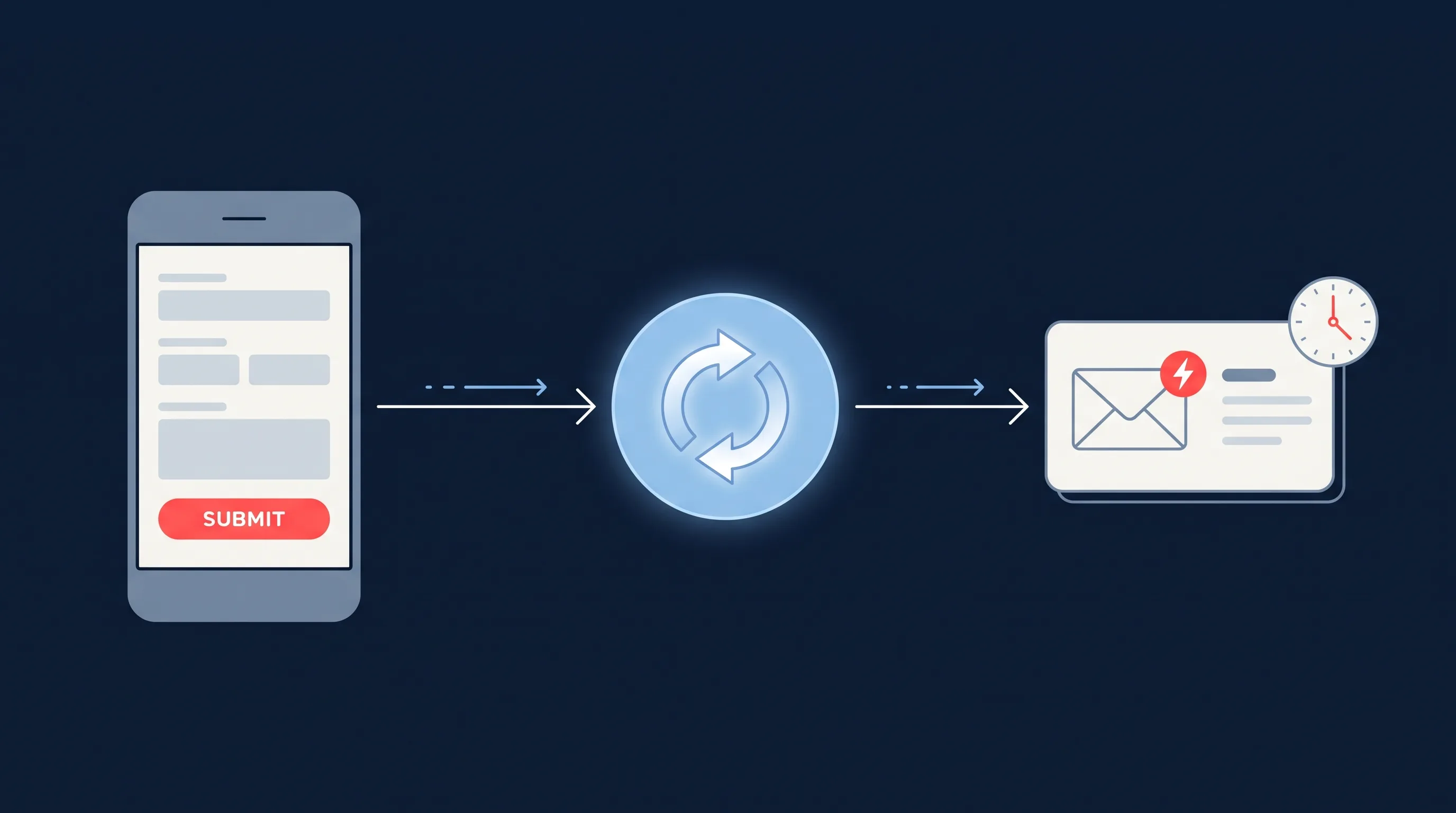
Where MailerLite earns its keep for advertisers is as the fast reply to a lead. Someone fills in a Facebook or Instagram lead form, the lead lands in a MailerLite group, and a welcome automation sends the brochure, the booking link or the quote request confirmation within a minute. Our own data from 1.69 million leads shows three quarters of them arrive outside 9 to 5, so an automated first reply is often the only reply the lead gets that day.
Meta does not push leads to MailerLite on its own. LeadSync connects your Page (via Meta Business Suite permissions) to MailerLite with an API token, lets you map form fields to MailerLite fields and choose the group each form feeds, and delivers every lead in seconds. The same connection works for every ad platform we support:
- Facebook and Instagram leads to MailerLite
- LinkedIn Lead Gen Form leads to MailerLite
- TikTok lead form leads to MailerLite
- Google Ads lead form leads to MailerLite
Build the welcome automation on the group first, then connect the form. The Free plan’s 3 automations are enough for one welcome series per campaign type; use Comfort if you run more than a couple of lead forms.
Is MailerLite Worth It?
For small businesses, creators and anyone leaving Mailchimp over price: yes. It is the easiest tool in its class, it costs roughly half of Mailchimp at the same list size, deliverability is solid, and the automation builder covers the welcome sequences and follow-ups that lead generation depends on.
It is the wrong choice if you need a CRM, lead scoring, website tracking or complex multi-trigger funnels, or if a $100 a month email bill is not the thing you are trying to fix. In those cases, ActiveCampaign or HubSpot will serve you better.
Frequently Asked Questions
How much does MailerLite cost?
MailerLite has a Free plan (250 subscribers, 2,500 emails a month), a Comfort plan from $12 a month for 500 subscribers (about $19 at 1,000 and $33 at 2,500 subscribers), a Power plan from $25 a month with unlimited sends and automations, and custom Enterprise pricing from 200,000 subscribers. Annual billing takes 10% off.
Is MailerLite better than Mailchimp?
For most small businesses, yes. MailerLite is cheaper at every tier, counts only active subscribers, includes automation and landing pages on the free plan, and is consistently rated easier to use. Mailchimp wins on advanced reporting, its larger integration directory and e-commerce depth. If you need a CRM or multi-step funnels with lead scoring, look at ActiveCampaign instead of either.
What are the limitations of MailerLite?
MailerLite has no built-in CRM, no lead scoring and no website visitor tracking. Spam and email-client rendering tests are basic. Newsletter templates are limited on the free plan, automations are capped at 3 active workflows with 5 steps each on Free and 50 on Comfort, and new accounts go through an approval review before you can send.
Is MailerLite safe to use?
Yes. MailerLite is a legitimate email marketing platform founded in 2010 and used by well over a million accounts. It does not sell or share subscriber data, supports SPF, DKIM and DMARC authentication, and reviews new accounts to keep spammers off its sending infrastructure, which protects deliverability for everyone else.
Does MailerLite offer phone support?
No. Free accounts get knowledge-base support only, Comfort adds email support, and Power and Enterprise include 24/7 live chat and email. Enterprise customers also get a dedicated manager.
Can you connect MailerLite to Facebook Lead Ads?
Yes. LeadSync has a native MailerLite integration. Each new Facebook, Instagram, LinkedIn, TikTok or Google lead is added to the MailerLite group you choose within seconds, which can trigger a MailerLite welcome automation as an instant autoresponder.