If you spend half your day inside Claude or ChatGPT, Meta just made your ad workflow noticeably easier.
On 29 April 2026, Meta announced Ads AI Connectors: an official MCP server and CLI that let advertisers manage Meta ad campaigns directly from AI tools like Claude Desktop, ChatGPT, Codex and Claude Code. No API setup. No developer credentials. No code.
It’s a real productivity unlock for advertisers who already work in AI. But there’s a quiet gap in the announcement that matters a lot if you run Meta Lead Ads: the MCP server doesn’t touch your leads after they’re submitted. We’ll get to why that matters.
What Meta Ads AI Connectors Actually Are
Meta shipped two things at once:
- The Meta Ads MCP server: a secure, Meta-authenticated bridge that plugs into AI clients that speak the Model Context Protocol. At launch, that includes Claude Desktop and ChatGPT.
- The Meta Ads CLI: a command-line interface for terminal-based AI agents like Codex and Claude Code.
If you’ve never come across MCP before: it’s an open standard (originally proposed by Anthropic) that lets AI assistants talk to external tools and data sources in a consistent way. Until now, connecting an AI assistant to Meta Ads meant building your own integration with the Marketing API – OAuth flows, token refresh, rate limits, all of it. The Meta Ads MCP server collapses that to a single authenticated connection that you set up once.
The pitch is straightforward: the same AI assistant you already use for everything else can now answer real questions about your ad account in natural language.
What You Can Do With the Meta MCP Server
Meta lists four supported jobs at launch. Re-framed for lead advertisers:
1. Performance reporting
Ask plain-English questions like “Which Lead Ad set is producing the lowest cost per lead this week?” or “Compare CPL across my last three campaigns by placement.” The MCP returns structured data the AI can reason over, no exporting CSVs, no manual pivot tables.
2. Campaign management
This is the new part. The MCP server is read and write: your AI can create new campaigns, adjust budgets, pause underperformers and tweak ad copy. “Pause every Lead Ad below 0.8% CTR and reallocate the freed budget to the top three performing ad sets” is a one-prompt operation.
3. Catalog management
Build product catalogs, add data, troubleshoot feed issues. Most useful for e-commerce, but worth knowing if you also run dynamic ads alongside lead campaigns.
4. Signal diagnostics
Investigate Pixel and Conversions API health without leaving the chat. If you’ve already enabled Meta CAPI for lead quality, the MCP can surface event match quality, deduplication issues and signal coverage gaps in seconds.
What the MCP Server Doesn’t Do (the Lead Delivery Gap)
Here’s the part nobody else is writing about. The Meta Ads MCP server is built around the ad: not the lead.
Specifically, it cannot:
- Sync leads to your CRM (HubSpot, Pipedrive, Salesforce, GoHighLevel, Jobber, Housecall Pro – any of them)
- Send email, SMS or WhatsApp notifications when a new lead arrives
- Trigger autoresponders or follow-up sequences
- Push lead-quality outcomes back to Meta automatically
Once someone submits your Lead Ad form, the MCP server is done. The lead lands in Meta’s Lead Center and waits for you to do something with it.
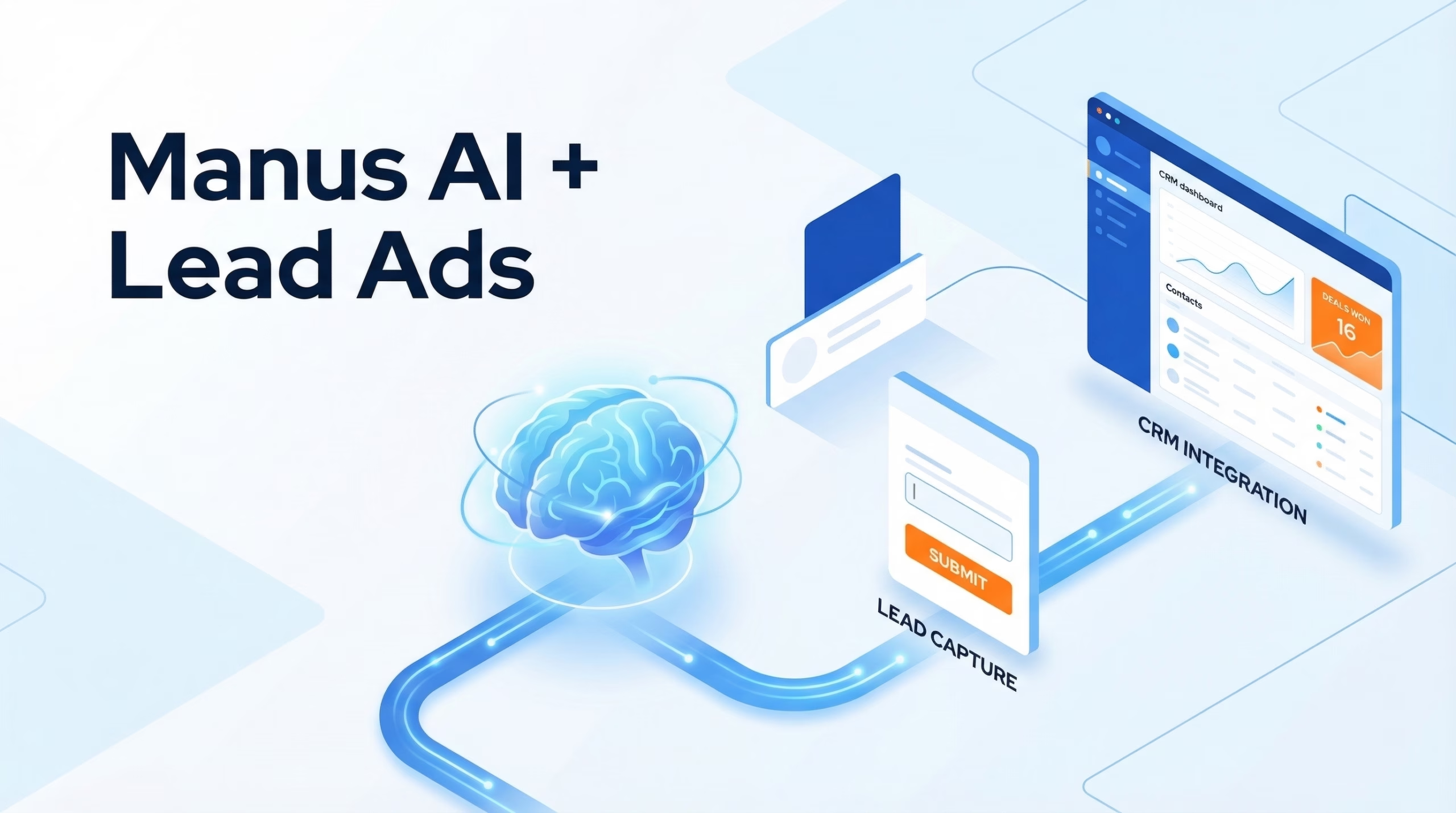
This is the same gap we wrote about with Manus AI inside Ads Manager. Different tool, same shape: AI helps you run better ads, then disengages exactly when speed matters most.
Why Speed-to-Lead Still Decides Whether This Pays Off
Meta’s MCP can drop your cost per lead by helping you optimise faster. None of that matters if the leads themselves go cold before anyone calls them.
The numbers from the Lead Response Management Study are still the right baseline:
- 78% of customers buy from the first business to respond
- Leads contacted within 5 minutes are 9x more likely to convert
- After 30 minutes, the odds of qualifying that lead drop 21x
If your AI-optimised Lead Ads sit unread in Meta’s Lead Center for two hours, you’ve just cut your conversion rate by an order of magnitude. The optimisation doesn’t end when the form is submitted. It ends when someone picks up the phone.
The Complete Stack: Meta MCP + LeadSync
The two tools complement each other cleanly:
| Stage | Tool | What it does |
|---|---|---|
| Before the lead | Meta Ads MCP server | Build, optimise and report on Lead Ad campaigns from Claude or ChatGPT |
| Lead submits form | Meta Lead Form | Captures the lead inside Meta |
| After the lead | LeadSync | Delivers every lead to your CRM, email, SMS or WhatsApp in real time |
Meta’s MCP runs the ad. LeadSync delivers the lead.
LeadSync connects Facebook and Instagram Lead Ads to 40+ destinations – every major CRM, every major email platform, plus instant email, SMS and WhatsApp alerts. Each lead lands in your CRM in under a minute. Your sales team can be on the phone before the prospect’s screen has gone dark.
Setting It Up Together
If you want both halves of the stack running this week:
- Connect the Meta Ads MCP server to your AI client of choice – Meta’s setup guide walks through Claude Desktop and ChatGPT. The CLI works the same way for Codex and Claude Code.
- Confirm your ad account permissions in Meta Business Manager so the MCP can actually edit campaigns (not just read them).
- Sign up for LeadSync and connect your Facebook Page. Pick where leads should go – CRM, email, SMS, WhatsApp, webhook, or several at once.
- Enable Meta CAPI inside LeadSync to send lead-quality signals back to Meta. Now the algorithm learns which leads actually convert, and your AI-managed campaigns get smarter over time.
For a worked example with HubSpot on the CRM side, see how to connect Facebook Lead Ads to HubSpot from Claude. And if you would rather an assistant drove LeadSync itself, a LeadSync API and AI connector is scoped and waiting on demand: join the waitlist.
The Bottom Line
The Meta Ads AI Connectors are exactly the kind of tooling Meta should have shipped two years ago – finally giving advertisers a clean, no-code way to drive their ad accounts from the AI tools they already use every day.
But Meta is solving for the ad. LeadSync solves for the lead. Use both, and you have a complete loop: AI builds the campaign, the campaign captures the lead, LeadSync delivers it instantly, CAPI feeds the outcome back to Meta, and the next round of ads gets sharper.
Start your free 7-day LeadSync trial →: 30-day money-back guarantee, no credit card to start.
Frequently Asked Questions
What are Meta Ads AI Connectors?
An official Meta MCP server and CLI that connect your Meta ad account to AI tools like Claude Desktop, ChatGPT, Codex and Claude Code. You can ask the AI to pull reports, build campaigns, manage catalogs and diagnose signals. All in natural language, no developer credentials required.
Does the Meta MCP server work with Facebook Lead Ads?
Partially. You can use it to build, edit and report on Lead Ad campaigns, but it does not retrieve, sync or deliver the leads themselves. Once a prospect submits your lead form, the lead sits in Meta’s Lead Center. You still need a separate sync tool to push it to your CRM.
Is Meta Ads MCP free?
Yes. The MCP server and CLI are free in open beta. You only pay your normal Meta ad spend. Note the AI tool you use it with (Claude, ChatGPT, etc.) may be paid separately.
Do I still need LeadSync if I use the Meta MCP server?
Yes, they solve different problems. Meta’s MCP helps you manage and analyse campaigns from an AI assistant. LeadSync delivers each new lead to your CRM, email, SMS or WhatsApp in under a minute, and (with CAPI enabled) sends quality signals back to Meta to improve future delivery.
Which AI tools support the Meta MCP server today?
At launch (29 April 2026): Claude Desktop and ChatGPT for the MCP server, plus terminal agents like Codex and Claude Code via the CLI. Any AI client that speaks the Model Context Protocol can connect.
How is this different from Manus AI inside Ads Manager?
Manus AI lives inside Meta Ads Manager and analyses your campaigns from there. The Ads AI Connectors live outside Meta. They let your AI tool of choice talk to Meta on your behalf. Different surface area, similar goal: less time clicking around Ads Manager.
How is the Meta MCP server different from third-party MCP servers like Pipeboard?
Pipeboard is a community MCP server that connects multiple ad platforms (Meta, Google, TikTok, Snap) to Claude. Meta’s official MCP is Meta-only and Meta-authenticated. The official server is generally lower friction for Meta-only workflows; third-party servers are useful if you run cross-platform campaigns.
Where do I sign up for the Meta Ads AI Connectors beta?
The beta is open. Meta’s announcement post links to setup instructions for both the MCP server and the CLI. Most ad accounts can connect immediately from a supported AI client.