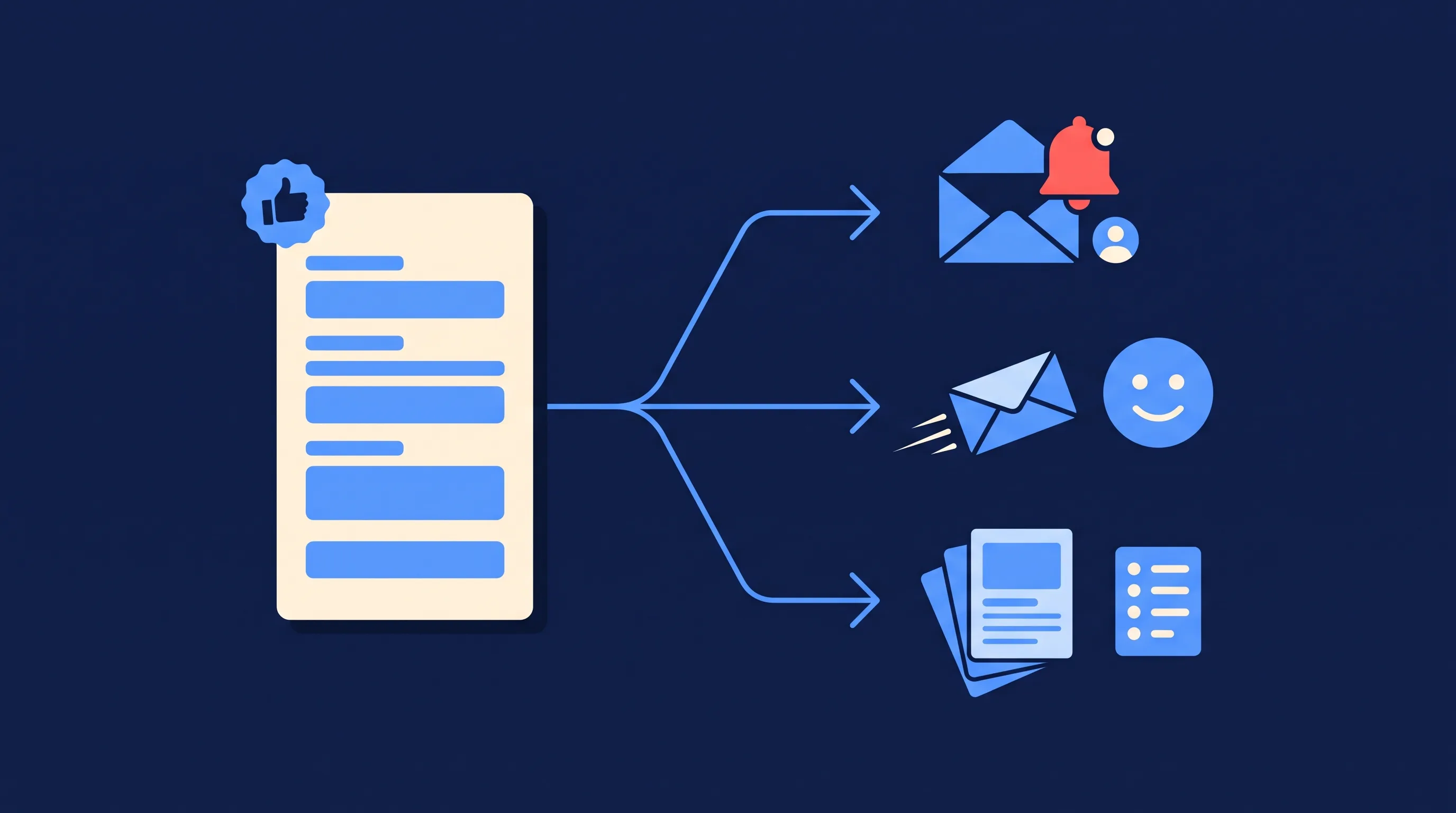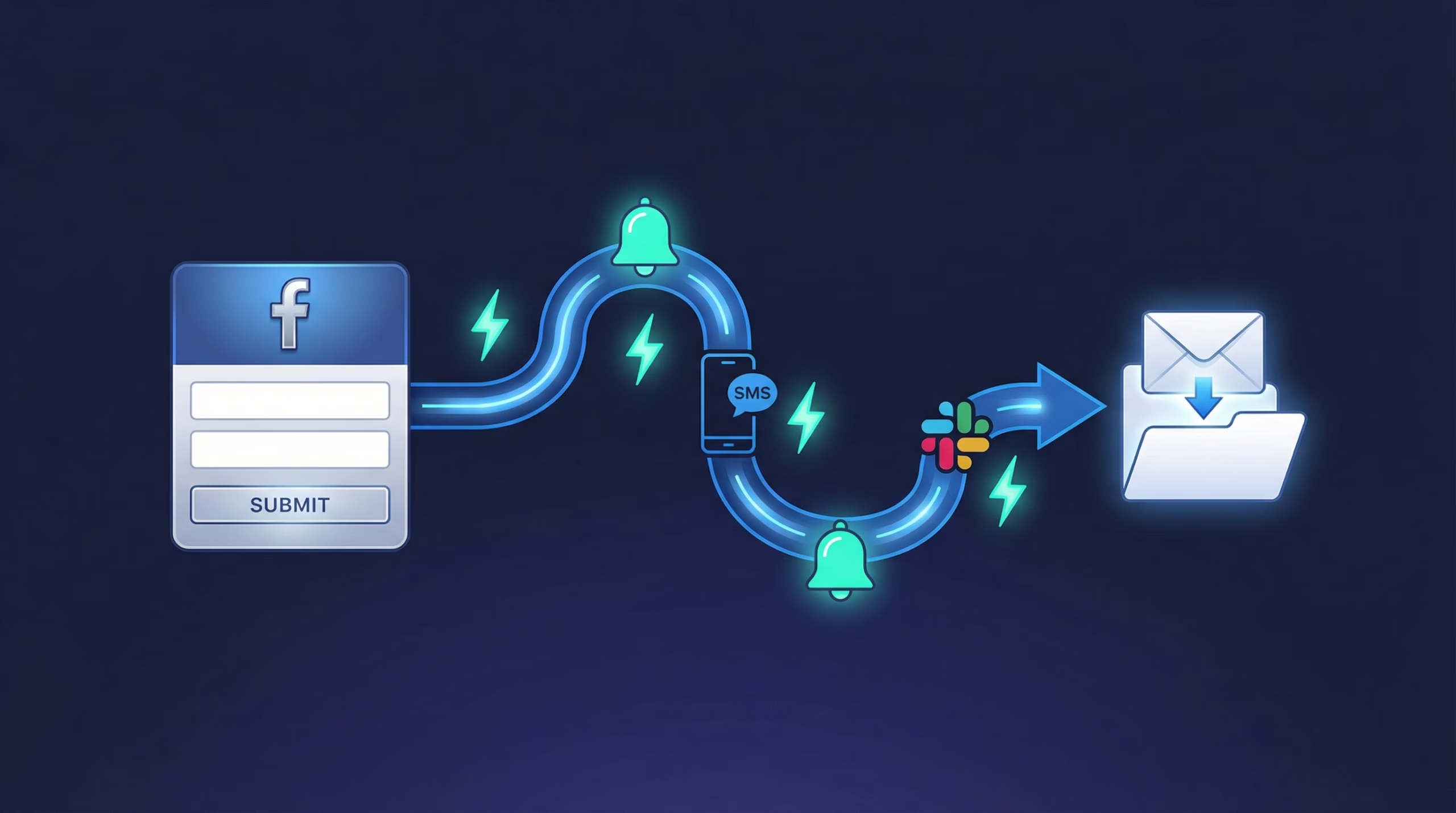
If you’re running Facebook (Meta) lead ads and collecting a phone number in your lead form, you can use LeadSync to send each new lead an SMS automatically, within a couple of minutes of them hitting submit. No Zapier plan, no separate texting platform. The text lands while the lead is still warm.
SMS autoresponders are available on our Business, Marketer and Agency plans, and every account includes 10 free SMS credits so you can test it on real leads before spending anything. Extra credits cost $5 per 100-credit block, which works out to 5 cents per text. Here’s how it works, what to say in that first message, and the limits worth knowing before you switch it on.
Why Should You Text New Facebook Leads First?
Because a text gets read and an email often doesn’t. Research published by Gartner puts SMS open rates as high as 98%, against roughly 20% for email. If you only send one automated follow-up, SMS is the channel with the best odds of actually being seen.
Speed matters just as much as the channel. A Harvard Business Review study of over a million sales leads found that firms attempting contact within an hour were nearly seven times as likely to qualify the lead as those that waited even an hour longer. Someone who fills in a lead form is interested right now. An SMS that lands within a couple of minutes catches them in that window; a follow-up the next morning usually doesn’t.
Two Directions SMS Works with Facebook Lead Ads
There are two different jobs SMS can do here, and it’s worth being clear which one you’re setting up:
- SMS to the lead (this post): an automated text message sent to the person who filled in your form, thanking them and setting up the next step.
- SMS to you or your sales team: an alert so whoever answers the phone knows a new lead just arrived. If that’s what you’re after, see our guide to SMS notifications for new Facebook leads.
Plenty of businesses run both: the lead gets an instant acknowledgement, and the salesperson gets a nudge to call them back.
How Do Facebook Lead Ad SMS Autoresponders Work?
To send an automated SMS to people who submit a Facebook lead form, your form needs to include a mobile phone number field. Once that’s in place, setup takes about five minutes:
1. Open the SMS Autoresponders Section
In your LeadSync account, go to the Autoresponders section and click on SMS.
2. Add a New Autoresponder
Click the Add Autoresponder button.
3. Name Your Autoresponder
Enter a name in the Autoresponder name field. This is for your internal reference only, so name it after the campaign or client it belongs to. Leads never see it.
4. Write Your SMS Message
In the “SMS Message to Leads” field, write the message your leads will receive. You can drop in autofill tokens (covered below) to personalize each text with details from the lead’s own form submission.
5. Apply It to a Connection
Select which existing connection the autoresponder should apply to. Please note: the SMS autoresponder needs to be applied to an existing email connection. Any lead sent to that connection with a valid mobile phone number will receive the SMS.
The full setup doc lives in our help center: SMS autoresponders for Facebook lead ads.
Access Meta leads faster. Start a free 7-day LeadSync trial, no credit card required.
Which Personalization Tokens Can You Use?
LeadSync fills these tokens from each lead’s form submission, so every text reads like it was written for that person:
| Token | What it inserts | Example output |
|---|---|---|
| #first_name | The lead’s first name | Hi Sarah |
| #last_name | The lead’s last name | Nguyen |
| #full_name | The lead’s full name | Sarah Nguyen |
| #form | The name of the lead form they submitted | Winter Quote Request |
| #page | The Facebook Page the ad ran from | Apex Plumbing |
| #phone | The phone number they submitted | 0400 123 123 |
A first name plus the page or form name is usually enough. It confirms who’s texting and why, without reading like a mail merge.
What Should Your First SMS to a Lead Say?
Keep it short, name yourself, and give one clear next step. Here’s a template library to start from, grouped by what you want the lead to do next. One thing to keep in mind before you pick one:
Deliverability warning: try NOT to include links in your SMS messages. Carriers often treat texts containing URLs as spam, and filtered messages simply never arrive. If you must send a link, test delivery to your own phone first.
Acknowledgement and Follow-Up Templates
Send a simple acknowledgement:
Hi #first_name, thanks for your enquiry via #page. We will be in touch shortly.
Ask them to call you:
Hi #first_name, thanks for your interest in #page. For an instant quote, please call 1800 123 123.
Confirm a quote is being prepared:
Hi #first_name, thanks for requesting a quote via #form. We're putting your numbers together now and will call you today.
Link to a resource (test deliverability first):
Hi #first_name, thanks for your interest in #page. For more info please see our FAQ https://support.leadsync.me/
Schedule a call via Calendly (again, test first):
Hi #first_name, thanks for your enquiry via #page. If you'd like to schedule a call, please pick a time that suits here: https://calendly.com/yourbusiness/
Industry Templates
Home services:
Hi #first_name, this is Sam from Apex Plumbing. We got your request via #form. We'll call you in the next 15 minutes to talk through the job.
Real estate:
Hi #first_name, thanks for enquiring about the property via #page. I'll call you today with inspection times, or you can reach me sooner on 0400 123 123.
Automotive:
Hi #first_name, thanks for booking a test drive enquiry via #form. Our team will call within the hour to lock in a time.
Gyms and fitness:
Hi #first_name, welcome! Your free trial pass is ready at the front desk. Drop in any time this week and mention this text.
Notice none of these ask the lead to text back. Replies to LeadSync autoresponders aren’t received, so always point people at a phone number or a visit instead of a reply.
Do You Need Zapier or a Separate SMS Platform?
No. Texting new Facebook leads is built into LeadSync, which is the main practical difference between the three common ways of doing this:
| Method | What you need | Cost structure | Setup effort |
|---|---|---|---|
| LeadSync built-in SMS | One LeadSync plan (from $24/mo) | 10 free credits, then $5 per 100 | About 5 minutes, no extra tools |
| Zapier + an SMS app | A paid Zapier plan plus an SMS action like SMS by Zapier or ClickSend | Per-task Zapier pricing plus message fees | Build and maintain a Zap |
| Dedicated SMS platform | An account with SimpleTexting, Burst SMS or TextMagic, plus middleware to pipe lead ads into it | Platform subscription plus per-message fees | Two accounts to configure and keep connected |
Dedicated texting platforms earn their keep if you’re running ongoing SMS marketing campaigns with drip sequences and two-way conversations. But if the job is “text every new lead within a couple of minutes”, a second subscription and a middleware layer is a lot of moving parts for one message. Under the hood LeadSync sends via Twilio, so you get the same carrier-grade delivery without managing a Twilio account yourself. If you’re weighing up the middleware route, we compare LeadSync and Zapier in detail separately.
How Do You Keep Lead SMS Compliant?
The good news: an autoresponder to someone who just gave you their number is about the lowest-risk SMS you can send. A few basics keep it that way (this is practical guidance, not legal advice):
- Consent comes from the form. The lead handed over their phone number expecting contact. Make that expectation explicit in your lead form’s privacy text so there’s no ambiguity about follow-up by phone or SMS.
- Identify yourself. Include your business name (the #page token does this automatically). An anonymous text from an unknown number gets ignored or reported.
- Honor opt-outs everywhere. If a lead asks you to stop contacting them, by any channel, remove them from follow-up promptly and across every channel, not just SMS.
- Mind the clock. Autoresponders send when the lead submits, and people fill in forms at odd hours. Word your message so it reads fine at 11pm, and save the phone call itself for business hours.
- One message is an acknowledgement; ten is a campaign. If you plan recurring marketing texts beyond the initial follow-up, you’ll need proper marketing consent under your local rules (TCPA in the US, Spam Act in Australia, and so on).
Limits and Things to Know
A few practical details before you switch it on:
- You will not receive replies to SMS autoresponders, so never ask the lead to text back.
- Each SMS costs 1 credit. All accounts include 10 free credits, and you can add SMS credits in 100-credit blocks for $5. Credits are monthly and expire at the end of each month.
- Sender number: messages typically appear to come from a US phone number, and sender behavior can vary by destination country. Send a test to your own phone so you know exactly what leads will see.
- Supported countries: LeadSync can deliver SMS to mobile numbers in more than 30 countries, including Australia, Canada, India, Israel, the United Kingdom and the United States. The current list is maintained in the help center. One notable exception: Singapore numbers are no longer supported due to local regulation changes. If most of your leads are elsewhere, consider following up Facebook leads via WhatsApp instead.
- No delivery tracking is available yet, which is another reason to test your setup with your own number first.
- Timing: texts go out almost immediately after the lead arrives; allow a couple of minutes.
Access Meta leads faster. Start a free 7-day LeadSync trial, no credit card required.
Frequently Asked Questions
Do I need a separate SMS service provider to send messages?
No. LeadSync’s SMS is built on Twilio, so there’s no separate SMS provider to set up or pay for. You write the message in LeadSync and it handles delivery.
Do I need Zapier or ClickSend to text Facebook leads?
No. SMS autoresponders are built into LeadSync, so you don’t need a Zapier plan, a ClickSend account or any other middleware. One subscription covers the lead sync and the SMS follow-up.
Can I customize the SMS messages sent to my leads?
Yes. You write the full message yourself and can personalize it with tokens like #first_name, #form and #page, which are filled in from each lead’s form submission.
How quickly are SMS messages sent to new leads?
SMS messages are sent almost immediately after a lead submits a Facebook lead ad form. Typically allow a couple of minutes for the message to arrive.
Is there a limit to the number of SMS messages I can send?
The limit depends on your SMS credits. All accounts include 10 free credits, each SMS uses 1 credit, and you can buy extra credits in 100-credit blocks for $5 from the SMS tab in your account.
Can I send both an email and an SMS to a new lead?
Yes. SMS autoresponders run alongside your other connections, so a single lead can trigger an email notification, a CRM sync and an SMS at the same time.
Can I track the delivery and responses to my SMS messages?
We don’t currently provide SMS delivery tracking, and replies to autoresponders aren’t received. If you want a response, give leads a clear next step such as a phone number to call.
What are the benefits of using SMS for lead follow-up?
Speed and open rates. SMS open rates run as high as 98% and most texts are read within minutes, so an SMS is far more likely to be seen quickly than an email autoresponder.
Are there any best practices for writing effective SMS messages?
Keep messages short, personalize with the lead’s name, include one clear next step, and stay compliant with local SMS rules. Avoid links in your first text: carriers often filter messages containing URLs.
What should I do if I encounter issues with the SMS integration?
First check that your lead form includes a phone number field and that your account has SMS credits remaining. If it still isn’t sending, contact LeadSync support via the help center at support.leadsync.me.
Can I stop sending SMS to leads if they opt out?
Yes. If a lead asks you to stop texting them, remove or update the autoresponder on that connection and honor the request across your other channels too.