TikTok lead ads are great at collecting contact details, but the platform holds those submissions inside Ads Manager. If you want each new lead added to your email list, you either download a CSV every few days or set up a sync tool that does it for you.
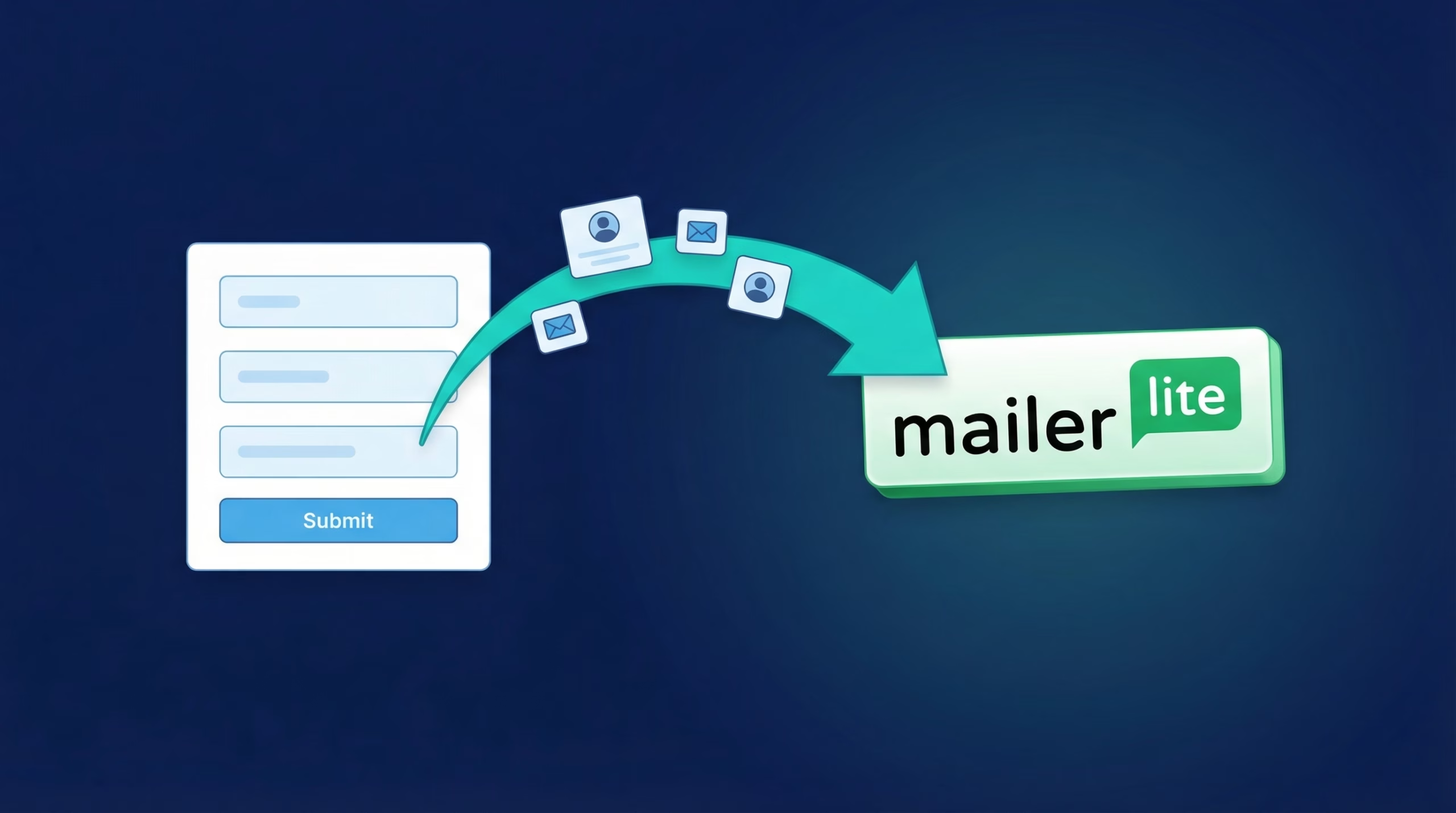
This guide covers the second option. You’ll learn how to send leads from TikTok lead generation forms straight into MailerLite using LeadSync, so every new contact lands in the right group within a couple of minutes of tapping Submit.
Get TikTok leads into MailerLite in minutes, not days. Start your 7-day free trial, no credit card required.
Why Connect TikTok Leads to MailerLite?
MailerLite gives you a drag-and-drop email editor, automation workflows, landing pages, segmentation, and reporting in one affordable platform. It’s a natural home for TikTok leads. The problem is getting them there.
Manual CSV downloads mean your welcome email might arrive days after someone showed interest. By then, the moment has passed. An automatic sync fixes that:
- Leads arrive while they’re warm. New contacts hit your MailerLite account within 1-2 minutes of submitting your form.
- No more manual exports. Skip the download-and-import routine entirely.
- Automations fire straight away. A welcome email or full workflow can start the moment a lead is added.
- Groups keep things organised. Route leads from different TikTok campaigns into different MailerLite groups.
What You’ll Need
- A TikTok Ads account with an active lead generation campaign in TikTok Ads Manager
- A MailerLite account (a group set up for your TikTok leads is handy but optional)
- A LeadSync account
- Admin access to both platforms
Step 1: Connect Your TikTok Ads Account to LeadSync
- Log in to your LeadSync account
- Open Ad Accounts in the left menu and select TikTok
- Click Add TikTok Account
- Sign in to TikTok and authorize LeadSync to access your lead data
Once you approve the permissions, your TikTok Ads Manager account appears in the Ad Accounts table and LeadSync can start collecting new form submissions.
Step 2: Create Your MailerLite Connection
- Go to Connections in the left menu and click Add Connection
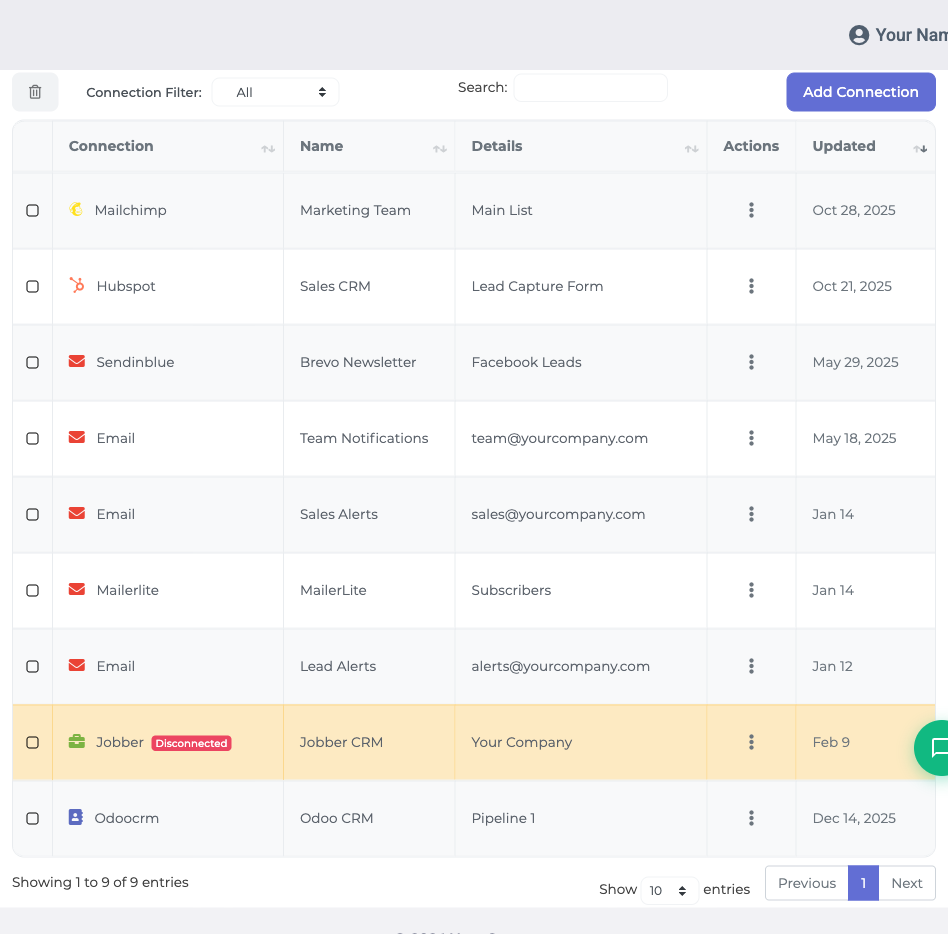
- Select MailerLite from the connection dropdown
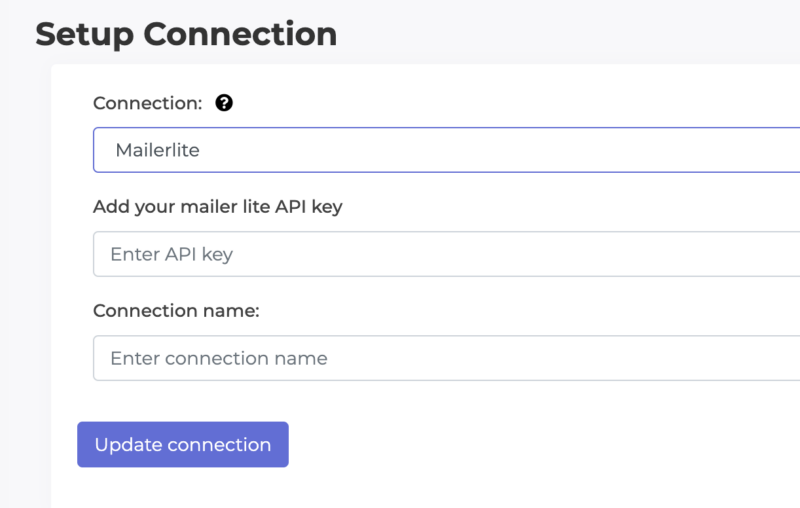
Generate an API key in MailerLite. Log in to your MailerLite account, go to Integrations, then open the API section (Developer API). Create a new API token for LeadSync and copy it.
Paste the token into LeadSync and click Update Connection. If you’ve created groups in MailerLite, you can now choose the group new leads should join from the List dropdown.
Step 3: Pair Your TikTok Lead Form
- Open the Lead Forms menu and click Add TikTok Lead Form
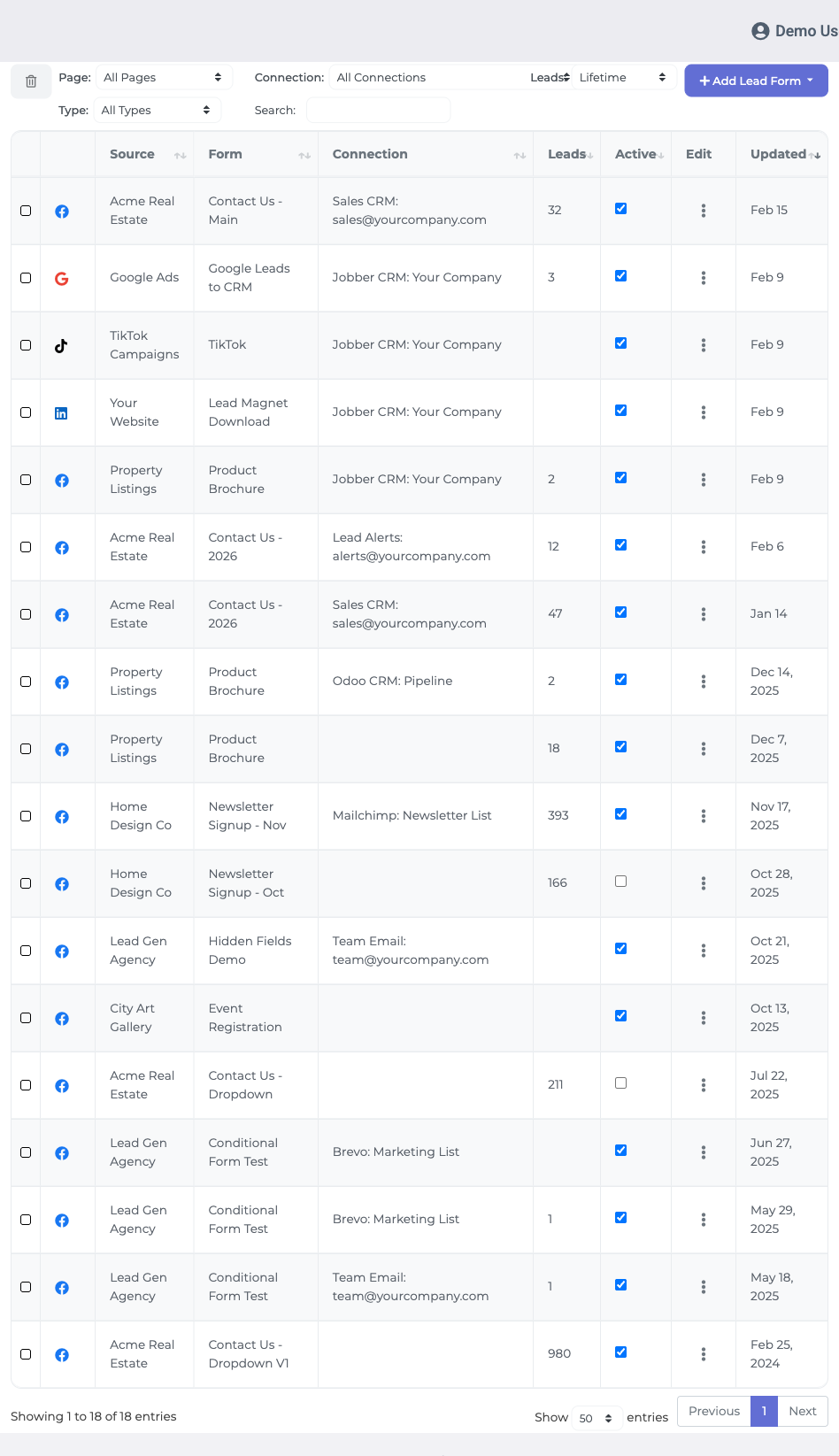
From the dropdowns, select your TikTok ad account, the lead generation form you want to sync, and the MailerLite connection you just created.
Map your fields. Match the contact details from your TikTok form to the corresponding MailerLite fields. Email is required. Common mappings include:
- Email (required)
- First name
- Last name
- Phone number (if your form collects it)
- Click Update Notification to save the setup.
Step 4: Send a Test Lead
Before relying on the sync, submit a test lead through your TikTok campaign. The contact should appear in your MailerLite account, in the group you selected, within 1-2 minutes. If it lands correctly with all fields populated, you’re live.
Nurture TikTok Leads with MailerLite Automations
Getting leads into MailerLite is only half the job. The payoff comes from what happens next:
- Welcome emails. Trigger an automation the moment a lead joins your group, so the first touch happens within minutes rather than days. You can also use TikTok lead autoresponders for a simple instant reply.
- Workflows. Build multi-step sequences in MailerLite’s automation builder, from a single welcome message to a full nurture series.
- Segmentation. Use groups and MailerLite’s segmentation features to send different content to leads from different campaigns.
- Reporting. Track opens, clicks, and conversions in MailerLite’s analytics to see which TikTok campaigns produce leads that actually engage.
Frequently Asked Questions
Does TikTok integrate directly with MailerLite?
No. TikTok does not offer a built-in MailerLite integration, so leads sit in TikTok Ads Manager until you download them manually. LeadSync bridges the gap by collecting each new lead and adding it to your MailerLite account automatically.
How quickly do TikTok leads appear in MailerLite?
Almost immediately. Once your lead form is paired with your MailerLite connection, new leads typically arrive in your MailerLite account within 1-2 minutes of form submission.
Where do I find my MailerLite API key?
Log in to MailerLite, go to Integrations, then open the API section (Developer API). Create a new token named LeadSync, copy it, and paste it into your LeadSync connection.
Can I add TikTok leads to a specific MailerLite group?
Yes. If you have created groups in MailerLite, you can pick the group new leads should join from the List dropdown when you set up your connection. Create a separate connection for each group if you want to route different campaigns to different groups.
Which lead form fields can I map to MailerLite?
Email is required. Beyond that, you can map fields like first name, last name, and phone number to MailerLite fields during the lead form setup.
Why aren’t my TikTok leads showing up in MailerLite?
Check three things: your TikTok Ads Manager account is connected in Ad Accounts, your email field is mapped correctly, and your API token is valid. If authentication fails, generate a fresh token in MailerLite and update the connection.
Is LeadSync an alternative to Zapier?
Yes. LeadSync connects TikTok lead forms to email marketing platforms like MailerLite, plus CRMs and your email inbox. It is typically a cheaper option than Zapier, with faster sync times and dedicated support for lead integrations.
Beyond Email: One Hub for All Your Lead Channels
MailerLite doesn’t have to be the only destination. LeadSync can route the same TikTok leads to multiple places at once: an instant email notification to your sales inbox, a Slack channel for team visibility, a Google Sheet for reporting, or an SMS alert when a hot lead comes in. And because LeadSync also works with Facebook, Google, and LinkedIn lead forms, you can manage every ad channel from a single dashboard.
Start Syncing TikTok Leads to MailerLite Today
The whole setup takes about five minutes: connect your TikTok account, paste in a MailerLite API token, pair your form, and send a test lead. From then on, every submission flows into MailerLite on its own and your automations handle the follow-up.
Running Meta ads as well? Here’s how to connect Facebook leads with MailerLite.
Ready to stop downloading CSVs? Start your free 7-day trial, no credit card required.
Advertising on LinkedIn as well? Here is how to send LinkedIn Lead Gen leads to MailerLite.