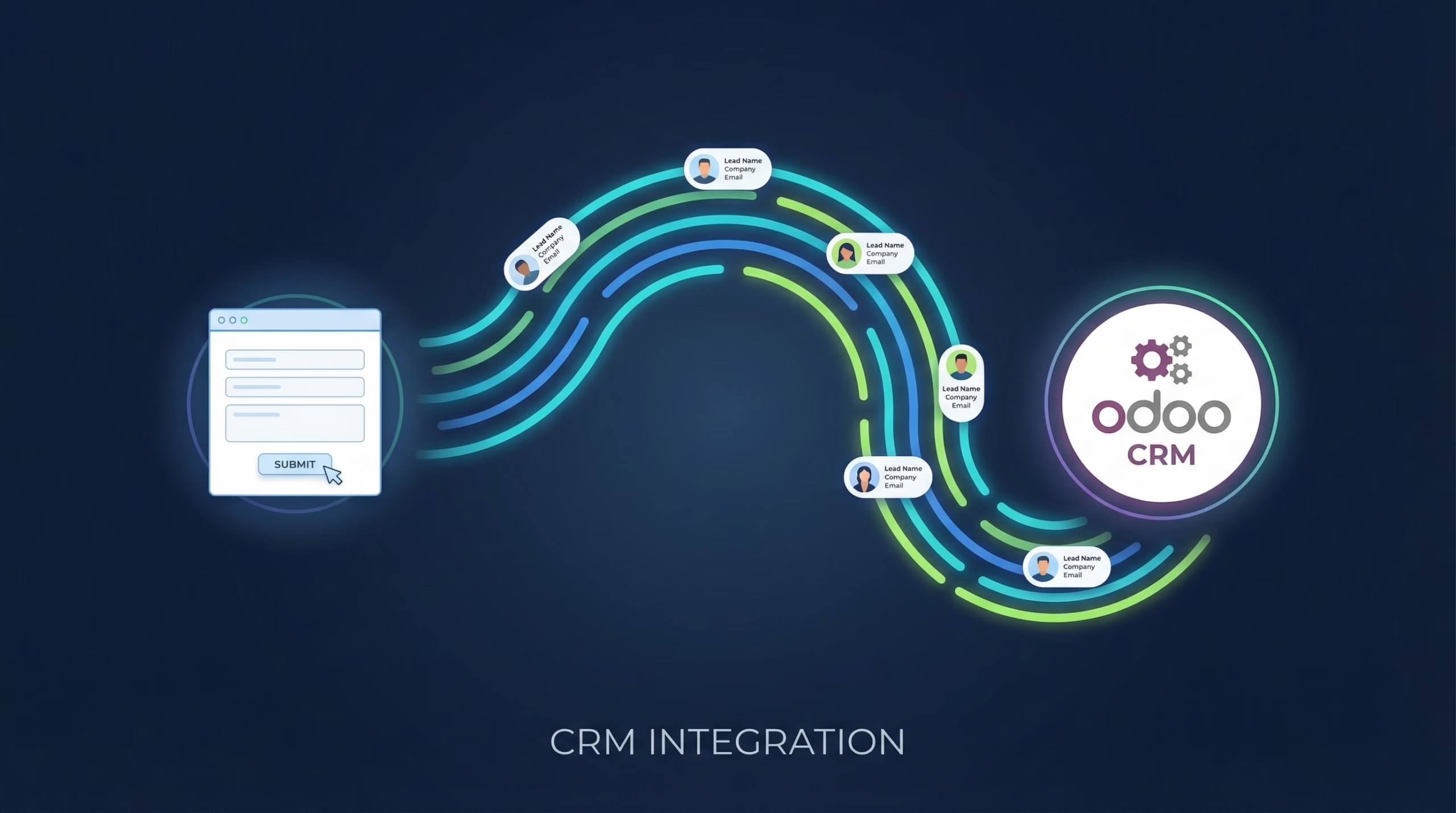
TikTok can fill a lead form faster than almost any other ad platform. The problem starts after the submission: Odoo has no built-in TikTok connector, so those leads sit in TikTok Ads Manager waiting for someone to download a CSV while your sales team works from a pipeline that never hears about them. LeadSync fixes that. Every TikTok Lead Generation Form submission is created as a new lead in your Odoo CRM pipeline within 1-2 minutes. Still planning the ad side? Our TikTok lead generation guide covers campaigns and forms end to end.
Quick Start
Get TikTok leads into Odoo in about five minutes:
- Step 1: Log in to LeadSync and connect your TikTok account under Ad Accounts > TikTok
- Step 2: Generate an API key in Odoo under Preferences, then Account Security
- Step 3: Create an Odoo CRM connection in LeadSync with your URL, database, username, and API key
- Step 4: Add your TikTok Lead Generation Form and map its fields to Odoo
- Step 5: Submit a test lead and confirm it lands in the New stage of your pipeline
Why Sync TikTok Leads to Odoo CRM?
Speed to lead decides who wins the deal. A lead called back within minutes is dramatically more likely to convert than one contacted the next morning, and CSV exports guarantee you’re always the next morning. An automated sync changes the math:
- Leads reach Odoo within 1-2 minutes, not whenever the next export happens
- Each lead arrives in your pipeline with mapped fields and a source tag, ready to work
- Odoo’s assignment rules and scheduled activities can fire the moment the lead is created
- One LeadSync account routes TikTok, Facebook, Google, and LinkedIn leads into the same pipeline
- Setup starts with a 7-day free trial, no credit card required
One note before you start: the Odoo integration is available on LeadSync’s Business and Marketer plans.
Step-by-Step: Connect TikTok Leads to Odoo CRM
Step 1: Connect Your TikTok Account
In the LeadSync sidebar, click Ad Accounts, choose TikTok, then click Add TikTok Account. A window opens asking you to sign in. Use the account that runs your campaigns in TikTok Ads Manager, then click Allow when TikTok asks for permission to share your lead data. Once authorized, your ad account appears in the table and stays connected.
Step 2: Generate Your Odoo API Key
Open Odoo and click your profile icon at the top right. Go to Preferences, open the Account Security tab, and click New API Key. Copy the key somewhere handy. You’ll paste it into LeadSync in the next step.
Step 3: Create the Odoo Connection in LeadSync
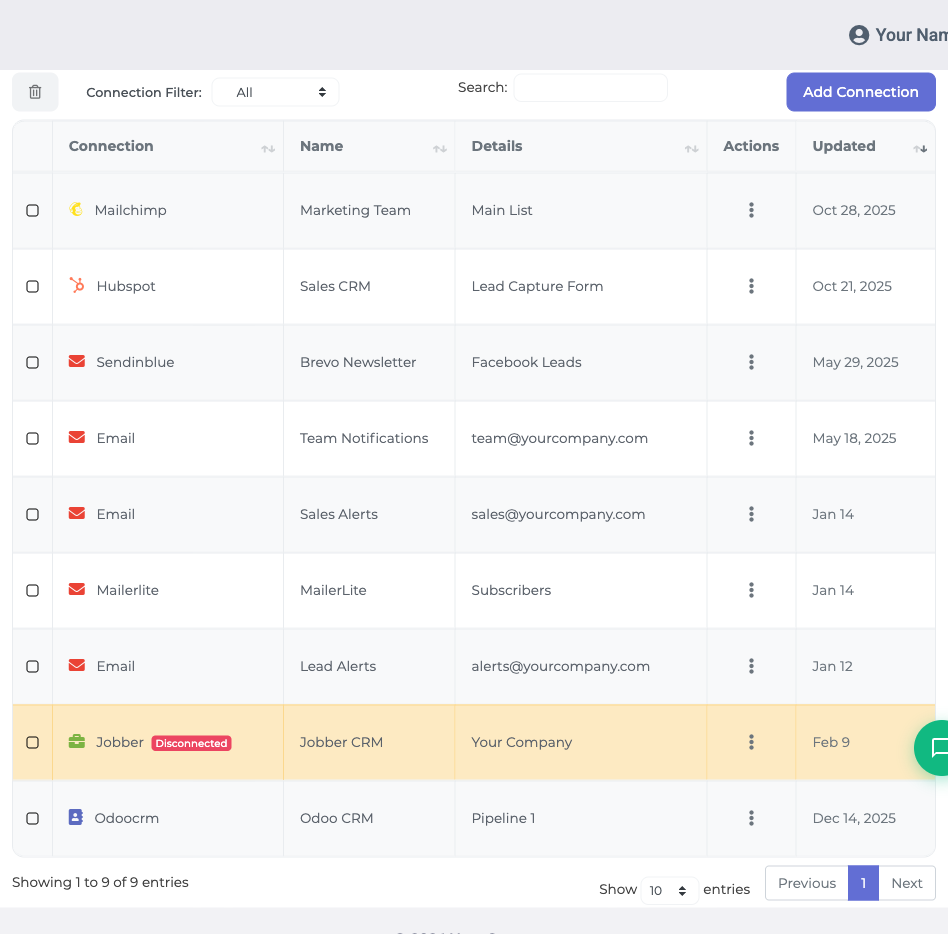
- Go to Connections from the left menu
- Click Add Connection and select Odoo CRM from the dropdown
- Enter your Odoo details:
- Odoo URL: your instance URL (e.g. https://yourcompany.odoo.com)
- Database: your Odoo database name
- Username: your Odoo login
- API Key: the key you generated in Step 2
- Name the connection (e.g. “TikTok Leads”) and click Update Connection
- Add at least one tag to the connection
Tags must already exist in Odoo, so create one there first (e.g. “TikTok Lead Ads”) if you haven’t. It’s worth the extra minute: your team can filter the pipeline by source at a glance.
Step 4: Pair Your TikTok Lead Generation Form with Odoo
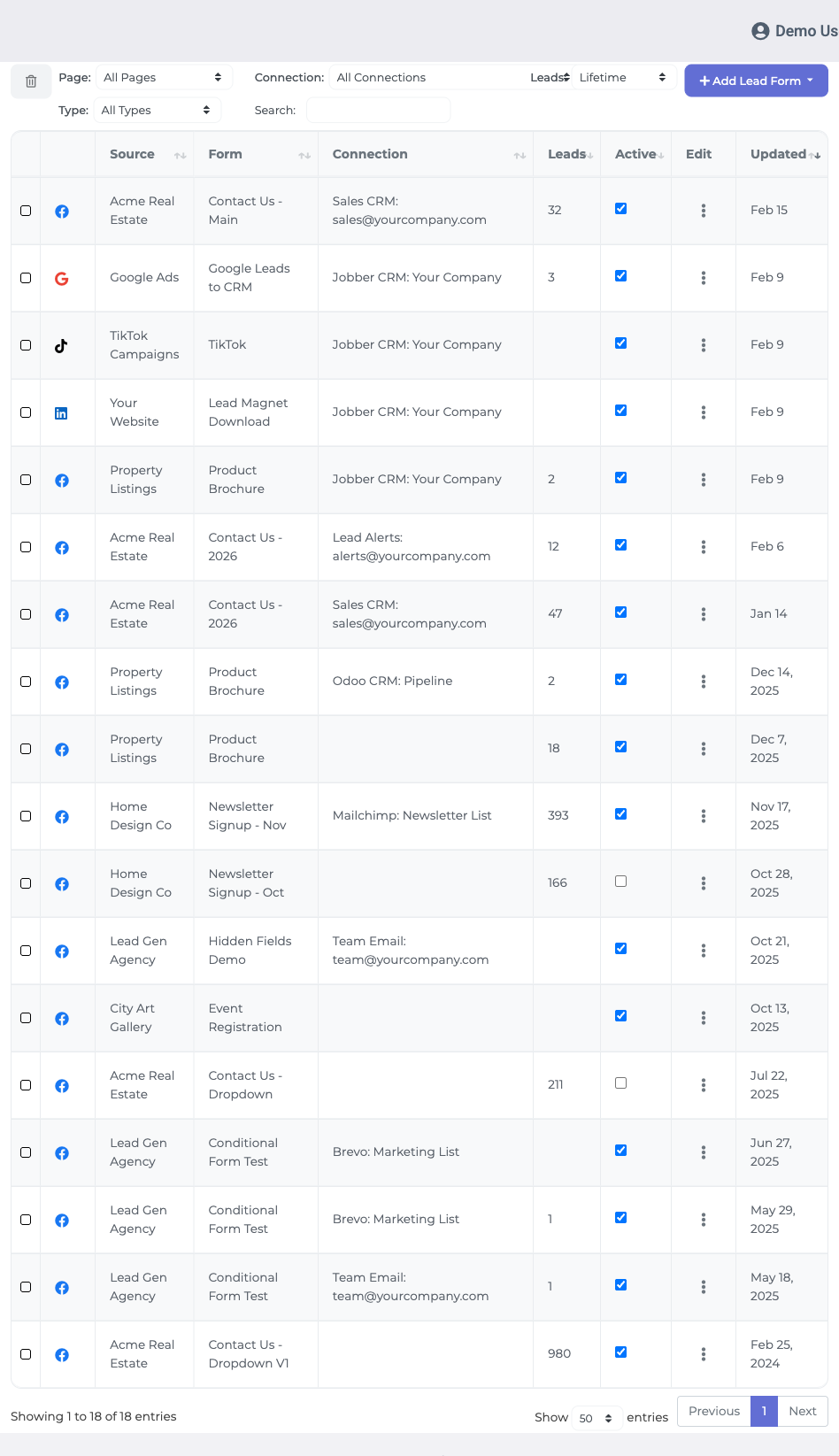
- Go to Lead Forms and click Add TikTok Lead Form
- Select your TikTok Ad Account, then the Lead Generation Form from your campaign
- Select the Odoo CRM connection you created in Step 3
- Map your form fields to Odoo. Common mappings: Email → Email, First Name → First Name, Last Name → Last Name, Phone → Phone
- Click Update Notification to save
If your form asks custom qualifying questions, create matching fields in Odoo CRM first, then map them here. Fields that don’t exist in Odoo can’t receive data.
Step 5: Test the Integration
Submit a test lead through your TikTok campaign. Within 1-2 minutes it should appear in the New stage of your Odoo CRM pipeline. If it doesn’t show up, check that:
- Your TikTok account authorization is still active and covers the right ad account
- The email field is mapped
- Your Odoo URL, database, username, and API key are correct
- The tag you selected still exists in Odoo
What Happens After Setup
From here, standard Odoo CRM features take over. Every TikTok lead arrives with your mapped fields and tags, which means you can:
- Assign leads to salespeople automatically with Odoo’s sales team rules
- Schedule a follow-up activity the moment a lead is created
- Filter the pipeline by your connection tag to see TikTok leads at a glance
- Report on TikTok-sourced revenue separately from your other channels
Route Every Ad Platform into Odoo
TikTok is rarely the whole picture. If you’re also running Meta or Google campaigns, the same LeadSync account sends Facebook leads to Odoo and Google Ads leads to Odoo through identical setups, so your whole ad mix feeds one pipeline. And because LeadSync supports multiple destinations per form, a single TikTok submission can create the Odoo lead and fire an email or SMS notification to your rep at the same time.
Frequently Asked Questions
Does Odoo have a native TikTok lead ads integration?
No. Odoo does not include a built-in connector for TikTok Lead Generation Forms, so submissions stay inside TikTok Ads Manager until you download a CSV. LeadSync bridges the gap and creates each new lead in your Odoo CRM pipeline automatically.
How fast do TikTok leads appear in Odoo?
Within 1-2 minutes of the form submission. LeadSync receives the lead from TikTok in real time and creates it in the New stage of your Odoo CRM pipeline.
Do I need coding knowledge to set this up?
No. You generate an API key inside Odoo (under Preferences, then Account Security), then paste it into LeadSync along with your Odoo URL, database name, and username. Field mapping happens in a visual interface.
Which Odoo version do I need?
Any Odoo instance with API access works, including Odoo Online (yourcompany.odoo.com), Odoo.sh, and self-hosted installs. You just need your instance URL, database name, username, and an API key.
Do I need a TikTok Lead Generation Form?
Yes. LeadSync syncs leads from TikTok Lead Generation Forms, which you create in TikTok Ads Manager as part of a lead generation campaign. If you haven’t built one yet, set that up before connecting LeadSync.
Can I send TikTok leads to Odoo and my email at the same time?
Yes. LeadSync supports multiple destinations per lead form, so one submission can create an Odoo lead and trigger an instant email or SMS notification at the same time.
Can the same Odoo connection handle my other ad platforms?
Yes. LeadSync routes Facebook, Instagram, Google, and LinkedIn leads into Odoo through the same connection, so every campaign lands in one pipeline.
Start Sending TikTok Leads to Odoo Today
Stop babysitting CSV exports. Connect TikTok to Odoo once and every new lead lands in your pipeline while it’s still warm. Start your 7-day free trial, no credit card required. Setup takes about five minutes.
Advertising on LinkedIn as well? Here is how to send LinkedIn Lead Gen leads to Odoo.