The tools marketers reach for when creating social media ads have changed sharply in the last 18 months. AI ad generators are now first-class options, not novelties. Meta has bundled generative features directly into Ads Manager. And the “design it from scratch in Canva” workflow now sits alongside platforms that produce 30 on-brand ad variants from a single product URL.
This 2026 update covers the tools we’d actually pick for paid social creative today: AI-first ad generators, the still-essential design platforms, the video tools worth knowing, and the supporting management and analytics layer. Each entry covers what it does, who it suits, whether it leans on AI, and whether there’s a free tier to start with.
Key Takeaways
- AI ad generators are the headline shift. AdCreative.ai, Creatopy, Predis.ai, and Meta’s own Advantage+ Creative now drive the bulk of variant testing for paid social.
- Canva and Adobe Express are still the best entry points for teams that want brand control with light AI assistance, both with usable free tiers.
- Video matters more than ever. Synthesia, VEED, and Pictory cover AI video for ads. Canva and Adobe Express handle template-driven editing for Facebook and Instagram sizes.
- Smartly.io and Madgicx serve the heavier end of the market: enterprise creative automation and AI-driven analytics, respectively.
- Schedulers and analytics still matter, but they’re supporting cast, not ad creation. Buffer, Hootsuite, and Google Analytics 4 are useful around the workflow, not inside it.
- Once your ads start generating leads, LeadSync moves them into your CRM, email, or SMS app in under a minute so the creative tests don’t go cold.
What is an AI ad generator?
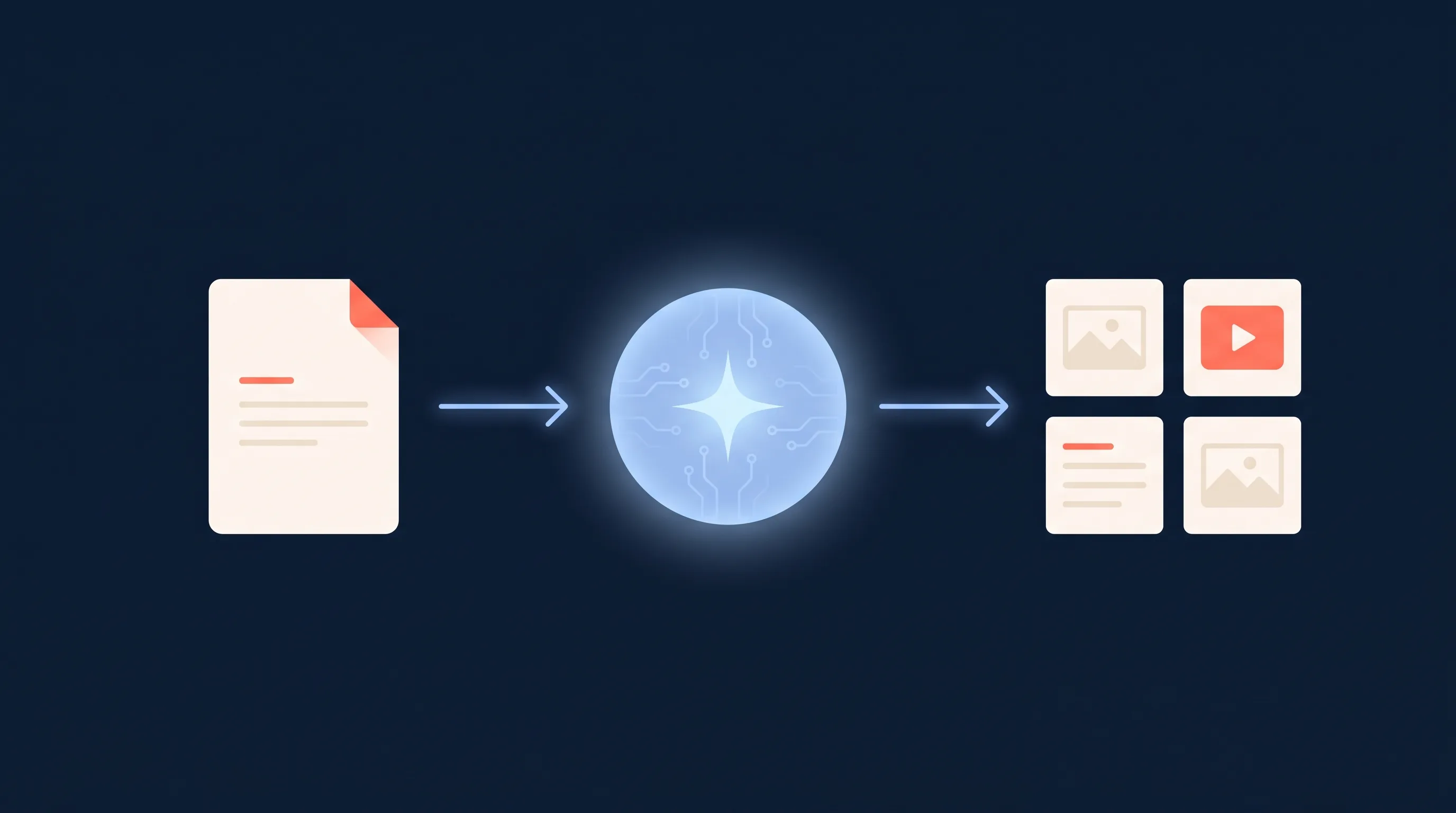
An AI ad generator is a tool that produces ready-to-run ad creative from a short brief, a product URL, or an uploaded image. It blends generative models with templates and brand kits so a marketer can output dozens of on-brand variants in minutes. The output usually covers images, headlines, descriptions, and increasingly short video, sized for Facebook, Instagram, TikTok, LinkedIn, and YouTube.
The 2026 ad creation tool stack at a glance
| Tool | Type | AI-powered? | Free tier? | Best for |
|---|---|---|---|---|
| Canva | Design platform | Yes (Magic Studio) | Yes | All-rounder for non-designers |
| AdCreative.ai | AI ad generator | Yes (core) | Trial | High-volume variant testing |
| Creatopy | Ad design platform | Yes (assisted) | Trial | Animated and resized ad sets |
| Predis.ai | AI social and ad generator | Yes (core) | Trial | Social-first AI creative |
| Adobe Express | Design platform | Yes (Firefly) | Yes | Brand-led design with AI assist |
| Meta Advantage+ Creative | Built-in ad optimiser | Yes | Yes (with ads) | Auto variants inside Ads Manager |
| Smartly.io | Enterprise creative automation | Yes | No | In-house teams running at scale |
| Madgicx | AI ad analytics and creative | Yes | Trial | Performance-led creative decisions |
| Synthesia | AI video (avatars) | Yes (core) | Limited | Avatar-led video ads |
| VEED | AI video (generate and edit) | Yes (core) | Free to try | Prompt-to-video with built-in editing |
| Pictory | AI video (text and URL to video) | Yes (core) | Trial | Turning content into short ads |
1. Canva
Canva is still the default starting point for teams without a designer. It pairs an enormous template library with a drag-and-drop editor, brand kits, and Magic Studio, Canva’s bundle of AI features for generating images, writing copy, removing backgrounds, and resizing assets across platforms.
Best for: Marketers who want polished Facebook and Instagram ads without a design background. AI features: Magic Studio for image generation, copywriting, and resizing. Free tier: Yes. Paid plans unlock brand kits, premium assets, and bulk resizing.
For a step-by-step walkthrough specifically on Facebook ad templates in Canva, see our guide on creating Facebook ads with Canva, and the companion piece on creating video ads with Canva.
2. AdCreative.ai
AdCreative.ai sits at the AI-first end of the spectrum. You point it at a website or upload assets, set the campaign type, and it produces a batch of on-brand ad variants tuned for paid social and display. The pitch is volume: dozens of variants from a single brief, ranked by a predicted performance score.
Best for: Performance marketers who want to A/B test creative at speed. AI features: Core to the product. Image generation, copy generation, and predicted performance scoring. Free tier: Free trial. Paid plans scale by output volume and brand seats.
3. Creatopy
Creatopy is a design and animation platform built specifically for ads. It handles static and animated formats across social, display, and video, with strong support for resizing a master design into every required ratio. The AI assistance layer helps with copy, backgrounds, and design suggestions.
Best for: Teams producing animated ads or large multi-size ad sets. AI features: Assisted design and copy generation. Free tier: Free trial. Paid plans for brand kits and team collaboration.
4. Predis.ai
Predis.ai is positioned as a social-first AI content and ad generator. From a topic or product URL, it produces image and short-video posts with captions and hashtags, sized for Instagram, Facebook, LinkedIn, and TikTok. It blurs the line between organic social and paid creative.
Best for: Small businesses producing daily social plus ad creative from one tool. AI features: Core. Image, caption, and short-video generation. Free tier: Free trial. Paid plans for volume and brand control.
5. Adobe Express
Adobe Express is Adobe’s free-tier design app. It leans on Firefly, Adobe’s generative AI model, for image generation, text effects, and background removal. The appeal is brand-consistent design without the complexity of full Creative Cloud, plus the safety of Adobe’s commercial-use guarantees on Firefly outputs.
Best for: Marketers who want brand-led design with reliable AI image generation. AI features: Firefly image generation, generative fill, copy assist. Free tier: Yes. Paid plan unlocks more Firefly credits and premium assets.
6. Meta Advantage+ Creative
Meta’s own Advantage+ Creative is the AI layer built into Ads Manager. It auto-generates image variations, text variants, and backgrounds, and can apply enhancements like brightness, music, and image expansion to your uploaded creative at delivery time. It’s the lowest-friction way to add AI variants without leaving the platform you’re already buying media on.
Best for: Any advertiser running Facebook or Instagram ads who wants extra variants without extra tools. AI features: Built-in. Auto-variants, image expansion, text generation. Free tier: Included with ad accounts. No extra cost beyond your ad spend.
For the broader picture on how Meta is exposing AI features to advertisers, see our piece on Meta Ads AI connectors.
7. Smartly.io
Smartly.io is the enterprise option. It combines creative automation, media buying, and reporting in one platform, with deep template-driven workflows for producing thousands of localised ad variants across markets. This is the tool in-house teams reach for when they’re running Facebook, Instagram, TikTok, Pinterest, and Snap at scale.
Best for: In-house teams and agencies running creative at enterprise scale. AI features: Yes, across creative automation and bidding. Free tier: No. Sales-led pricing.
8. Madgicx
Madgicx is an AI-driven Meta ads platform built around analytics, audience optimisation, and creative insights. Its creative module surfaces which ad variants are performing, and helps generate new creative against winning patterns. It’s most useful for teams that want their creative decisions tied directly to performance data, not just gut.
Best for: Performance marketers who want AI on the analytics and decision side, not just the design side. AI features: Yes, across analytics and creative suggestions. Free tier: Free trial. Paid plans by ad spend tier.
9. Synthesia
Synthesia is the most polished name in AI video. You write a script, pick an avatar and voice, and Synthesia produces a talking-head video in dozens of languages. For social ads, this matters because video format ads continue to outperform static in many verticals, and avatar-led video removes the cost of shooting talent.
Best for: Avatar-led explainer and product video ads. AI features: Core. Avatar video, voice cloning, multilingual output. Free tier: Limited free plan. Paid plans for volume and brand avatars.
We go deeper on this category in our review of the best AI video ad creation platforms.
10. VEED
VEED combines AI video generation with a full editing workspace. You can start with a prompt, script, or image and generate video with visuals, voiceovers, avatars, and subtitles, then refine the result with branding, music, and other edits. For social ads, the ability to create and edit in the same platform makes it useful for moving quickly from an idea to a campaign-ready video.
Best for: Marketers creating AI-generated social videos and video ads without a separate editing workflow. AI features: Core. Text-to-video, image-to-video, AI avatars, voiceovers, generated visuals, and subtitles. Free tier: Free to try. AI generation uses credits, with availability depending on your plan.
11. Pictory
Pictory takes a different angle on AI video. You feed it a blog post, a script, or a long video and it produces short, captioned social-video edits, sized for the platform you’re targeting. For teams already producing written content, it’s a fast way to spin that content into video ad variants.
Best for: Turning existing content into short-form video ads. AI features: Core. Text-to-video, auto-captions, summarisation. Free tier: Free trial. Paid plans for export volume.
Supporting tools: scheduling and analytics
These aren’t ad creation tools, but they sit close enough to the workflow that they often appear on lists like this. They’re useful, just not where the ad itself is made.
Buffer
Buffer is a scheduling and basic analytics tool that covers most major social platforms. It’s where organic social posts get queued and reported on. For paid creative, treat it as the rhythm-keeper next to your ad workflow, not part of it.
Hootsuite
Hootsuite covers the same ground at a larger scale: scheduling, social listening, and reporting across many accounts. Useful for agencies and teams managing multiple brands.
Google Analytics 4
Google Analytics 4 sits at the other end of the funnel, measuring what happens on your website after the ad click. Pair it with conversion events from Meta and you can see which ad creative drove revenue, not just impressions. Our Facebook lead ads reporting guide covers how this fits together for lead-gen campaigns specifically.
How to choose between them
A few practical heuristics.
If you’re a small team starting from scratch, pick one design platform (Canva or Adobe Express) and one AI ad generator (AdCreative.ai or Predis.ai). That gives you brand-led design plus volume variant testing without overlapping tools.
If you’re already running Facebook and Instagram ads, turn on Meta Advantage+ Creative before you buy a third-party tool. It’s free with your ad account and produces variants automatically.
If video is your bottleneck, pick one of Synthesia, VEED, Pictory, or Canva’s video editor based on which format you’re producing: avatar-led, prompt-generated and edited in one place, content-repurposed, or template-driven.
If you’re a performance team, Madgicx is worth a look for tying creative to results. If you’re running at enterprise scale, Smartly.io is built for that volume.
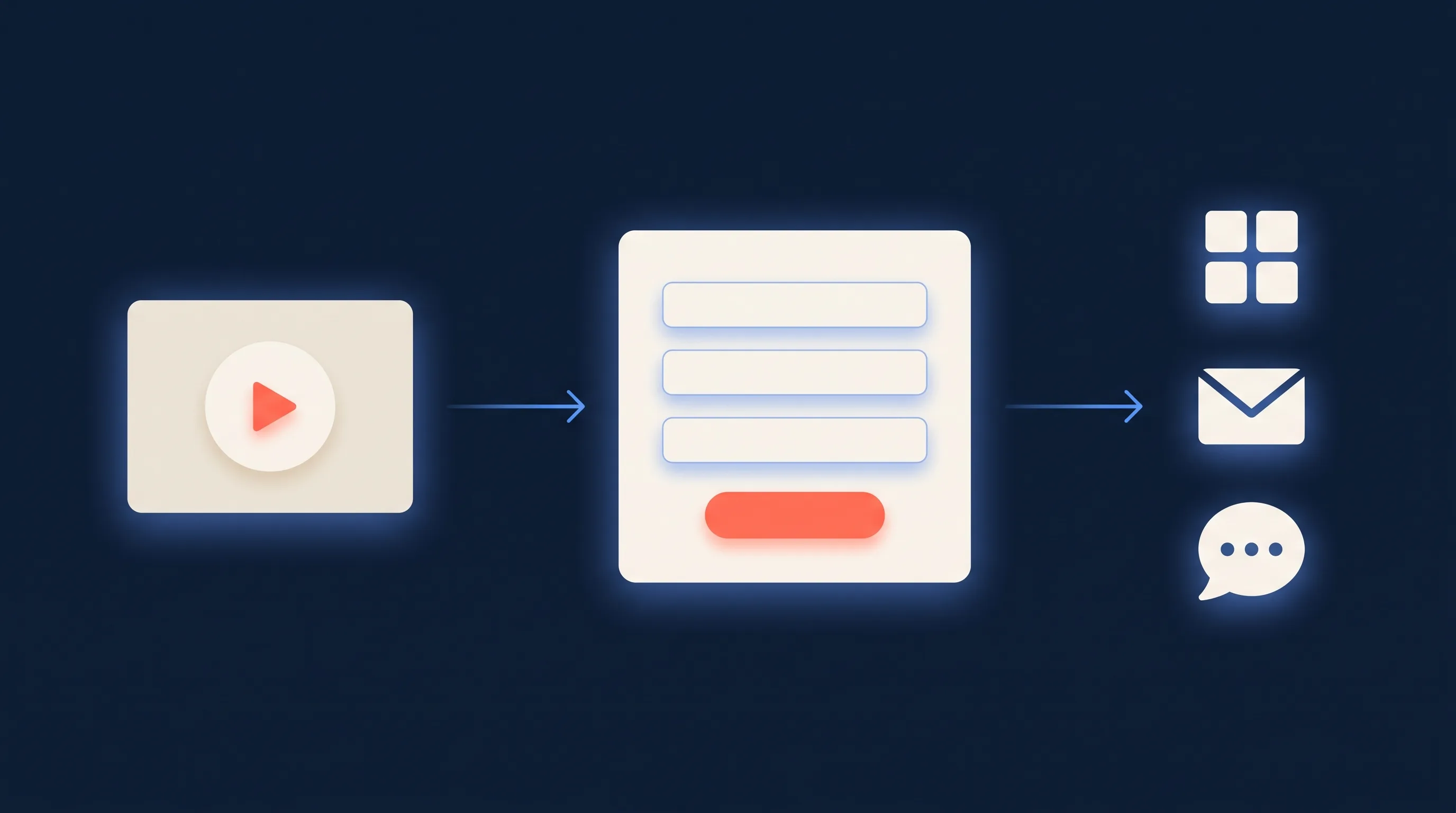
And once those ads start producing leads, the bottleneck shifts from creative to delivery. A great ad sitting on a slow lead workflow loses to a mediocre ad with a 60-second response time. That’s the gap LeadSync closes: every new lead from Facebook or Instagram lands in your CRM, email tool, or SMS app in under a minute. See our guide to connecting Facebook lead ads with CRMs for the full setup.
Frequently Asked Questions
What is an AI ad generator?
An AI ad generator is a tool that produces ready-to-run ad creative (images, video, or copy) from a short brief, a product URL, or an uploaded image. It blends generative models with templates and brand kits so a marketer can output dozens of on-brand ad variants in minutes instead of briefing a designer for each one.
What is the best AI tool for creating Facebook ads in 2026?
There isn’t a single winner. For volume creative testing, AdCreative.ai and Creatopy are strong. For built-in optimisation inside Meta, Advantage+ Creative is the default lever. For social-first AI image and caption packs, Predis.ai works well. For brand-led design with light AI assistance, Canva and Adobe Express are the most accessible. The right pick depends on whether your bottleneck is volume, brand control, or video.
What is the best online tool for creating engaging Facebook video ads?
For talking-head or avatar-led video, Synthesia is the most polished AI option. For repurposing blog or product content into short social video, Pictory is fast. If you want to generate a video from a prompt and edit it in the same workspace, VEED covers both. Canva and Adobe Express both have solid AI-assisted video editors with templates sized for Facebook and Instagram. If your brand is product-led, Creatopy’s video templates animate static product shots into short ads quickly.
Are AI-generated social media ads allowed by Meta?
Yes. Meta permits AI-generated images, video, and copy in ads, and it builds its own generative features into Advantage+ Creative. The same ad policies still apply: no misleading claims, no synthetic likenesses of real people without permission, and political or social-issue ads must disclose digitally altered content. Always check Meta’s current advertising standards before scaling AI creative.
Can I create social media ads for free?
Yes. Canva, Adobe Express, and Meta’s own Ads Manager all have free tiers that cover most ad creation needs. Specialist AI ad platforms like AdCreative.ai, Creatopy, and Predis.ai typically offer limited free trials, then move to paid plans once you scale variant volume or unlock brand kits and higher-resolution exports.
What’s the difference between a social media ad maker and a social media management tool?
An ad maker (like AdCreative.ai or Canva) produces the creative: the image, video, or copy you’ll run. A management tool (like Buffer or Hootsuite) schedules and reports on posts and ads across channels. They sit at different stages of the workflow. You usually need one of each, plus a delivery tool that moves the leads those ads generate into your CRM.
Do I still need a designer if I use AI ad tools?
For everyday testing of paid social creative, most teams don’t. AI tools cover the volume layer: dozens of variants from a brief or a product URL. Designers earn their keep on the higher-stakes work: brand systems, hero campaigns, and the original assets that AI tools then remix. Treat AI as a multiplier on your designer’s output, not a replacement.
How do I turn AI ad clicks into actual leads in my CRM?
Use Facebook or Instagram lead forms so prospects submit details without leaving the platform, then plug LeadSync between Meta and your CRM, email tool, or SMS app. New leads land in your system in under a minute, which keeps response times short while the creative is still warm. See our guide on connecting Facebook lead ads with CRMs.
Wrapping up
The shift to AI ad creation has not killed the older tools. Canva is still the most useful single platform for most marketers. Buffer, Hootsuite, and Google Analytics 4 still earn their place in the workflow. What’s changed is the new layer on top: AI ad generators that produce on-brand variants at a rate no in-house designer can match, and Meta’s own AI bundled into the platform you’re already buying ads on.
Pick the smallest set of tools that covers design, AI variants, video, and reporting, and resist the urge to stack five overlapping subscriptions. The best ad creative stack in 2026 is still the one that gets you to the test fastest.